zucwo car tv mate vehicles factory wired carplay function car | Shop The World
From USA
NewZUCWO
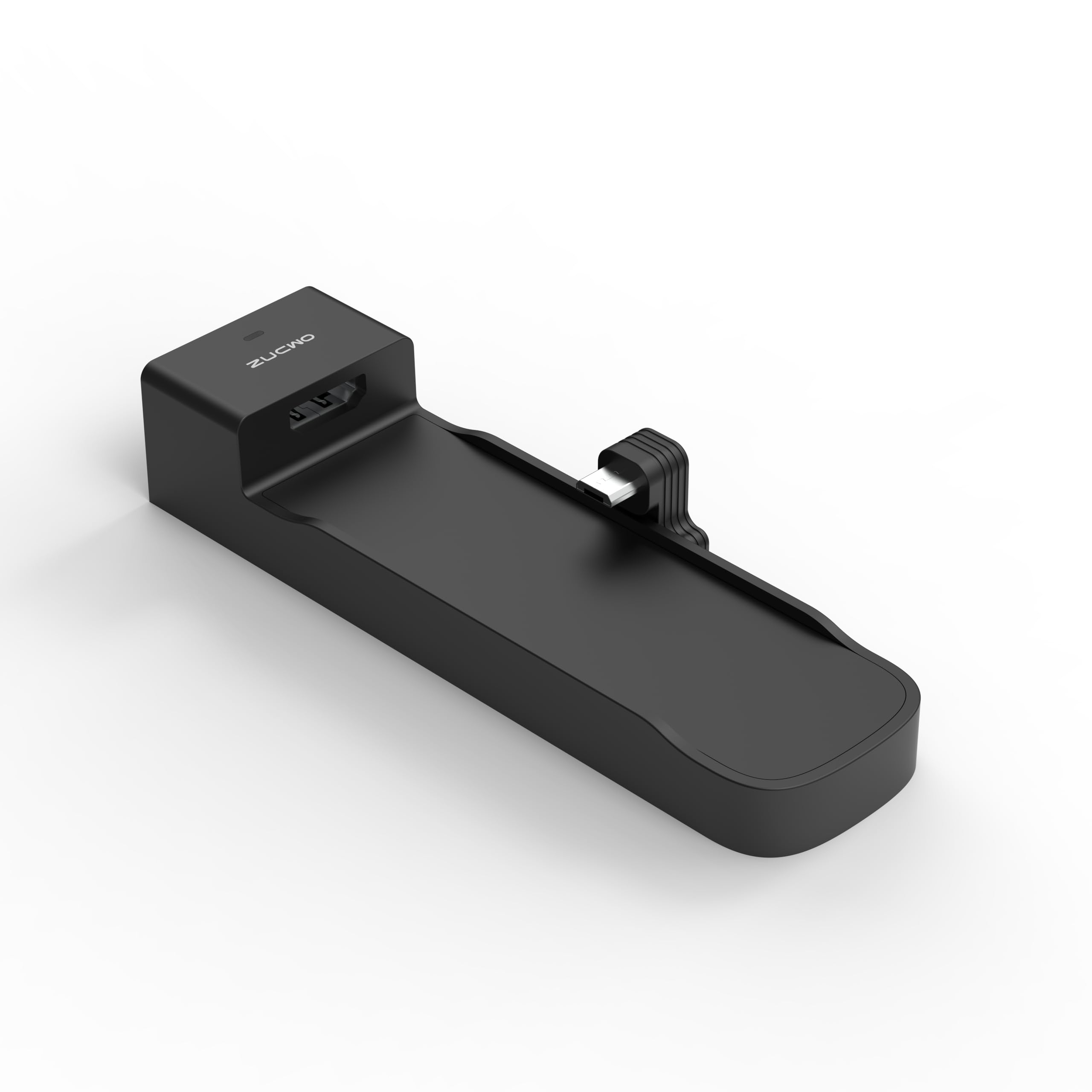
ZUCWO Car TV Mate for Vehicles with Factory Wired CarPlay Function, Car Streaming Devices,Firedrive Link for Cars,Carplay TV Adapter,2.4GHz WiFi/Supports Online UpgradeA
ℹ
Products from the USA may come with an input voltage of 110V–120V, requiring a step-down transformer. Check the device wattage to select the correct power converter.
•【FireDrive Link】ZUCWO CarPlay HDMI Adapter Designed for TV-Sticks,Fit for Wired CarPlay Car.Supports TV-Sticks,Watch YouTube TikTok etc.videos on CarPlay,Up to 1080p support
•【Easy to use】 Step 1: Connect the long end of the car TV HDMI adapter Y-cable to the car's power supply and the short end to the car's USB CarPlay port. Step 2: Connect the HDMI output device (such as TV Stick) to the adapter. Step 3: Once the car recognizes it, you can enter the Fire TV Stick's product interface.
•【HD 1080P Signal Loop Input】 HDMI car adapter supports HDMI output and 60Hz refresh rate. It delivers clean and crisp image quality without delay. Record specific moments in your video game adventures and experience smooth viewing while watching YouTube movies
•【Precautionary Note】Product does not work with trucks.Not included TV-Sticks.Not compatible BMW all models!Not support wired carplay to wireless carplay!Ford models have issues with not being able to go full screen, so please consider this before making a purchase!
•Method 1 (the car is recognized): 1. Set up phone hotspot with password 12345678, connect device to car interface. 2. On device: Settings > Online Update > Enable WiFi > Select hotspot > Follow prompts to upgrade.
•Method 2 (Car is not recognized): 1. Power device via USB, enable phone hotspot with max compatibility & password 12345678 .2. After auto-connection, go to 54.251.178.108 in browser to upgrade. Note: Do not disconnect power or internet during upgrade.
 From USA