wkolf voice remote control r37023b tivo stream 4k urc37023ba00 | Shop The World
From USA
NewWKOLF
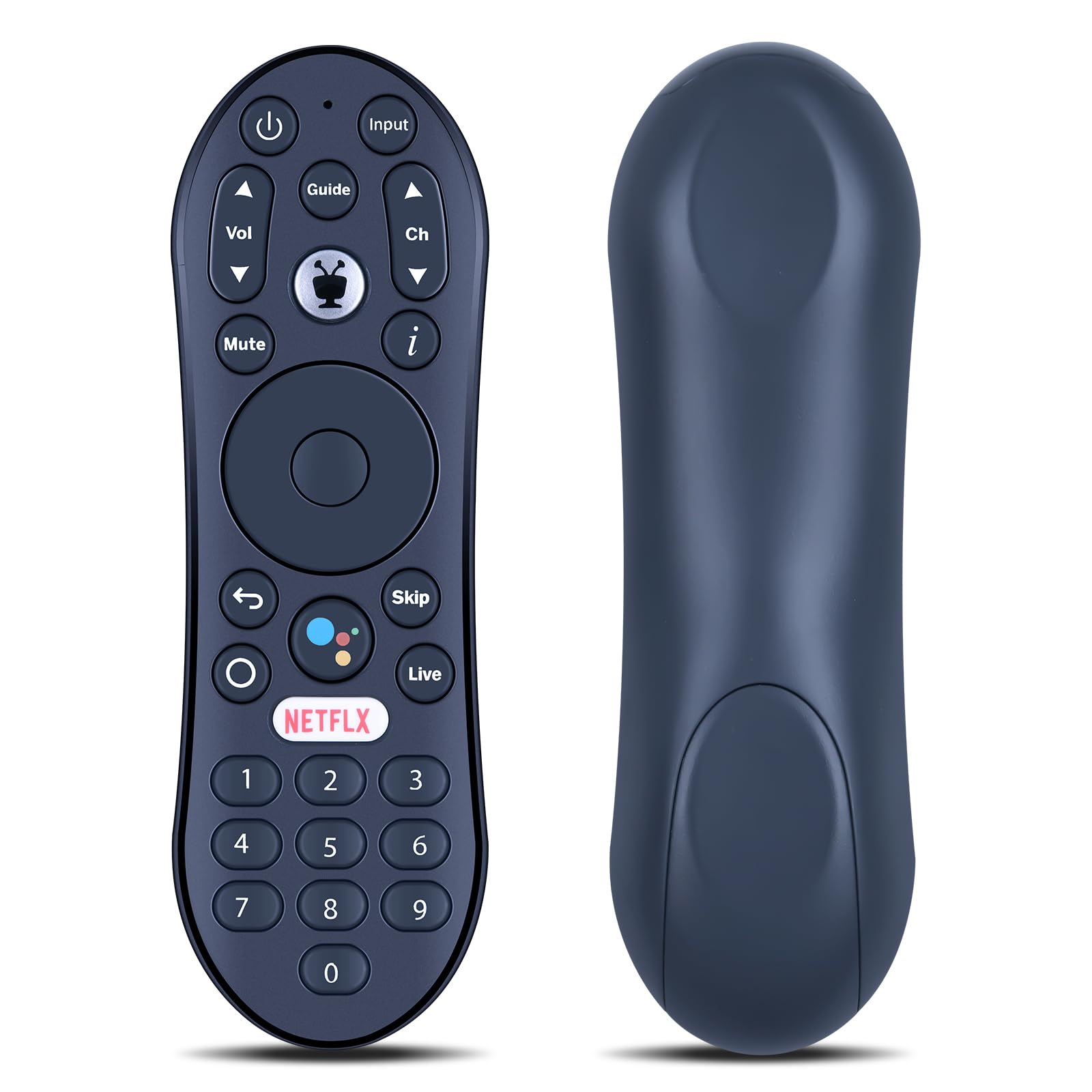
WKOLF Voice Remote Control R37023B for TiVo Stream 4K URC37023BA00 and Android TV, for TV, AV Audio and Devices - Easy to Setup
ℹ
Products from the USA may come with an input voltage of 110V–120V, requiring a step-down transformer. Check the device wattage to select the correct power converter.
•✔【Compatible Models】Works with TiVo Stream 4K R37023B URC37023BA00
•✔【Easy to Pair】Step 1. Press the button on the side of your Stream 4K for three seconds to display the pairing screen. Step 2. As instructed on-screen, press the TlVo button to pair.
•✔【How to Reset】If your remote becomes unpaired or is behaving erratically, you can reset it and re-pair it to your device. Step 1. Press and hold the TlVO and POWER buttons on the remote simultaneously for approximately 3s, until the activity light turns solid red. Step 2. Press VOLUME DOWN three times, and then press the TlVo button. Step 3. The activity light will flash red three times. Step 4. Pair your remote by following the instructions in Pair a New Remote.
•✔【Built to Last & Comfortable】Crafted from high-grade ABS material, the remote is impact-resistant and built for durability. Its smooth surface offers a comfortable grip, while soft silicone keys are gentle on the fingers and resistant to wear and stains.
•✔【Quality Assurance & Support】Package Contains: 1x Remote Control (2xAAA batteries are not included). Enjoy peace of mind with our comprehensive after-sales service. Contact us via email for any assistance, we'll get back to you within 12 hours on weekdays.
 From USA






