Wireless Gaming Headset, 2.4G Wireless Bluetooth USB Over Ear | Shop The World
From USA
NewAcinaci
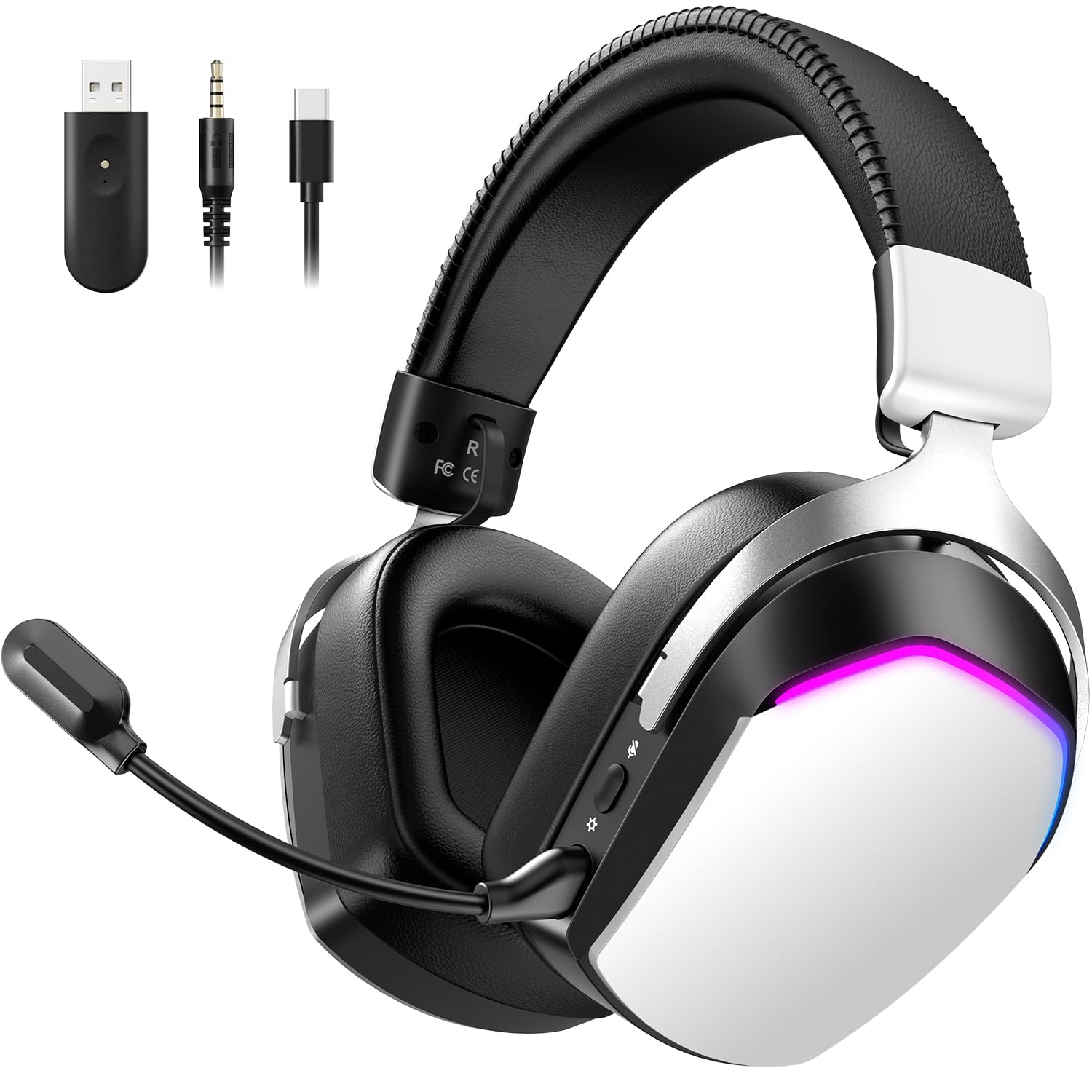
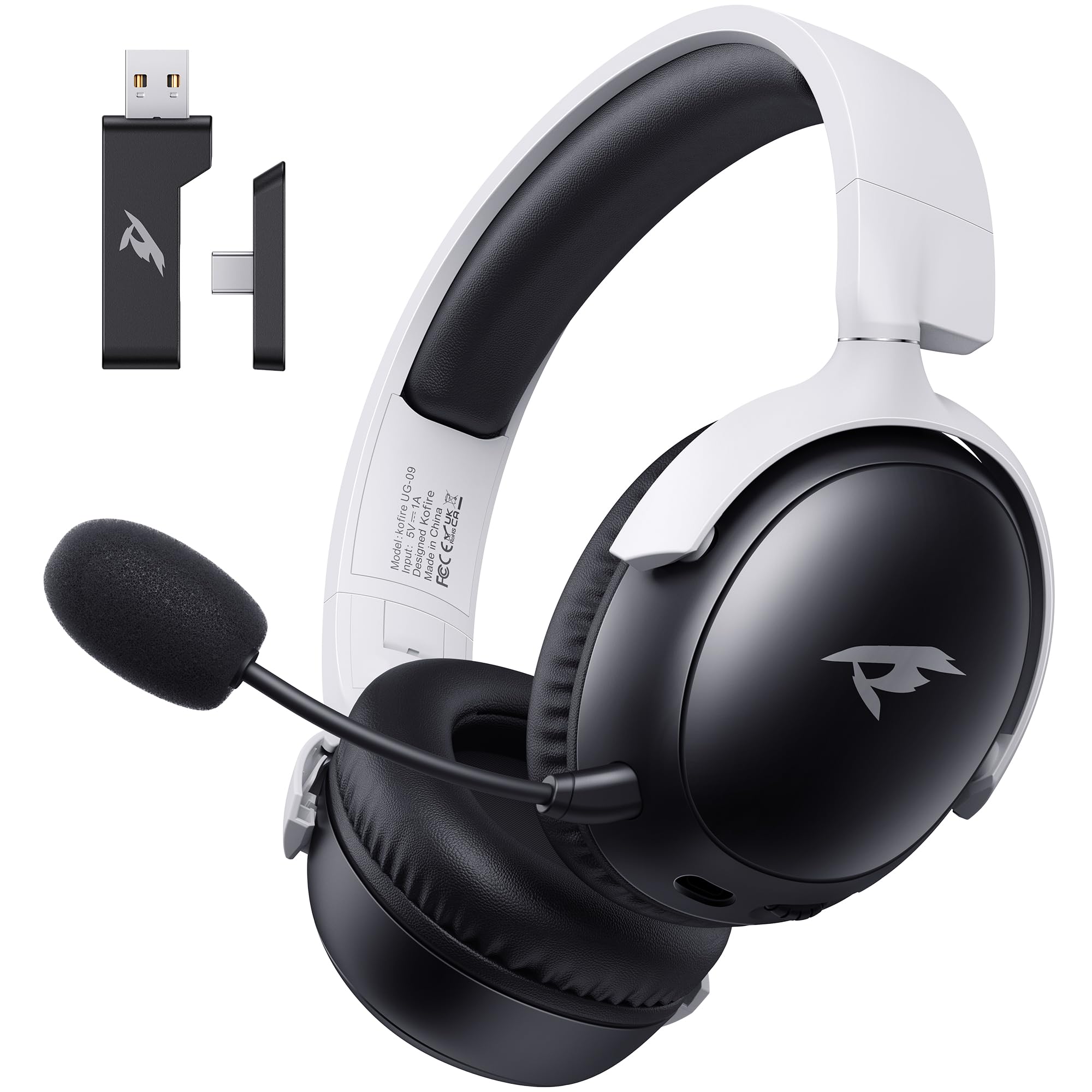
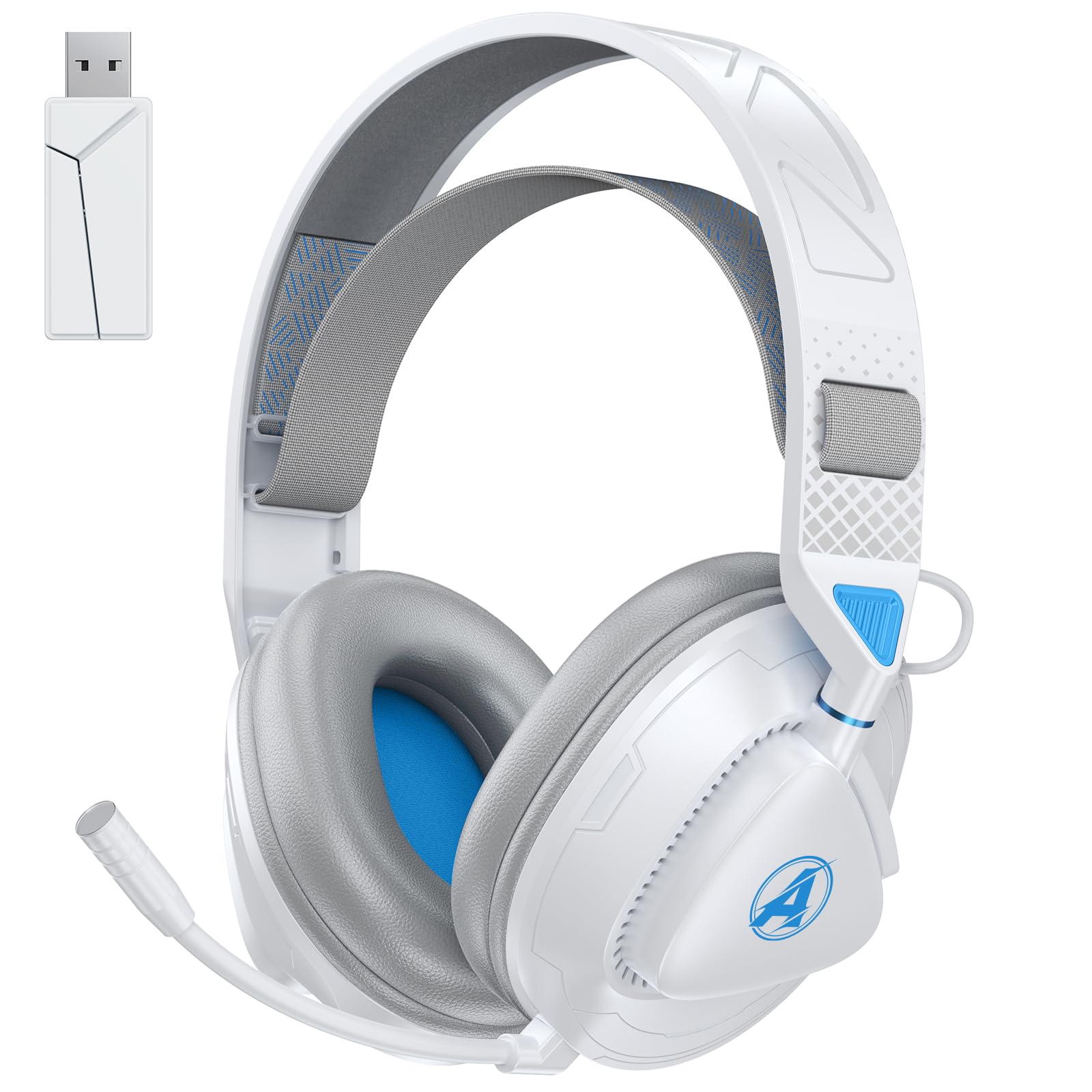
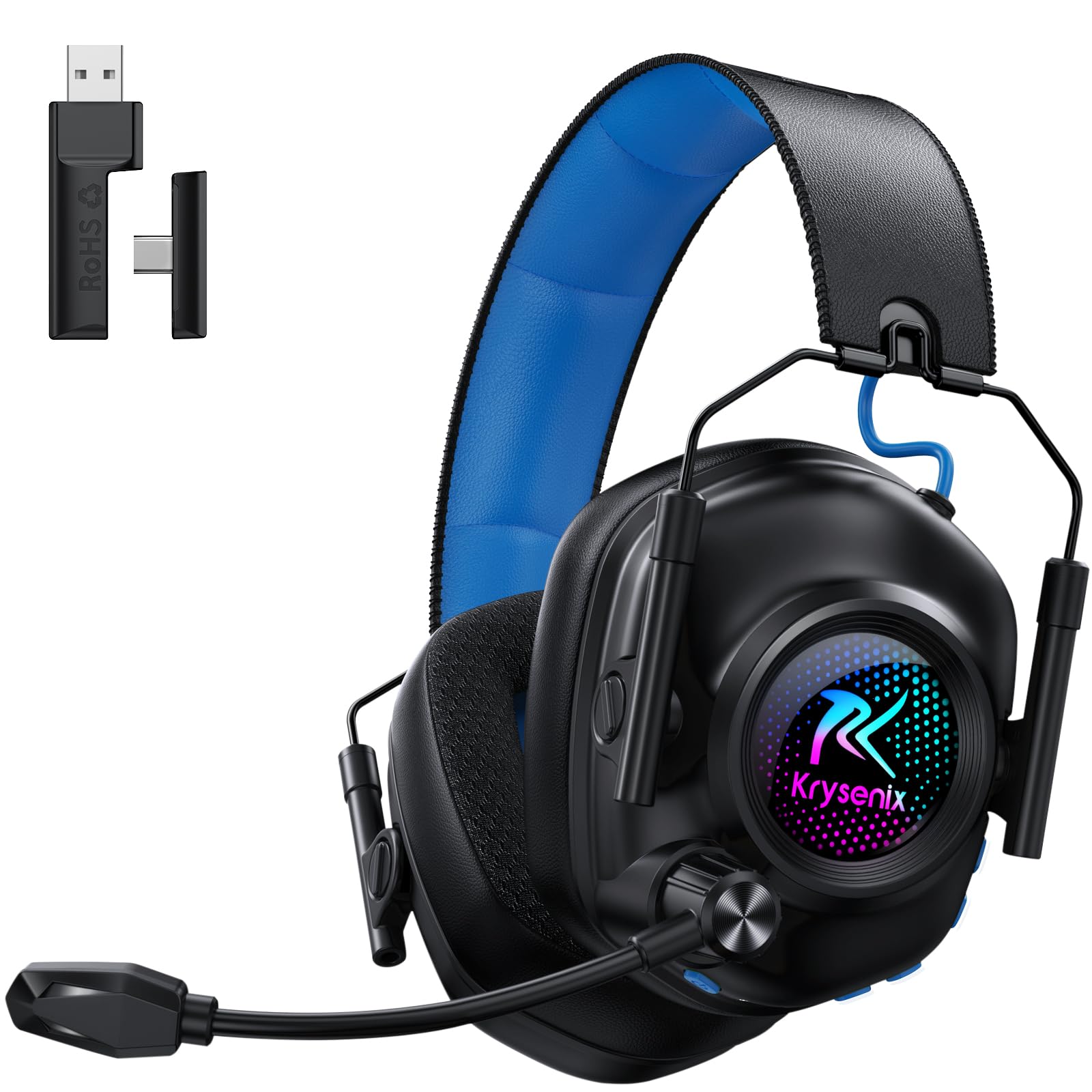
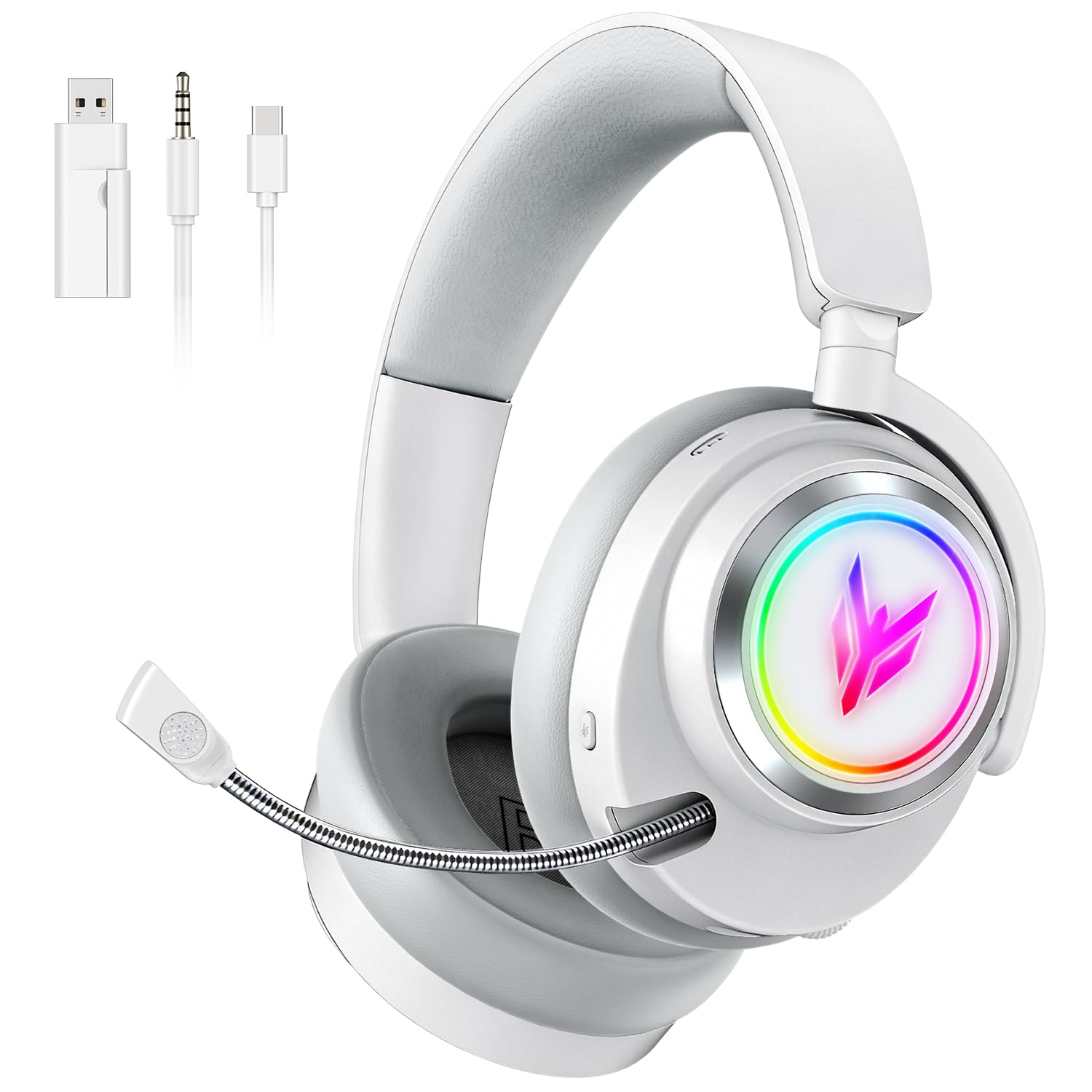
Wireless Gaming Headset, 2.4G Wireless Bluetooth USB Over Ear Headphones with 3.5mm Wired Jack & Detachable Noise Cancelling Mic & LED Light, Compatible with PC, PS4/5, MAC, Nintendo Switch, Mobile
ℹ
Products from the USA may come with an input voltage of 110V–120V, requiring a step-down transformer. Check the device wattage to select the correct power converter.
•【Clear 3D Surround Sound】- Hear every audio cue with breathtaking clarity and get immerse in your game. Two 50mm dual chamber drivers are designed to significantly reduce distortion and reproduce precise, consistent sound quality for a true surround sound experience.
•【3 Connect Modes】- Acinaci Wireless Gaming Headset offer 2.4G Wireless USB, Bluetooth, Wired 3.5mm jack 3 connect ways for you! freedom with up to 10 meter wireless range and Lightspeed wireless audio transmission, keep playing for up to 36 hours of battery life.
•【Detachable microphone】- Advanced noise reduction mic that achieves clear and real time calls without delay, make your voice sound richer, cleaner and more professional. The detachable mic design and one key mute button super conveniently for operate.
•【Ergonomic design】- Flexible headbands of Our Wireless Gaming Headset are designed for comfort during long play sessions; Soft dual layer memory foam that conforms to your head and reduces stress points for long lasting comfort. Glaring LED lights to highlight game atmosphere.
•【Wide compatibility】-This wireless headphones Console compatible with PlayStation 4/5, Nintendo Switch, Xbox (adapter required, not included), Mac, Laptop, VR, Tablet, iPad, Computer & Mobile Phone. (No drivers or downloads are required, Plug & Play)
•⚠️𝐁𝐥𝐮𝐞𝐭𝐨𝐨𝐭𝐡 𝐍𝐨𝐭 𝐒𝐮𝐩𝐩𝐨𝐫𝐭𝐞𝐝: Bluetooth is not natively supported on PS4, PS5, or PC. We recommend using the 2.4G USB transmitter for a quick and easy connection.
•⚠️𝐈𝐧𝐜𝐨𝐦𝐩𝐚𝐭𝐢𝐛𝐥𝐞 𝐰𝐢𝐭𝐡 𝐗𝐛𝐨𝐱 𝐒𝐞𝐫𝐢𝐞𝐬 𝐒: The wireless headset is not compatible with Xbox Series S.
•⚠️𝐌𝐢𝐜𝐫𝐨𝐩𝐡𝐨𝐧𝐞 𝐎𝐧/𝐎𝐟𝐟: To toggle the microphone, simply press the button located above the light button.
•⚠️𝐌𝐢𝐜 𝐉𝐚𝐜𝐤 𝐋𝐚𝐛𝐞𝐥: The microphone jack is labeled as "MIC," so please ensure not to mistakenly plug it into the 3.5mm audio jack.
•⚠️𝐒𝐞𝐥𝐞𝐜𝐭𝐢𝐧𝐠 𝐎𝐮𝐭𝐩𝐮𝐭 𝐃𝐞𝐯𝐢𝐜𝐞𝐬: When connecting to the PC with 2.4GHz, you need to select BL200 for the sound output device of the PC, instead of senary audio

 From USA