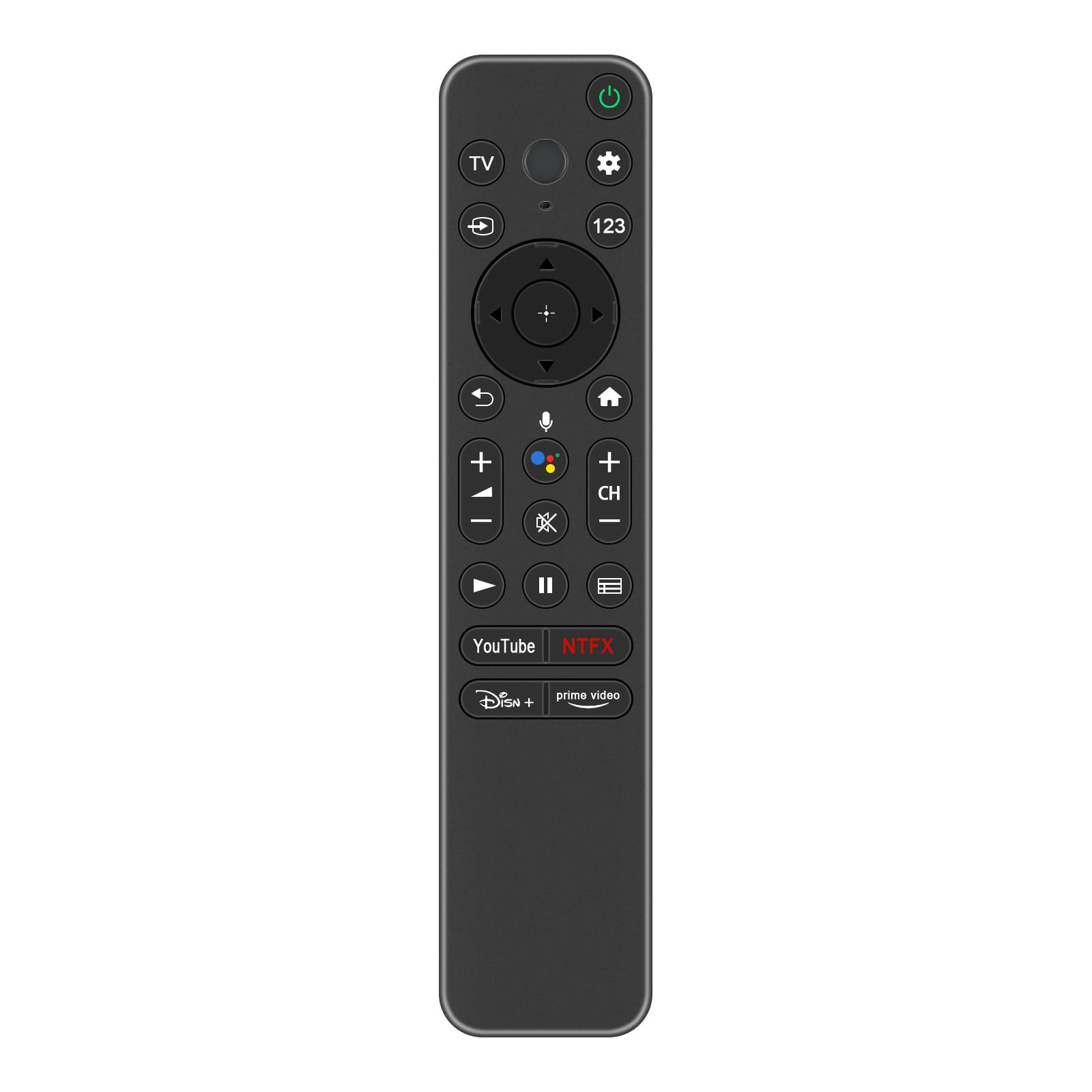
winflike rmf tx800u mg3 tx800u voice remote control replace so | Shop The World
From USA
NewWINFLIKE
WINFLIKE RMF-TX800U MG3-TX800U Voice Remote Control Replace for Sony Bravia
ℹ
Products from the USA may come with an input voltage of 110V–120V, requiring a step-down transformer. Check the device wattage to select the correct power converter.
•New Replacement Voice Remote Control RMF-TX800U MG3-TX800U for Sony Bravia 2022 4K 8K HD smart TV KD and XR series XR-85Z9K XR85Z9K XR-55A80L XR-55X90L XR- 65A80K XR-65A80L XR-65X90L XR-75X90L XR-77A80L 83A80L KD-55X80L KD-65X80L KD-75X80L KD-75X81K KD-85X80L KD43X77L
•For Sony RMF-TX800U Remote with Google Voice FOR Sony 2022 Smart TV XR Series:XR-42A90K XR42A90K XR-48A90K XR48A90K XR-55A80CK XR55A80CK XR55A80K XR-55A80K XR-55A95K XR55A95K XR55X90K XR-55X90K XR-65A80CK XR65X80CK XR65A80K XR-65A80K XR-65A95K XR65A95K XR65X90K XR-65X90K XR65X95K XR-65X95K XR75X90K XR-75X90K XR75X95K XR-75X95K XR-75Z9K XR75Z9K XR-77A80CK XR77A80CK XR77A80K XR-77A80K XR85X90K XR-85X90K XR85X95K XR-85X95K
•For Sony RMF-TX800U Voice Remote Control;Have Voice Control, Voice Pairing steps: 1). Press the “Power” button to turn on your TV. 2). Press and hold the [VOL(-)] button and the [Google Assistant] button for 2 seconds to initiate pairing with TV.
•Package Content: 1X Remote Control(Batteries Not Included)