usb c dual hdmi adapter dual monitor adapter hdmi splitter d P | Shop The World
From USA
NewDnkeaur
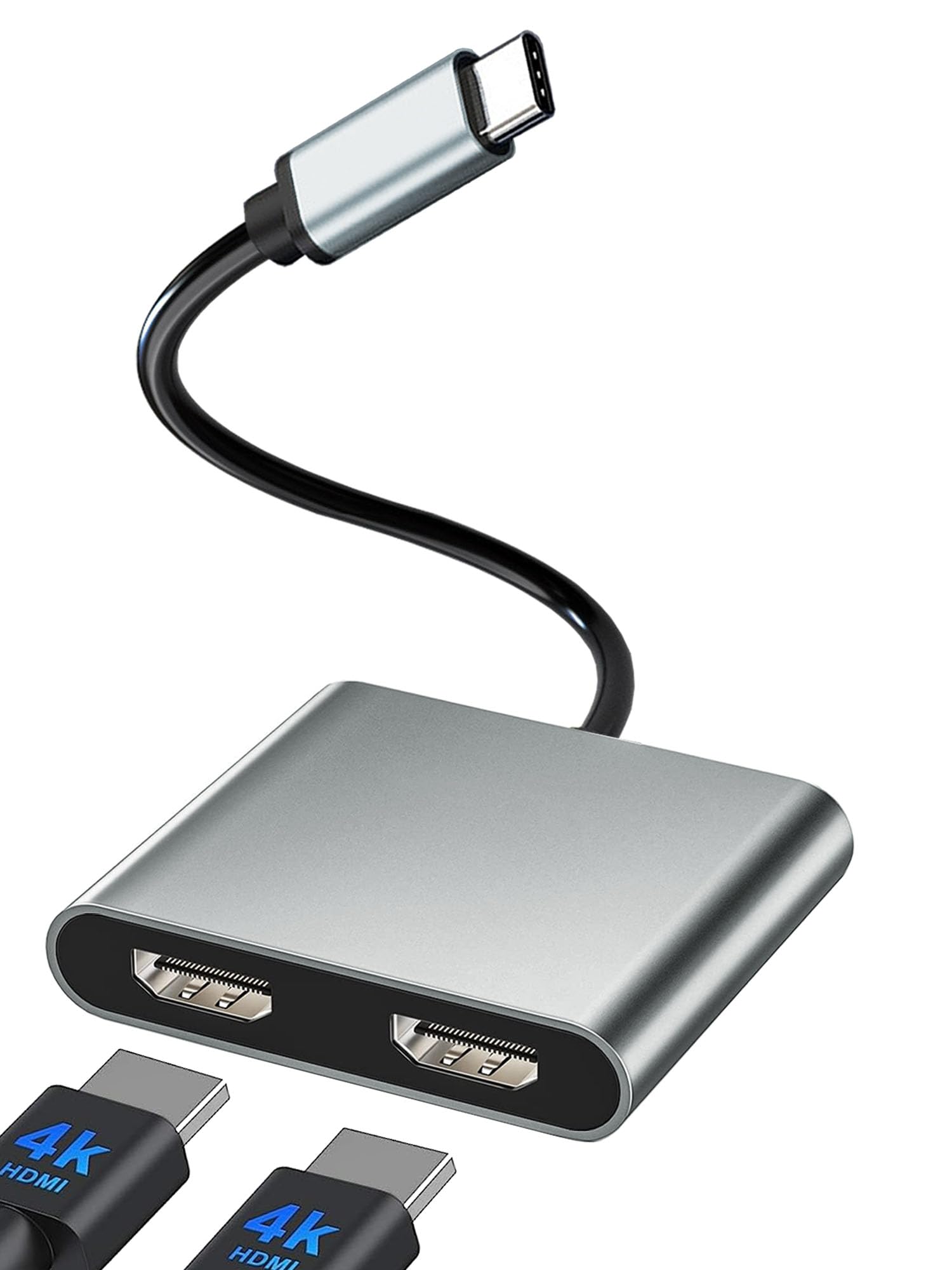
USB C to Dual HDMI Adapter, Dual Monitor Adapter, HDMI Splitter for Dual Monitors, Dual HDMI Adapter for 2 Monitors, HDMI Dual Monitor Adapter, HDMI Splitter Extended Display, Thunderbolt 3/4 to HDMI
ℹ
Products from the USA may come with an input voltage of 110V–120V, requiring a step-down transformer. Check the device wattage to select the correct power converter.
•[Warranty and What You Get]: 1* USB Type C HDMI Adapter; 1* User Manual;2* HDMI Cable. We provide 1-year defective product refund/replacement and friendly customer service; If there is any problem with this Dual HDMI Converter (such as: how to setting, how to use it...), please don't hesitate to let us know. we will always do my best to help on it.
•[2 in 1 Dual Monitor Adapter]: USB C to Dual HDMI Adapter support devices with USB Type C (thunderbolt 3) port to two external monitors to enjoy movies, games with your families on external ultra HD big screen. But note: For Mac OS, it ONLY Mirror Mode, Can't extend two different Screen, due to Mac OS limitation; Macbook with M1/M2 chip only can extend one monitor; Windows OS supports both SST and MST mode. If you not sure how to setting, please let us know.
•Wide Compatibility: (Note: NOT for all USB-C port laptop, such as this adapter CANNOT work with HP Pavilion/Lenovo IdeaPad, You need to confirm that your host device's C port supports video output or DP Alt Mode, and you can normally see the DP-logo next to the port if this is the case, ).This HDMI Reader works well with Thunderbolt 3 compatible devices,such as MacBook/MacBook Pro2020 2019 2018 2017,MacBook Air2020-2018,iPad Pro 2018 ,Dell XPS13/15,Samsung Galaxy S9/S9+,etc
•[Plug and Play]: USB C HDMI Adapter offers an easy setup by natively working on device that supports DP Alt Mode over USB Type-C, plug and play, No need any driver. Dual-monitor splitter is powered by the USB C port, means no external power cords are necessary. NOTED:Please connect the monitor (HDMI port) first, then the laptop (usb c port), You may need to change the settings of "the default audio output device" on system preferences to deliver sound.
•[4K Vivid 3D Effect Video Sync]: The HDMI ports with resolution can be up to 3840x2160@30Hz, when dual HDMI work, HDMI only can be up to 3840x2160@30Hz. The usb c to hdmi adapter backward compatible with 2K /1080P at 60Hz. With this high-performance USB-C adapter when you play games the screen without any millisecond delay. (Important: ONLY when your devices support 4K resolution, the video output will be 4K, please make sure to use a HDMI 2.0 cable or better.)
 From USA






