ULar Plug-in Security Camera, 4K UHD Small Nanny Pet Mini WiFi | Shop The World
From USA
NewULar
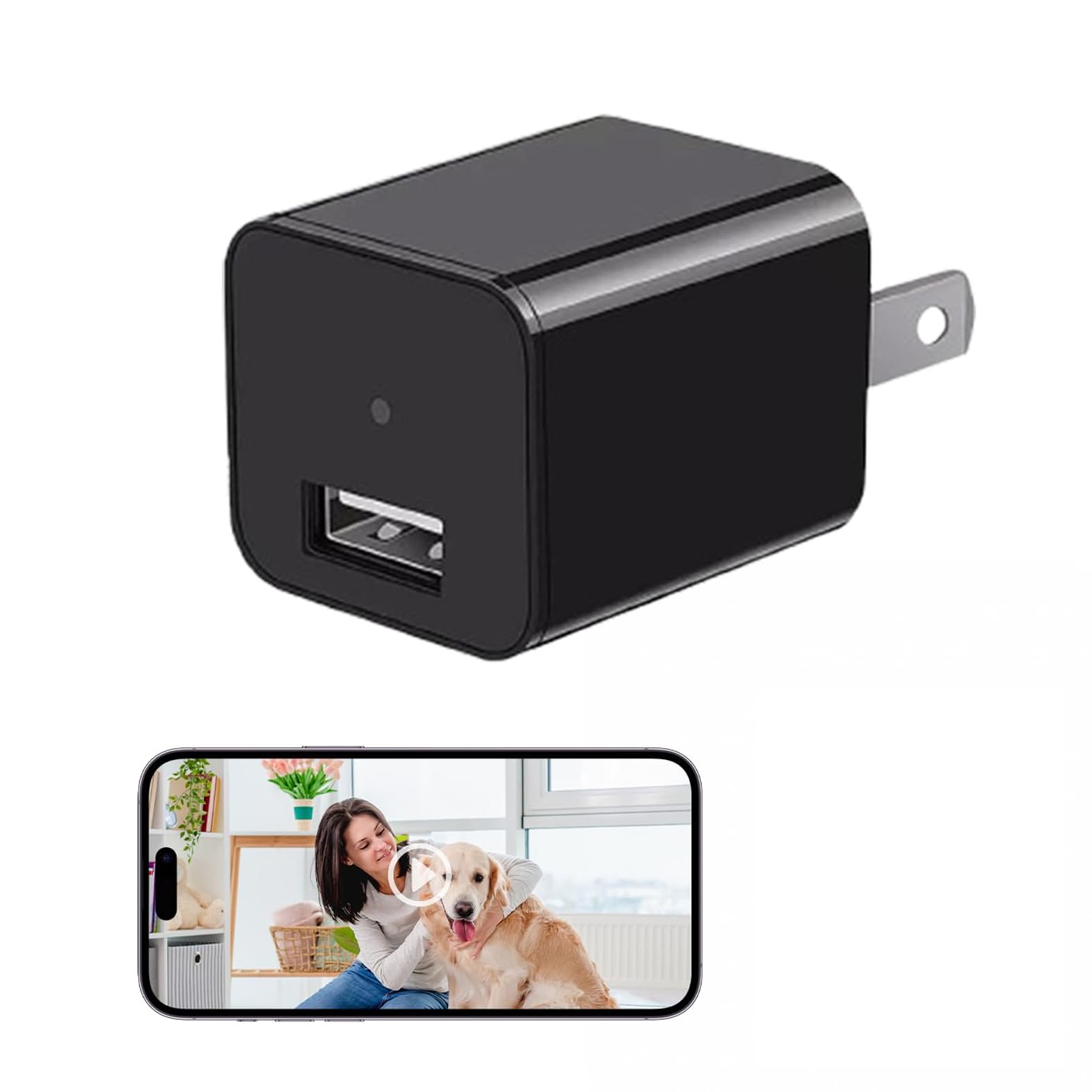
ULar Plug-in Security Camera, 4K UHD Small Nanny Pet Mini WiFi Cam, One Free 16GB SD Card Included Remotely APP View, Motion Detection for Indoor Smart Surveillance-No Audio
ℹ
Products from the USA may come with an input voltage of 110V–120V, requiring a step-down transformer. Check the device wattage to select the correct power converter.
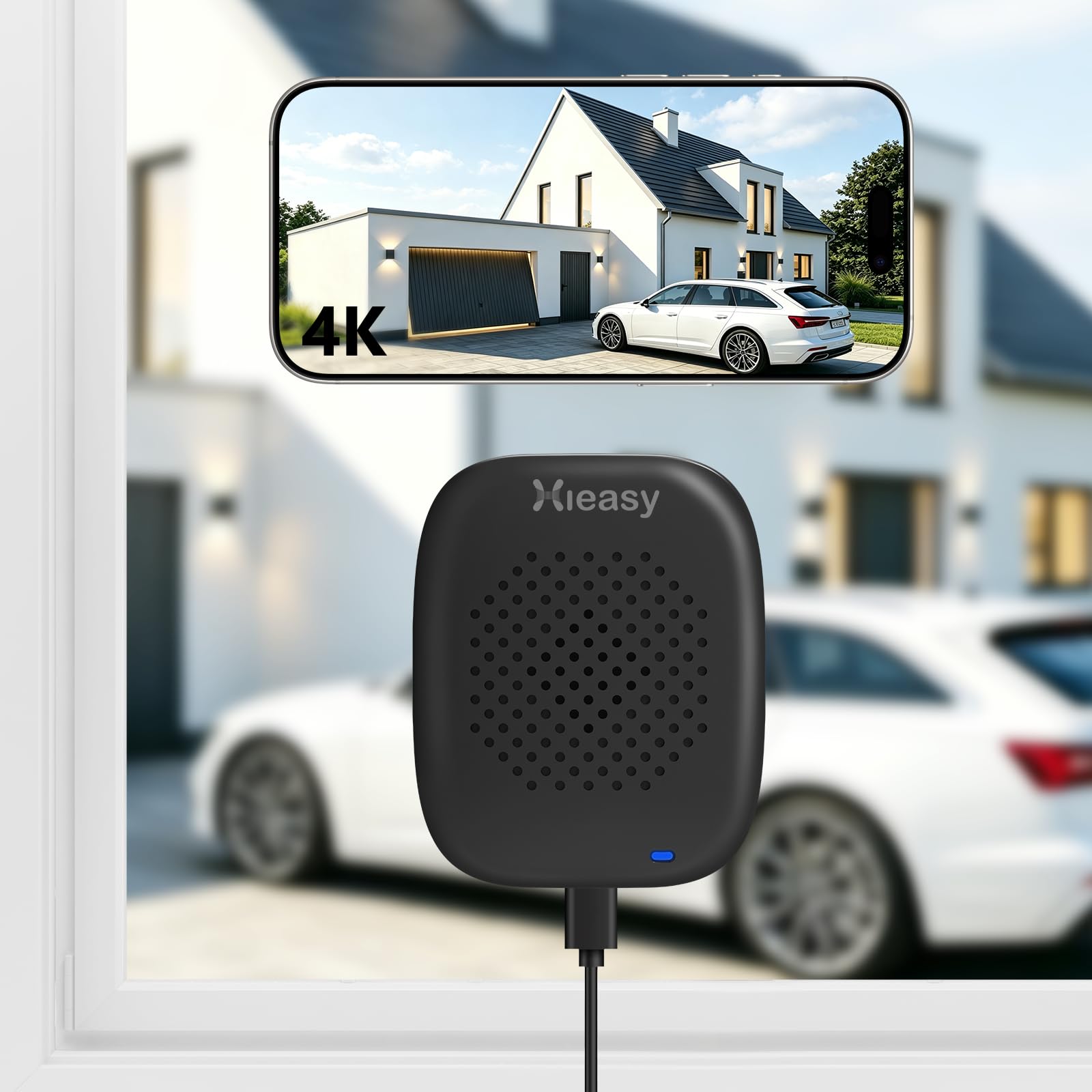
•4K UHD Clear Images
•Real-Time Monitoring ✅Captures without blurring or lag, captures sharp details of pets’ movements on daylight.(No night vision, don't suggest use it in darkness)No Audio. The device can't charge for your phones.
•WiFi Stable Connection + AP Hotspot Mode
•Network/No-Network Scenarios ✅Remotely watch via phone when connected to WiFi; Point-to-point connection without a router, avoiding disconnection for multi-scene use. We suggest that Connect it with Home 2.4G WiFi6 for remote. AP Hotspot mode only for local 10-meter short distance.
•One Free 16GB SD Card
•Long-Term Local Storage Needs ✅Higher compression efficiency allows 3x more content on the same SD card, no frequent card replacement; optional cloud storage for dual data protection. And it support loop recording that can automatically overwrites old footage when SD card is full – no manual maintenance required.
•Multi-Level Motion Detection Sensitivity
•False Alarm Reduction ✅You can set your detection zone, so it accurately monitors key areas and reduces false alarms. Instant alerts and clips sent to your phone. Also you can share it with your family, the camera support share 3~5 device for remote. ⏩(Please note that iOS users should download the "ULar" application from the App Store, while Android users are required to download the "CamULar" application from Google Play.)
•How to Connect: Step1. Insert the 16GB card in card slot. Plug in the camera and the indicator light is always on, you need to wait a few seconds it will turn to red&blue blinking. Step2.Turn on your phone's WiFi also connect it with your home WiFi. Then turn on our App to 'add camera', please notes select the mode 1 'smart scan' and view the correct camera model you have. Step3. Confirm the WiFi again, There will be a code on your App, you need use the usb charger camera to scan this code, when the indicator light blinking blue first then keep blue on, it says recognized. After this, you can set your camera password and remote the camera.
 From USA