twopan 512gb fingerprint nano ssd up 450mbs external ssd har P | Shop The World
From USA
NewTWOPAN
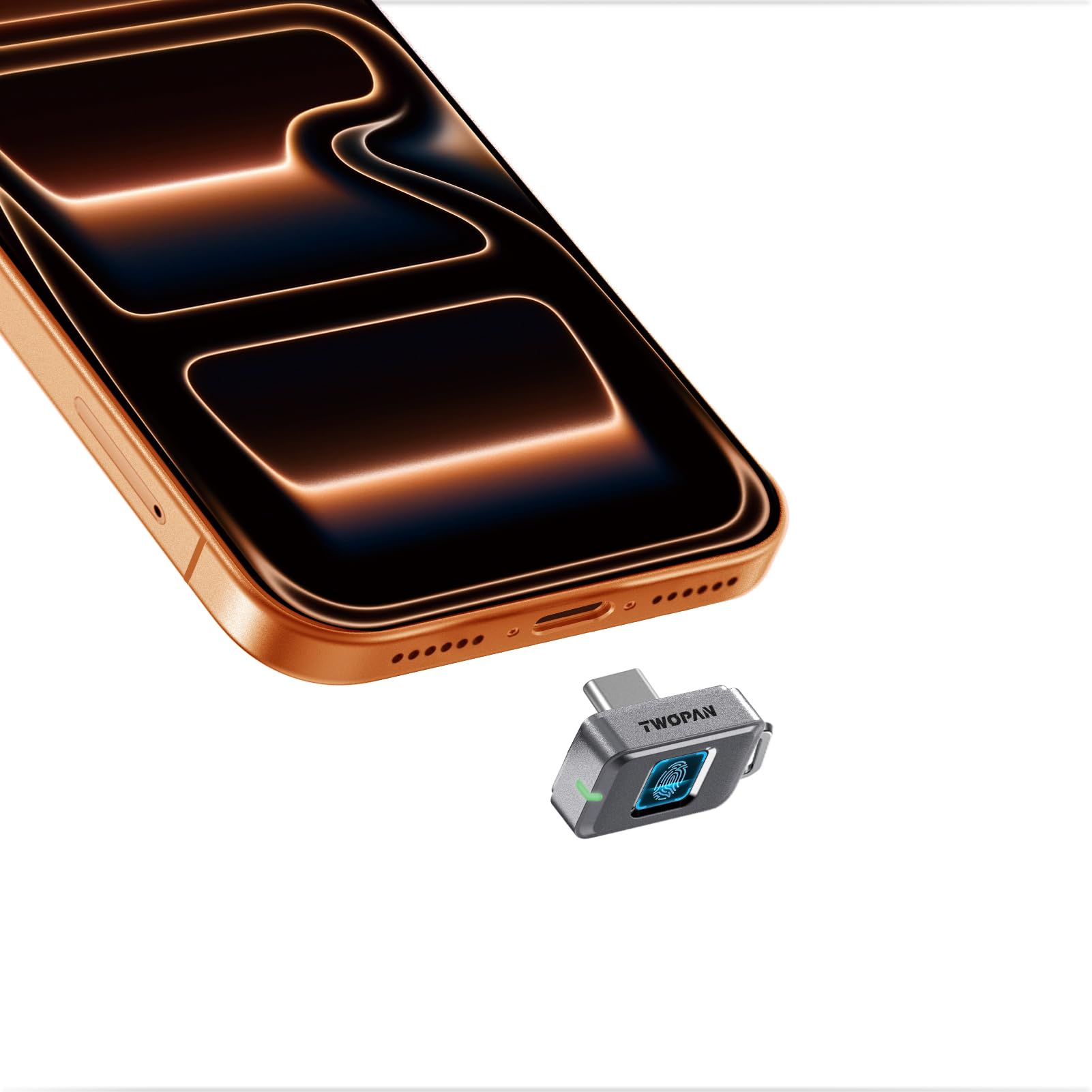
TWOPAN 512GB Fingerprint Nano SSD-Up to 450MB/s, External SSD Hard Drive Storage for iPhone 17/16/15, MacBook, iPad, Steam Deck, PS5, Selfie Stick, Android, Travel and Backup
ℹ
Products from the USA may come with an input voltage of 110V–120V, requiring a step-down transformer. Check the device wattage to select the correct power converter.
•Fingerprint Security – Only You Can Unlock: Touch to unlock – only your registered prints work (up to 22). No apps, no passwords, no software. Just your finger. So even if you lose the external SSD, your files are still yours.
•Ultra-Compact & Keychain-Ready: Smaller than a stick of gum and lighter than a quarter (just 0.18 oz!). This tiny ssd external hard drive clips to your keychain or slips into your pocket. With 512GB, you’ve got room for photos, docs, and backups – no bulky external hard drive to lug around.
•Fast & Stable Transfers (450MB/s): USB-C 3.1 Gen1 gets the job done – quick backups, photo transfers, moving videos. We focused on reliable, predictable speed – smooth file handling, no weird slowdowns.
•Rugged & Travel-Ready: Gear gets knocked around – this iPhone SSD handles bumps, dust, and water splashes. Commute, travel, field work – it’s a solid iPhone external storage that won’t let you down when you need it most.
•SSD warmth during use – normal and safe: Your SSD naturally warms up during heavy read/write tasks – that’s just high‑speed data processing at work. When you also have your iPhone running hard (like playing a graphics‑intensive game), the heat from both can make the drive feel warm to the touch. This won’t damage your files or your device. A MagSafe phone cooler can help keep both your phone and the SSD cooler if you want.
•Trouble Unlocking? A Few Quick Fixes: If a registered fingerprint doesn’t work, dust or a worn fingerprint might be the reason. Wipe the sensor and your finger, then try again. Registering multiple fingers (like index and thumb) gives you backup options. If a random finger opens it after setup, don’t worry – you likely just activated the drive without full enrollment. Watch our short video to lock it down properly.
 From USA