tv stick remote firestick hd 4k 4k max litetv cube remo Price | Shop The World
From USA
NewTrado
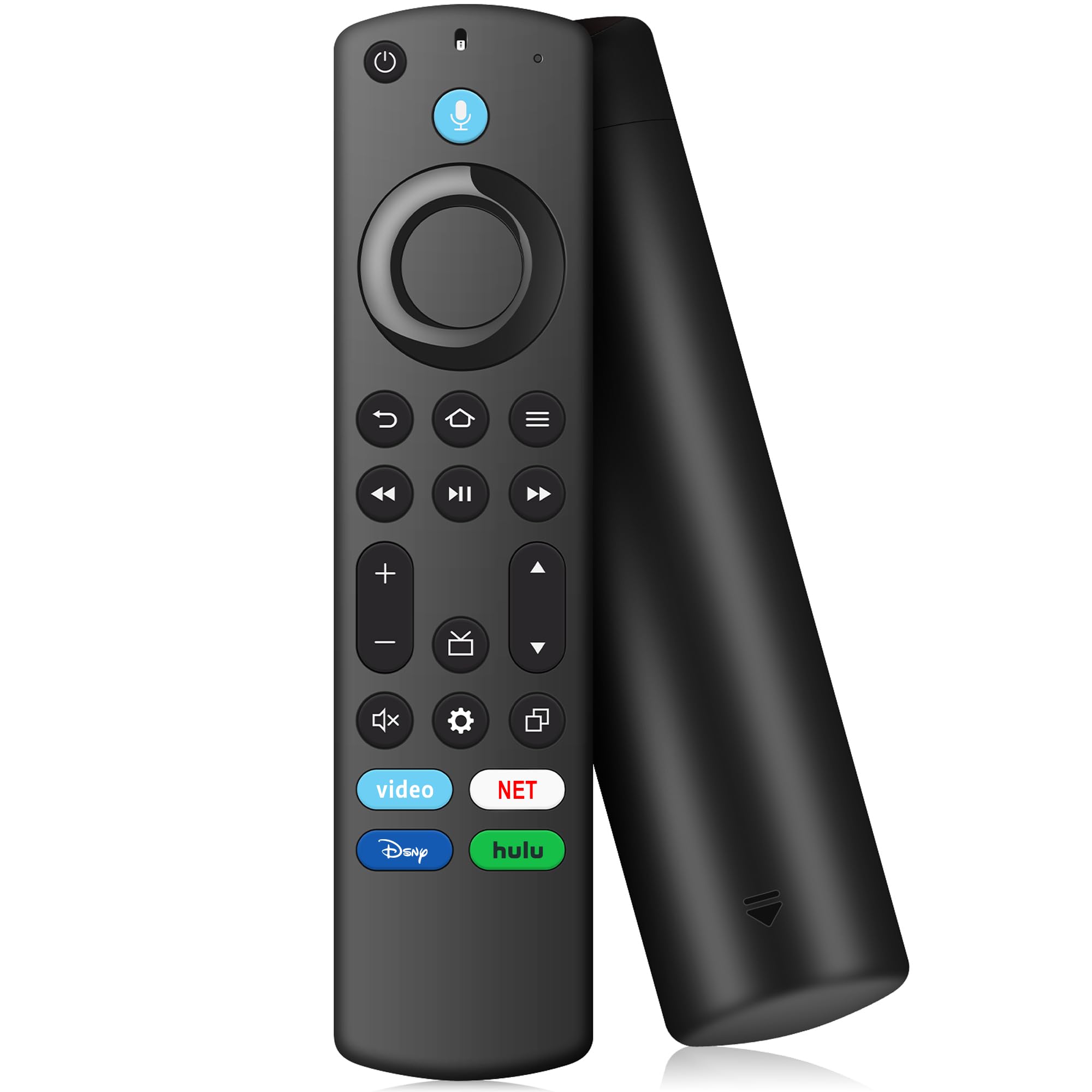
TV Stick Remote for FireStick (HD, 4K, 4K Max, Lite),TV Cube, Remote for Insignia, Omni, QLED Series Fire Smart TVs with Voice
ℹ
Products from the USA may come with an input voltage of 110V–120V, requiring a step-down transformer. Check the device wattage to select the correct power converter.
•Models: Replacement remote for TV stick(2nd Gen/ 3rd Gen), TV Stick 4K(1st Gen/ 2nd Gen), TV Stick 4K Max(1st Gen/ 2nd Gen), TV Stick Lite, TV Stick HD, TV Cube(1st Gen/ 2nd Gen/ 3rd Gen), Remote Compatible with Amz Smart TVs( 3rd gen/2-Series/4-Series/Omni Series/QLED Series Smart TVs), for Toshiba Smart TVs: LF711 / LF621U / LF421U / LF221U / C350 / A810U / A710U / M550 / V35 series, for Insignia-fire Smart TVs: F30 / F20 / F50 / DF710 / DF711 / DF310 / DF510 / DF311 / DF620 series, for Pioneer TVs: PN450 / PN651 / PN851 / PN951 series ect
•Applicable Remote Control: Compatible with Voice remote controls (2nd Gen/3rd Gen/firestick hd/4k series) and for Insignia/Toshiba tv remote controls (NS-RCFNA-21, CT-95018, CT-RC1US-21, NS-RCFNA-19, CT-RC1US-19, etc.)
•Remote with Voice: TV stick remote with voice search function, You can ask it to find your favorite content, Quickly jump to your favorite scenes with standard navigation and playback controls
•How to Pair: First you need to remove tv stick from TV and power from tv stick. Then reattach power and tv stick back in TV. Then Press the Home button about 10-15 seconds until the LED indicator starts to rapidly flash amber for 10 seconds, then your remote will automatically pair with your device
•What You Get: 1 * Voice Remote Control(2 AAA batteries not included),1 * User Manual. if your product doesn't work, please send your message to us, we must give you the best solution in the end
 From USA






