touch keyboard case ipad a16 11th 11 inch 202510th 109 i Price | Shop The World
From USA
NewZHIJUYIJIO
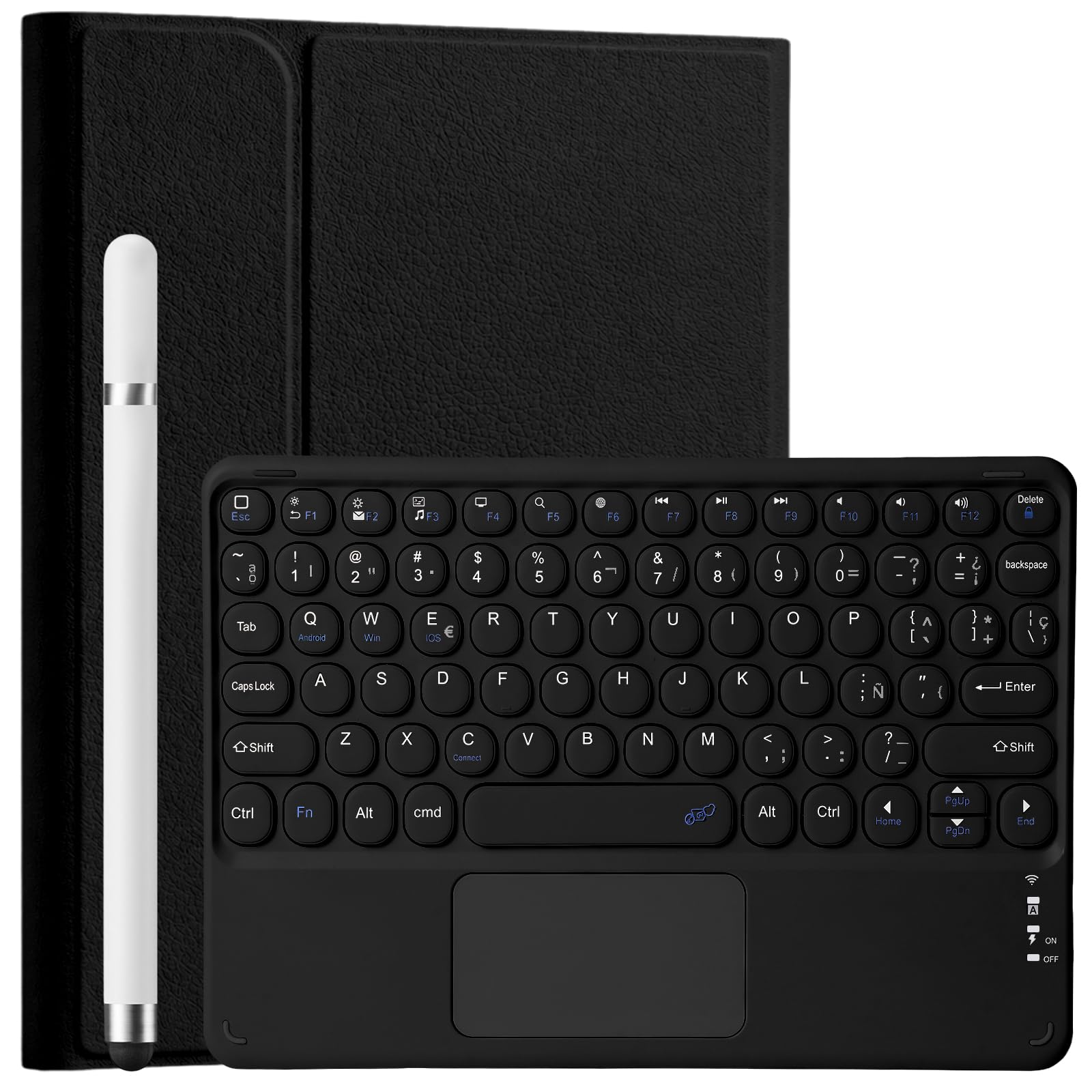
Touch Keyboard Case for iPad (A16) 11th 11 Inch (2025)/10th 10.9 Inch (2022) with Pencil Holder - Magnetically Detachable Touch Bluetooth Keyboard (Black)
ℹ
Products from the USA may come with an input voltage of 110V–120V, requiring a step-down transformer. Check the device wattage to select the correct power converter.
•Perfect Fit Compatibility: Exclusively designed for iPad (A16) 11th Gen 11" 2025 (Models A3354/A3355/A3356) and iPad 10th Gen 10.9" 2022 (Models A2696/A2757/A2777/A3162). Not compatible with other iPad models.
•Detachable Touchpad Keyboard: Features a magnetically detachable Bluetooth keyboard with a multi-gesture touchpad, turning your tablet into a laptop-like device for work, study, and entertainment.
•Multi-System Compatibility: This 3-system keyboard supports seamless switching. Press FN+E to activate the dedicated iPad mode for optimized function key performance.
•Simple & Fast Pairing: Turn on the keyboard, press FN+C to activate pairing mode, then select the keyboard from your iPad's Bluetooth settings. If prompted, enter the PIN code and press Enter to connect.
•Long-Lasting Battery Life: Built-in rechargeable lithium-ion battery with an energy-saving auto-sleep mode. Fully charges in 2-3 hours, offering up to 30 days of standby time or 80 hours of continuous use.
•Secure Pencil Holder: The built-in Apple Pencil holder keeps your stylus safe and within reach. (Note: Apple Pencil is not included with this product.)
•Adjustable Multi-Angle Stand: The flexible TPU case supports multiple stable viewing angles, allowing you to type, watch videos, or video call hands-free comfortably.
•Durable & Protective Design: Made with soft, smooth TPU material, the case features a non-slip design to protect your iPad from scratches, bumps, and daily wear.
•Customizable Scroll Direction: The touchpad works with iPadOS. To adjust the scroll direction, go to Settings > General > Trackpad & Mouse > and toggle off "Natural Scrolling" to match your preference.
•Accessibility-Ready Touchpad: For full touchpad functionality, please ensure your iPad is running iOS 13.0 or later, and enable AssistiveTouch in your device's Accessibility settings.
 From USA