Switch 2 Charger - 60w Charger Nintendo Switch 2/1,20V 3A PD3. | Shop The World
From USA
NewROAYEWEY
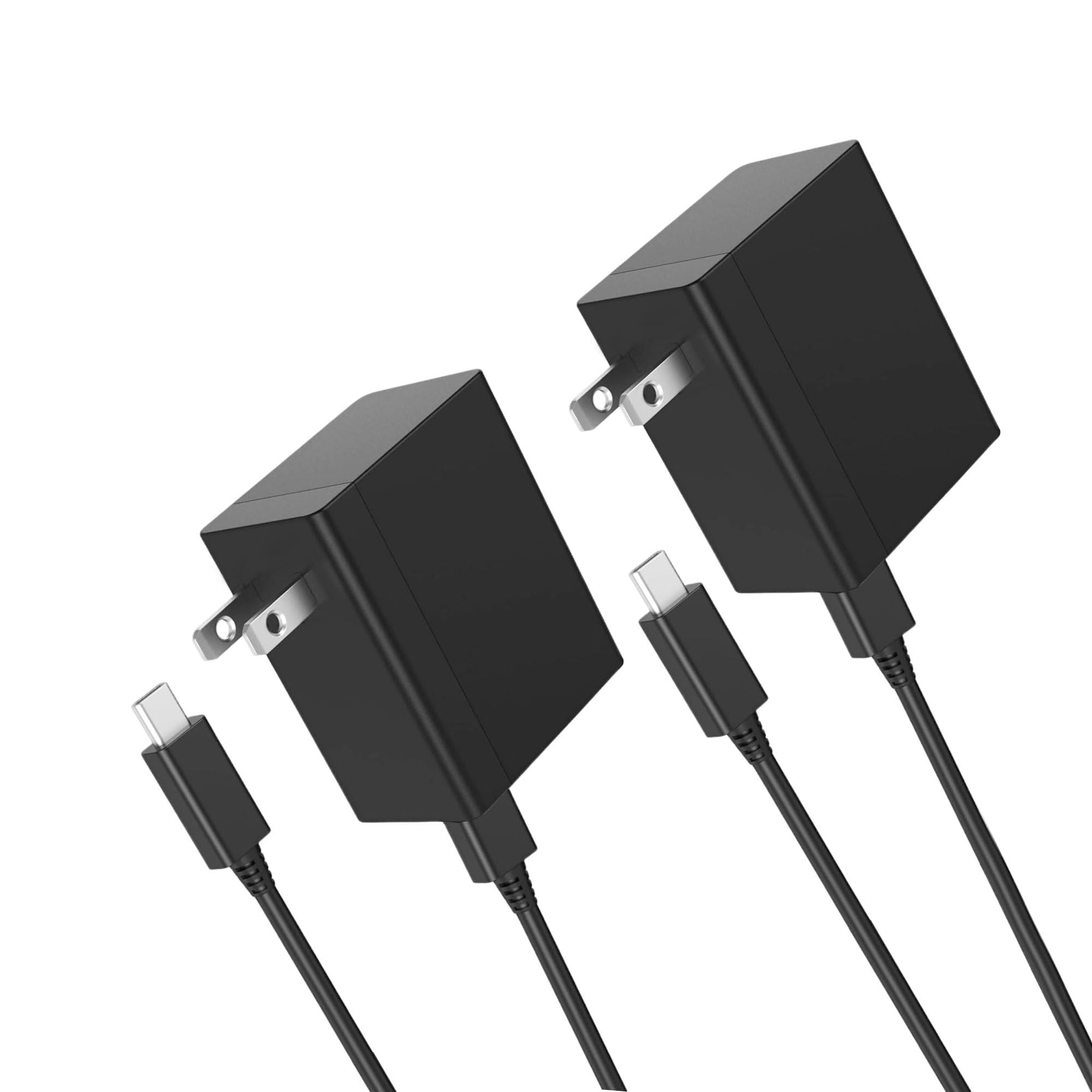
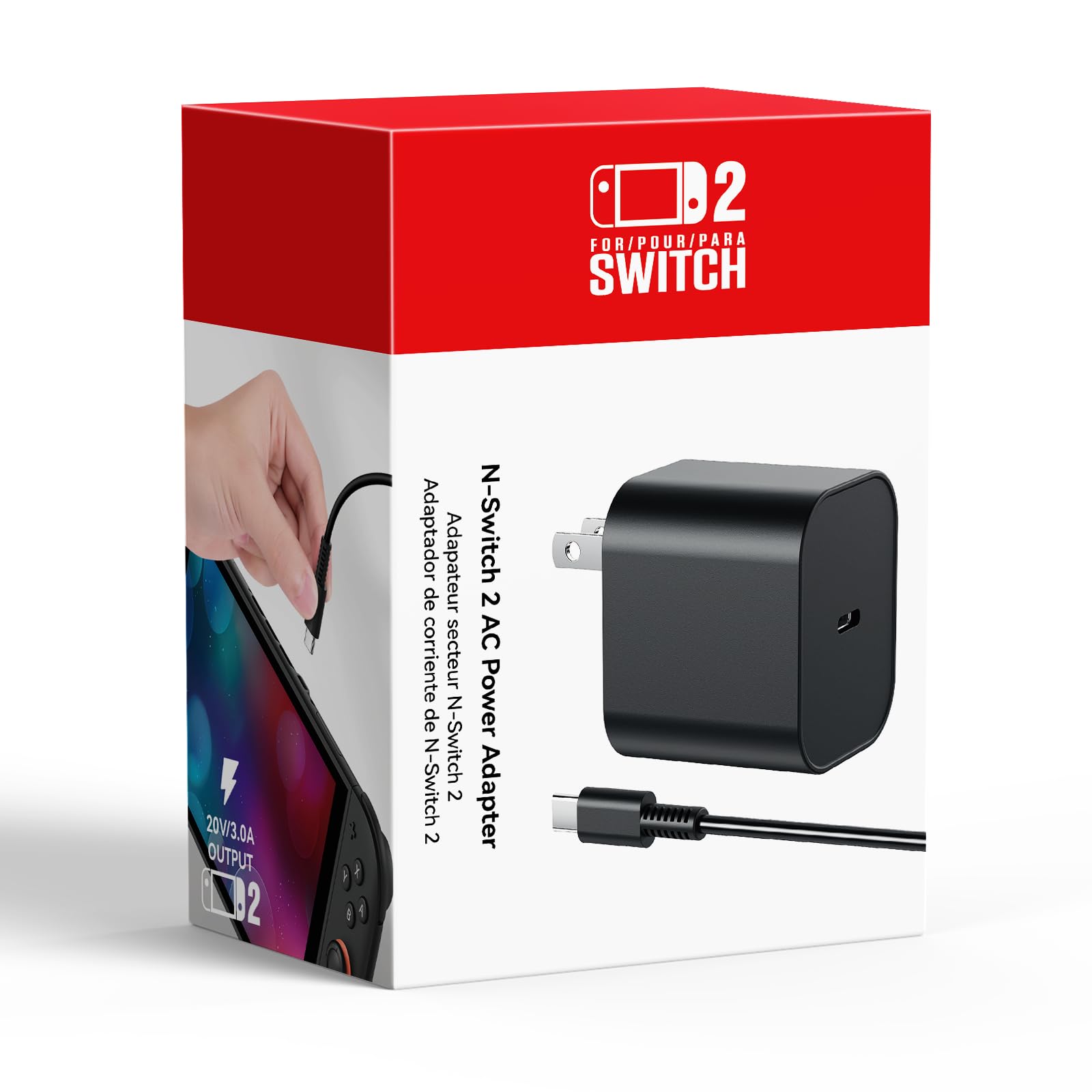
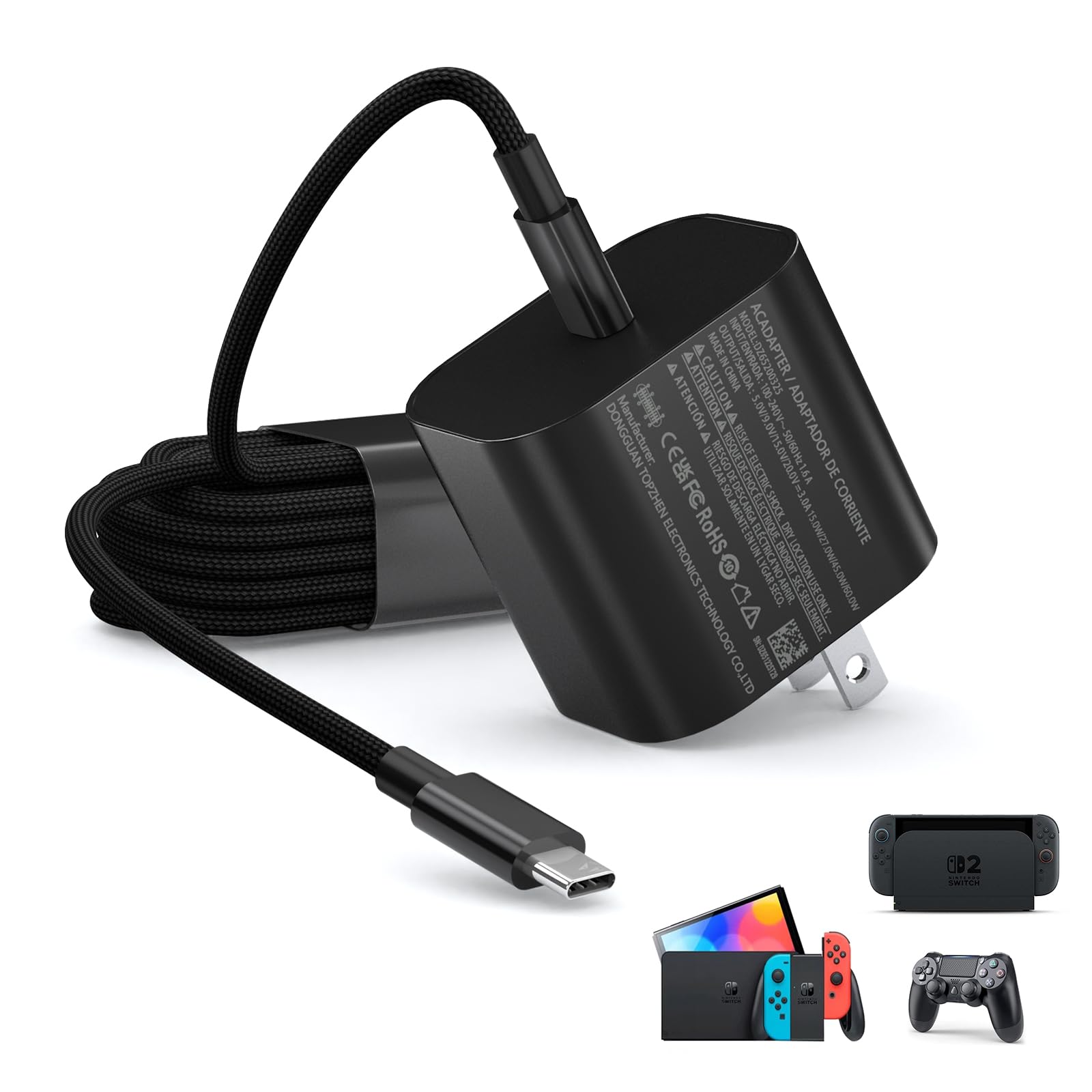
Switch 2 Charger - 60w Charger for Nintendo Switch 2/1,20V 3A PD3.0 Fast Charging Power Supply with 6.6FT USB C Cord Compatible with Switch/OLED/Lite/Steam Deck - Support 4K TV Mode
ℹ
Products from the USA may come with an input voltage of 110V–120V, requiring a step-down transformer. Check the device wattage to select the correct power converter.
•60W Fast Charging for Switch 2: Replacement for Original Switch 2 AC adapter, the 60W Charger can rapidly power up your Switch 2, Switch, Switch OLED, Switch Lite, and Steam Deck. The premium 6.6FT USB-C cable fits all type-C devices. The charger adapter will charge your switch from 0% to 50% in an hour, which provides you greater charging stability and higher efficiency
•Wide Compatibility: 60W Charger Compatible with Switch 2, Switch, Switch OLED, Switch Lite, Steam Deck, Switch TV dock, Switch 2 Dock, Switch pro controller, Xbox Elite2, PS5 Controller,and more Devices under 60W via USB-C. iPhone 17 16 15 Series, iPad (USB-C Port), MacBook Air and Galaxy S25, Pixel 9
•Supports 4K TV Mode: The adapter charger supports handheld mode and 4k TV dock mode,you can immerse yourself in the big screen and fully enjoy the gaming process without having to stare at the small screen and harm your eyes. Moreover this charger provides stronger power output (20V/3A) for TV Mode Switch Dock.
•Portable Power Solution for Gamers & Pros: One charger for Switch 2, laptops & phones. Compact 60W GaN design + 6.6FT cable makes it ideal for home, office & on-the-go use
•PD3.0 USB Type C Charger: The charger for steam deck Built-in multi safeguards and cooling system to protect against overcharging, short circuiting, overheating, intelligently monitoring temperature to safeguard your devices
•What You Get: A 60W AC power adapter for switch 2 and support 4K TV dock mode with 6.6ft AC extension cord.If your charger not work or have other concerns in daily use. Feel free to contact us by your Amazon email. For help, visit the path → "Login to Amazon" → "Your Account" → "Your Orders" → "Ask Product Question"
 From USA