Starlink Ethernet Adapter Starlink Standard Actuated Gen2, Sta | Shop The World
From USA
NewiHuigol
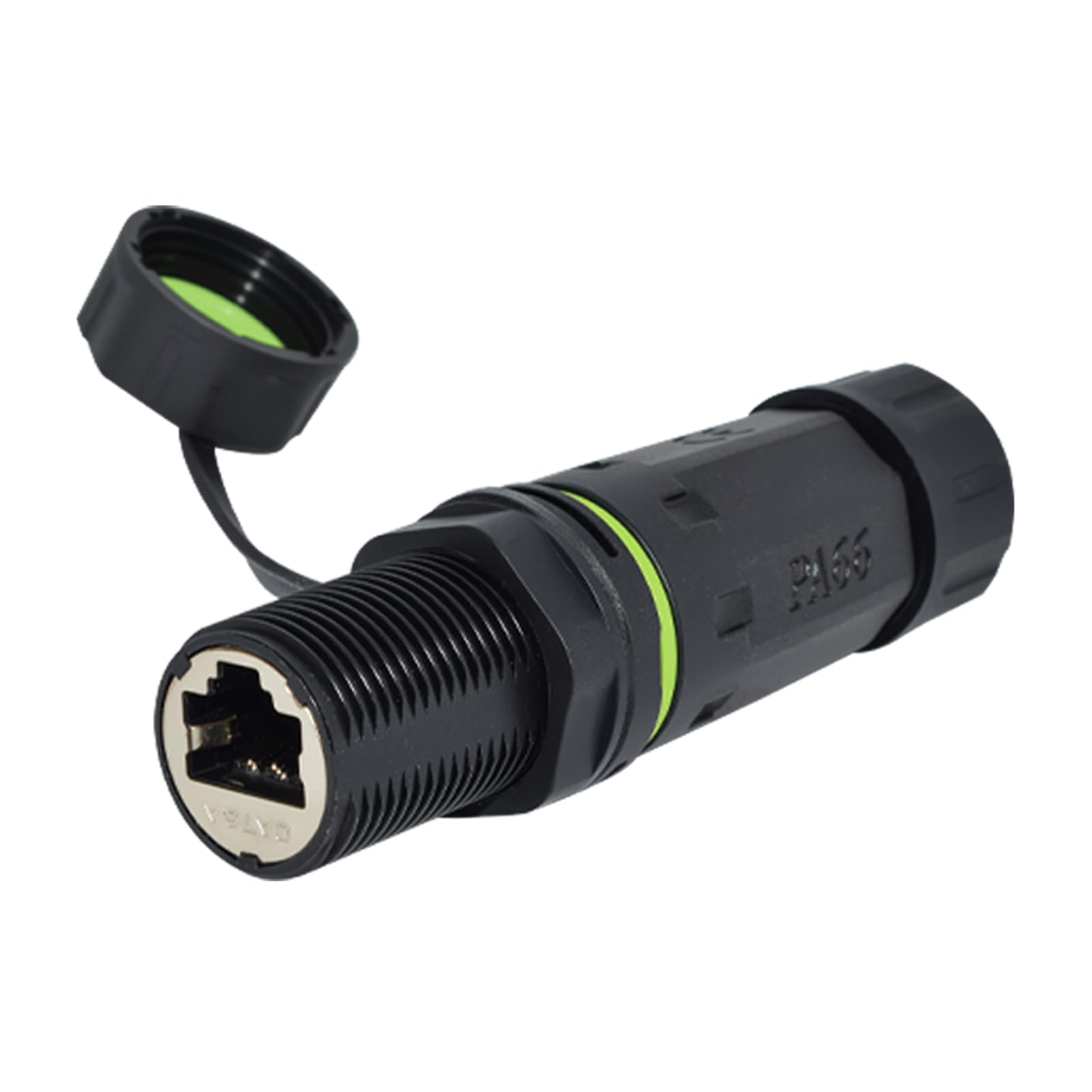
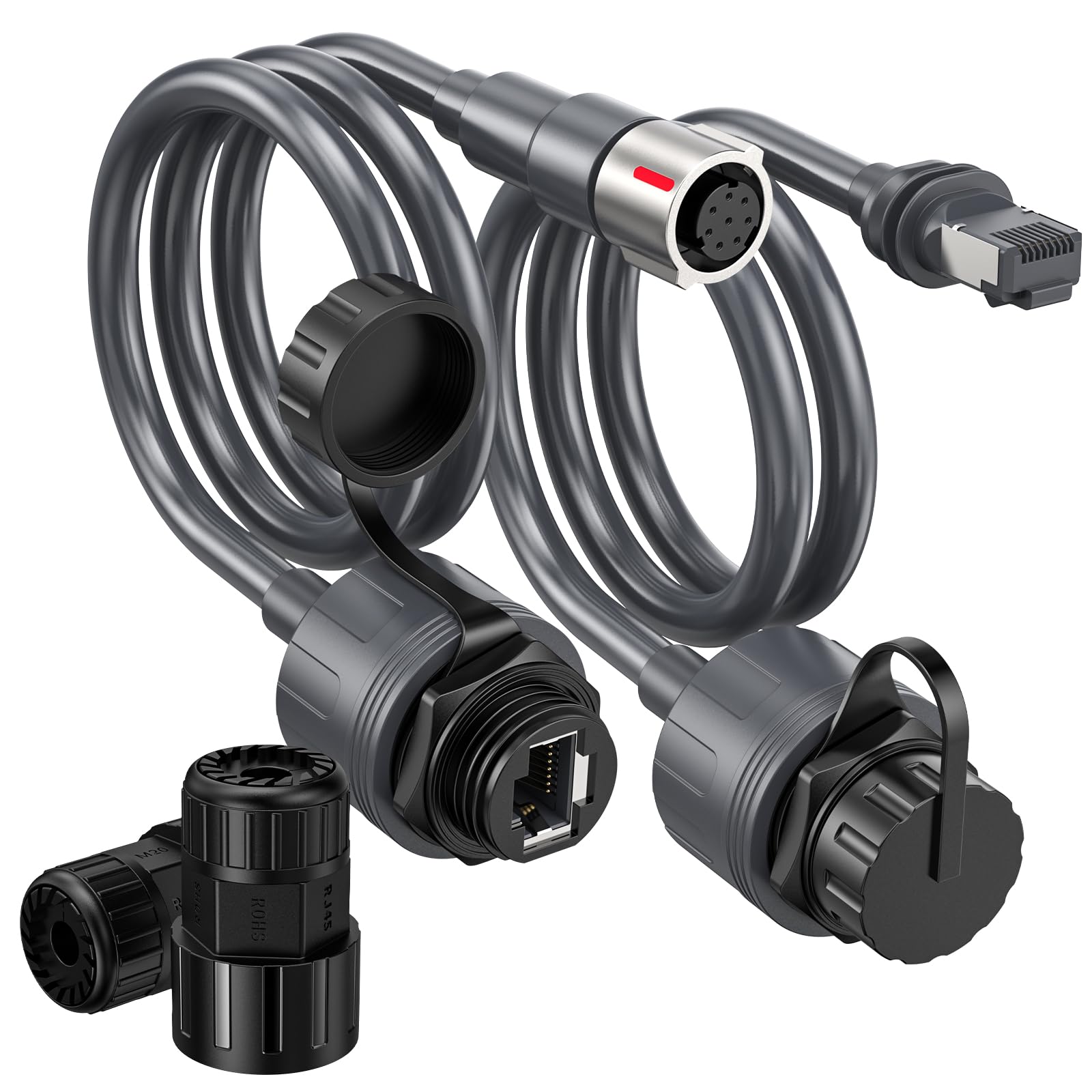
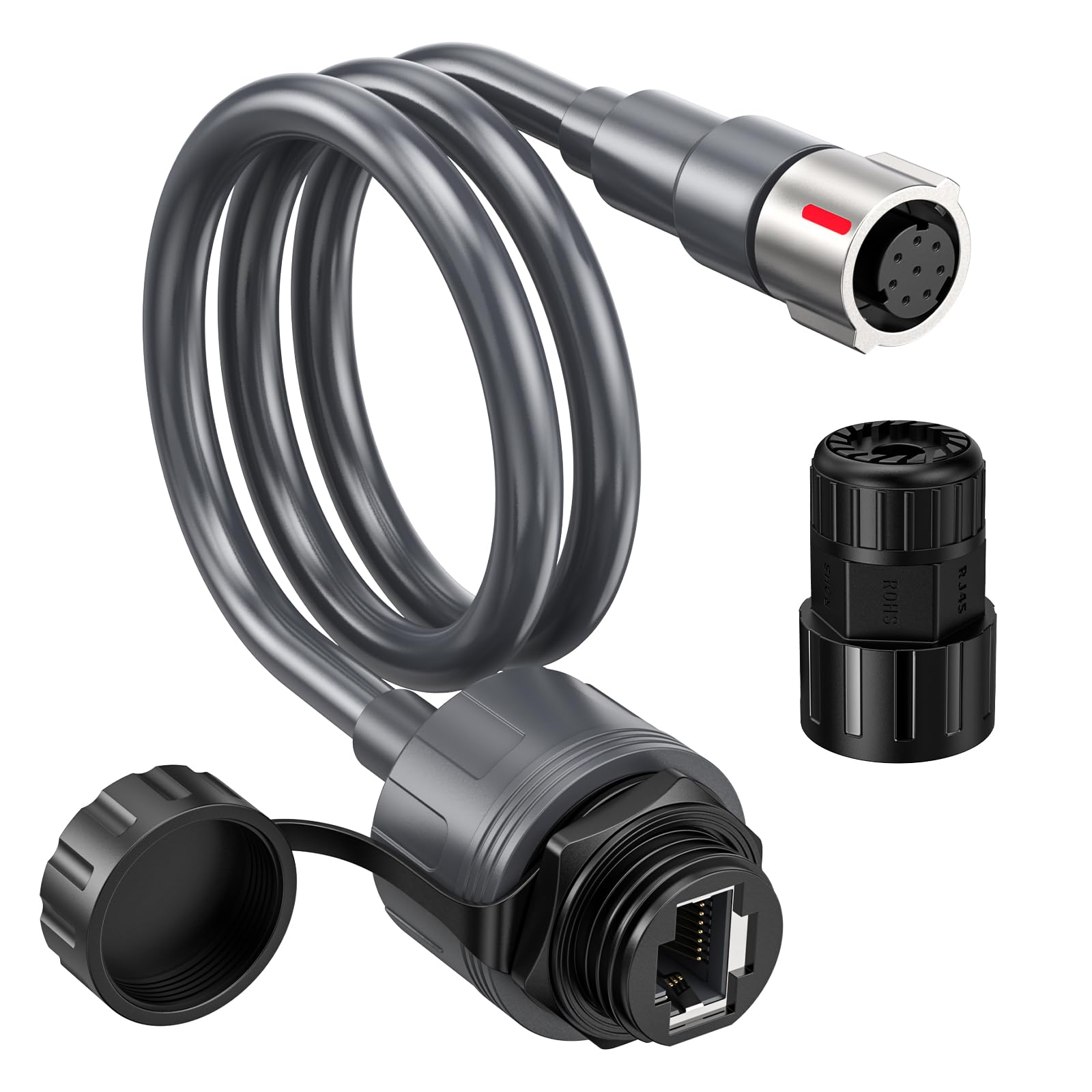
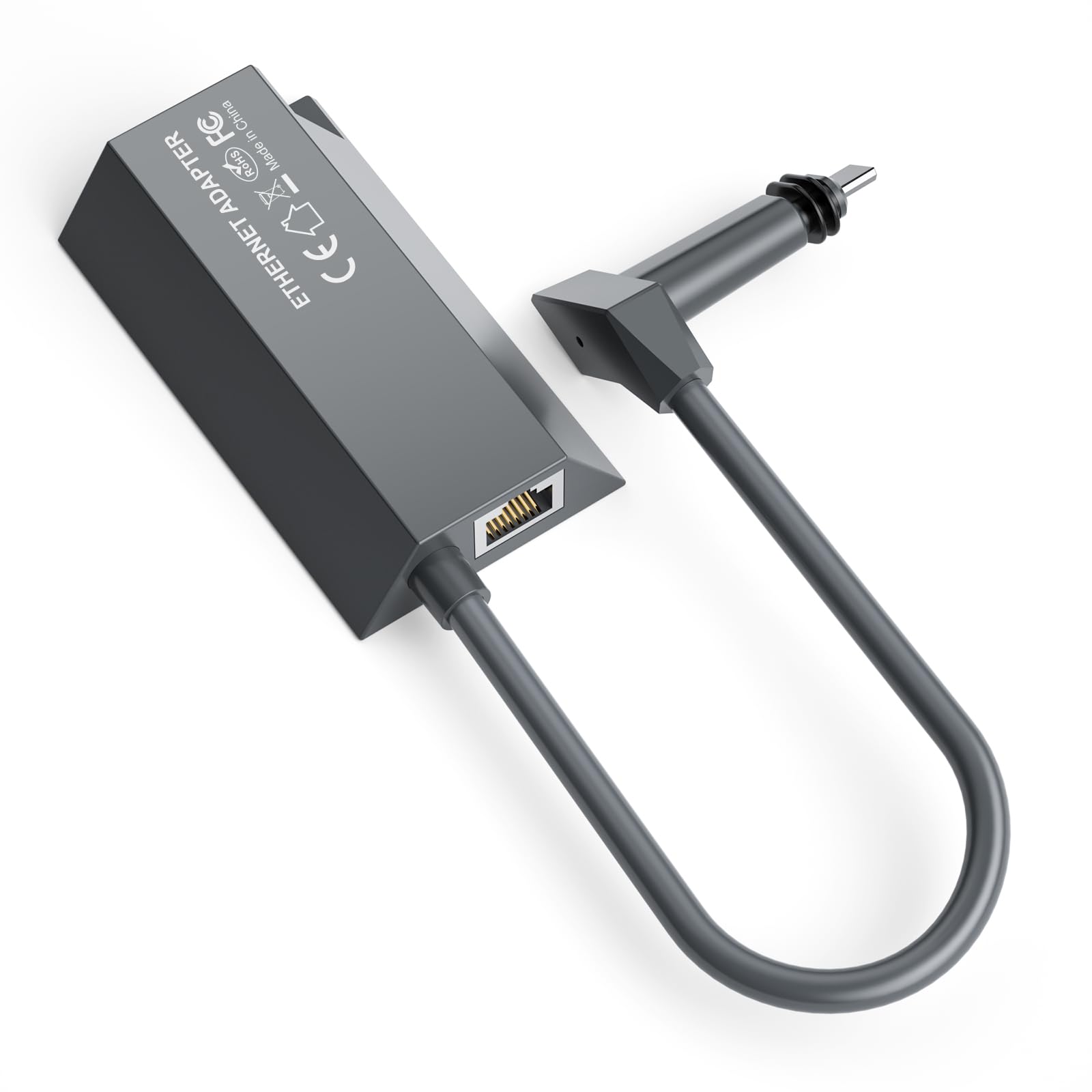
Starlink Ethernet Adapter for Starlink Standard Actuated Gen2, Starlink Gen 2 Ethernet Adapter to RJ45 Wired External Stable Network Connectionfor Starlink Satellite Rectangle Dish
ℹ
Products from the USA may come with an input voltage of 110V–120V, requiring a step-down transformer. Check the device wattage to select the correct power converter.
•【Designed for Starlink Driver Generation 2】Our Starlink Ethernet adapters are designed for the Starlink standard driver generation 2, which guarantees a stable and reliable network connection. The adapter ethernet starlink is not compatible with other models.
•【Expanded Network Ports】 With the use of an Ethernet adapter, Starlink systems can work with the network where other devices are located without conflicts or complex configuration difficulties. When a device lacks a network port or is damaged, the use of an Ethernet adapter allows it to smoothly access the wired network and meet the needs of users for high-speed network applications such as high-definition video playback, online gaming, and large file downloads.
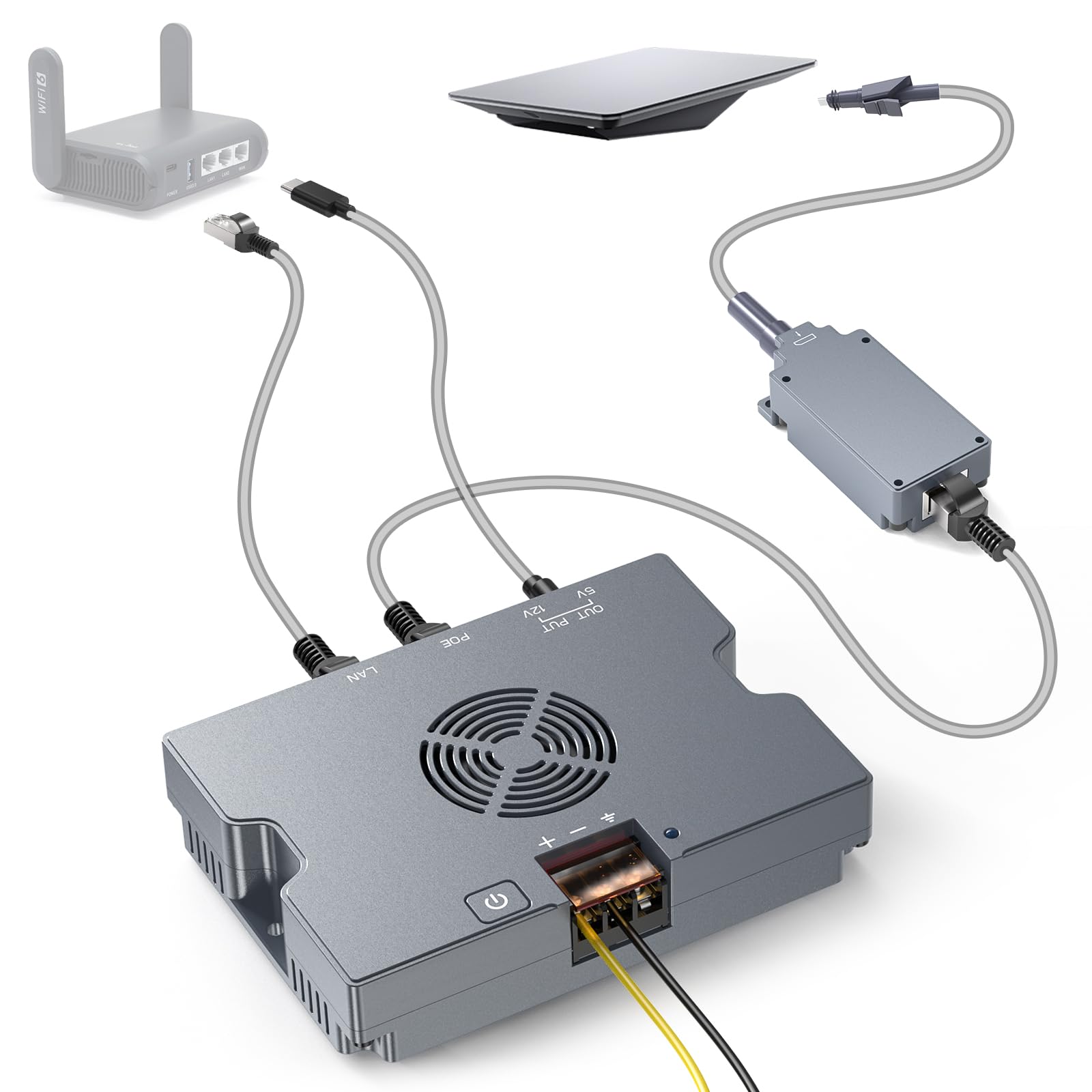
•【Plug and Play】Starlink Ethernet adapter adopts plug and play design, no need to install driver, which saves you a lot of time and effort. Before installing the satellite internet ethernet adapter V2, make sure to turn off the power of the related devices, and then plug the adapter into the port on the router where the antenna cable is connected. Then connect the antenna cable to the connector on the adapter. After completing the installation of the adapter, turn the power of the device back on.
•【Fast and Stable Network】The Starlink Ethernet Adapter Gen 2 connects the Starlink V2 antenna to the Starlink router for a reliable wired connection. It supports speeds up to 1 Gbps to ensure fast and stable Internet performance. Wired connection is usually more stable and reduces network interference, providing users with more reliable Internet access.
•【Wide Range of Device Compatibility】In the home network environment, if there are multiple computers, smart TVs, webcams and other devices that need to access the network at the same time, connecting them with an Ethernet adapter can realize multi-device network connectivity and meet users' diverse device connectivity needs.
 From USA