snrigw replacement remote control tv box a2540 a2584 no voice | Shop The World
From USA
NewSnrigw
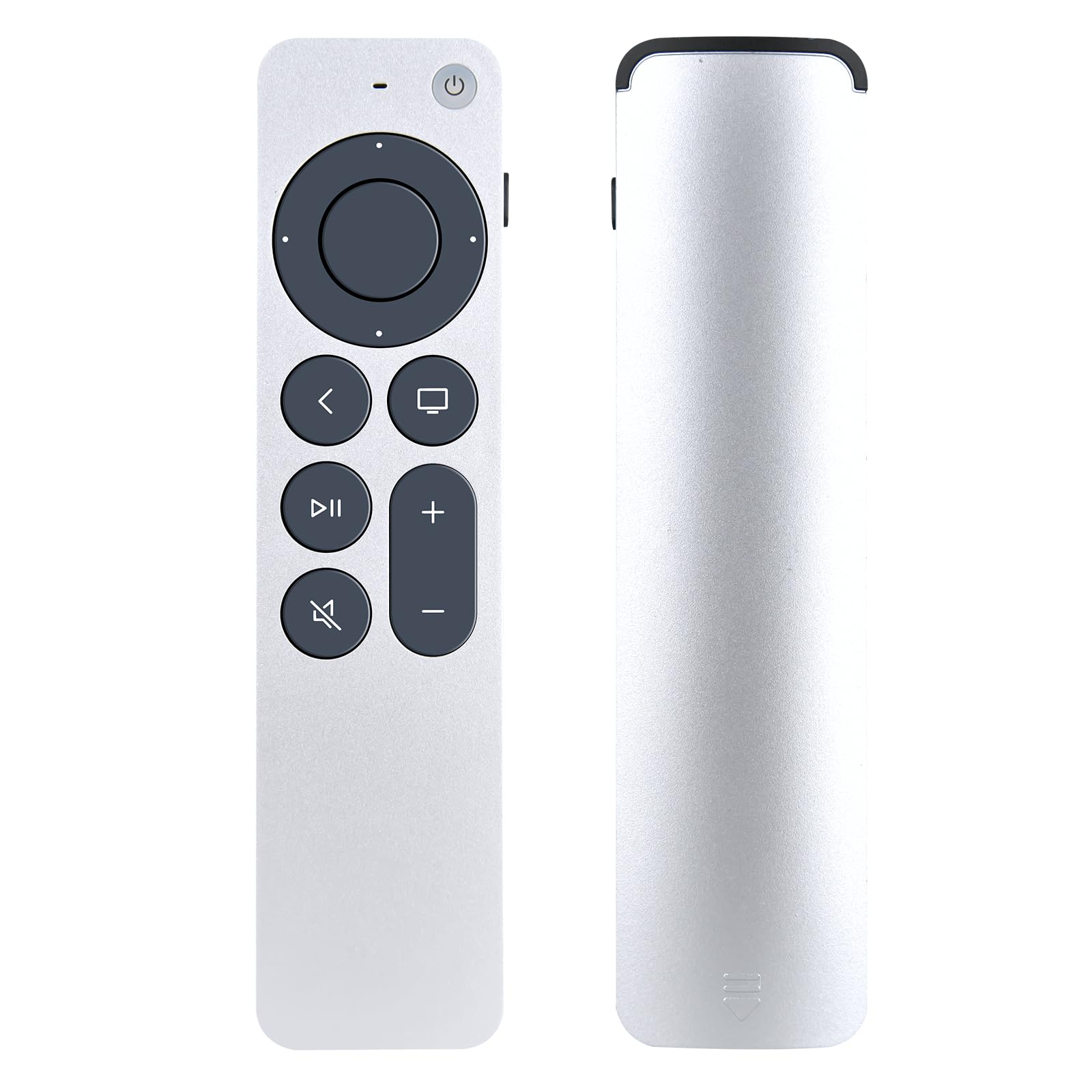
Snrigw Replacement Remote Control for TV Box A2540 A2584 No Voice,Silvery
ℹ
Products from the USA may come with an input voltage of 110V–120V, requiring a step-down transformer. Check the device wattage to select the correct power converter.
•Perfect Compatibility with A2540 & A2584 Models:This replacement remote control is exclusively designed for TV models A2540 and A2584, delivering seamless integration without voice functionality. Enjoy full navigation control—including menu, playback, and volume button.
•Connect Remote to TV:lf your TV has connected to other remote before, please do the followingsteps to set our remote as the primary remote, then use it. 1.Turn on your TV. 2.Point our Remote to your TV, press and hold the [MENU] and [Left ]button for about 6 seconds, until the LED light fashes. 3.Done, it should work for your TV. 4.f it still not working, please repeat step 1 and 2, and press hold for longer time,and try it again.
•Learning function:It can only learn Infrared remote control function,can not learnBluetooth and wireless remote control function. If your TV brand is not (LG/SONY/TOSHIBA/VIZIO/PHILIPS/PANASONIC), please do the following steps to learn the 5 main buttons [TV POWERI/[INPUTI/[VOL+]/[VOL-]/[MUTE] Firstly make sure you have our remote and your original TV remote controls in handand they do have working batteries inside.
•Step 1: Hold our remote, press [ Power] and [VOL+] together forabout 5 seconds till the LED indicator is on, it will enter the learning mode Step 2: Hold the original remote approximately 3cm from the remote. Step 3: Start to learn the buttons one by one:For example, learn the TV power button, press the TV power button on the original remote control, remote control LED begins to flash, press the power button on the remote control, and the learning is successful LED lights up steadily.
•Step 4: Please repeat step 3 to learn more buttons. If one button is notworking, please learn it again Step 5: Hold our remote, press [Power] and [VOL-] together for about 1-2 seconds till the LED indicator is on, it will save the above settings. During the learning mode, if no key is been pressed for more than 25seconds, it will automatically exit the learn mode. To enter the learnmode, please begin from step 1.