snrigw remote viewsonic ir1109r1 px704hdls901 4kps502x proje P | Shop The World
From USA
NewSnrigw
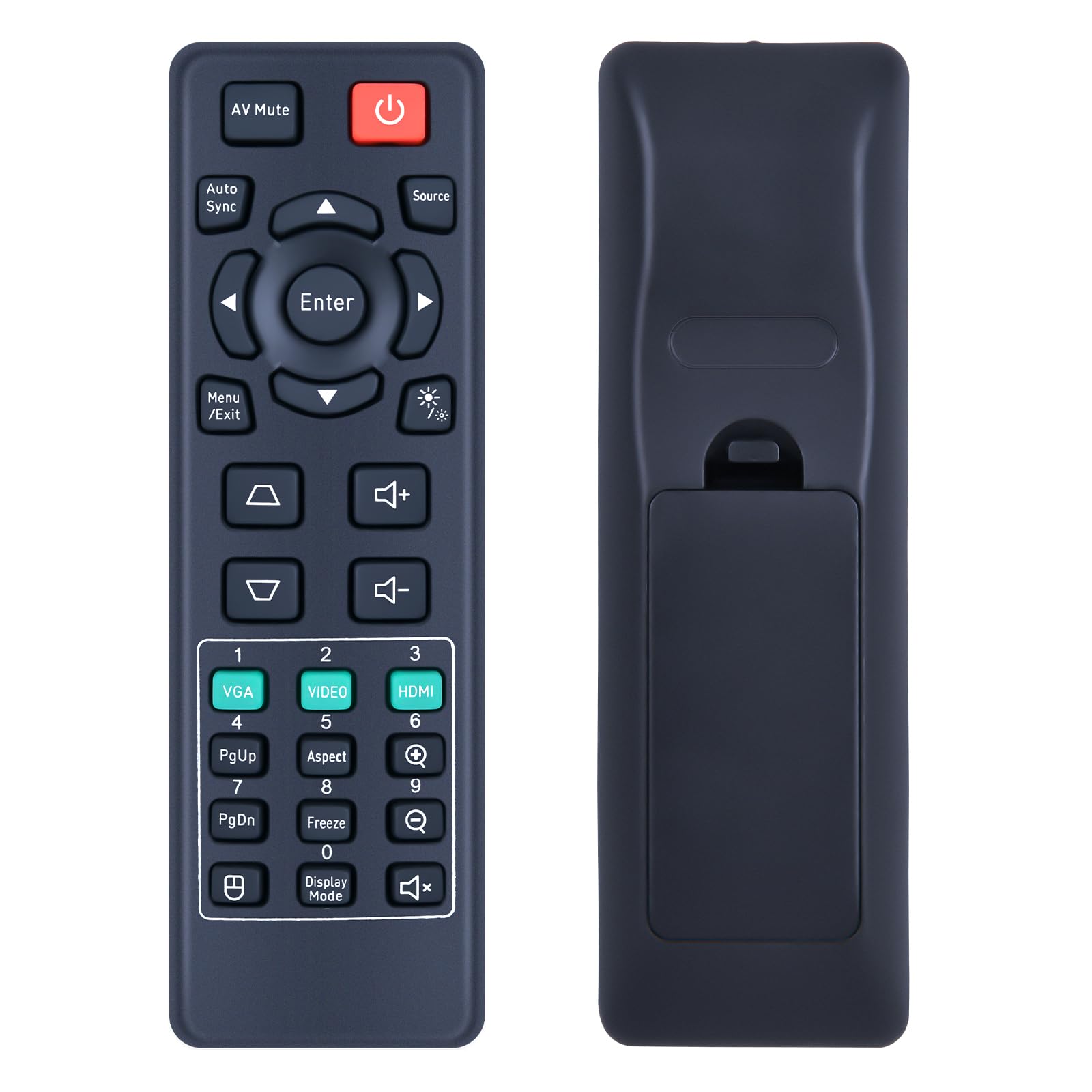
Snrigw Remote for ViewSonic IR1109R1 PX704HD/LS901-4K/PS502X Projector
ℹ
Products from the USA may come with an input voltage of 110V–120V, requiring a step-down transformer. Check the device wattage to select the correct power converter.
•Guaranteed Projector Compatibility:This replacement remote control is specifically designed for projector models, ensuring perfect operation with the PX704HD, PS502X,LS901-4K, LS901HD, LS741HD, LS740HD, LS740W, LS710HD, and LS751HD . As the ideal substitute for original IR1109R1 remotes, it restores full functionality to your projector, providing complete command over all features without compatibility concerns.
•Intuitive Operation & Effortless Control:Navigate your projector's menu with ease using this user-friendly remote. The logically arranged buttons and clear labeling allow you to conveniently adjust settings, switch inputs, control volume, and access special functions for models like the LS901-4K and PX704HD . The ergonomic design fits comfortably in hand, making home theater setup and operation simple for everyone.
•Simple Plug-and-Play Setup:Get your remote working immediately with a straightforward setup process. Just insert batteries(not included) and begin using it with your compatible projector - no complicated programming or technical expertise required. This hassle-free pairing means you can quickly resume enjoying your movies and presentations with full wireless control.
•Reliable High-Performance Operation:Experience consistent, responsive control with this durable remote. Engineered with quality components, it delivers stable signal transmission to ensure every command is instantly recognized by your LS741HD, LS740HD or other compatible projector . The robust construction ensures long-lasting performance for both home entertainment and professional environments.
•【Backed by Reliable After-Sales Service 】Please feel free to contact us if you have any query, thanks!