replacement voice remote control pioneer xumo tv cp rc1na 23 P | Shop The World
From USA
NewRETROSUN
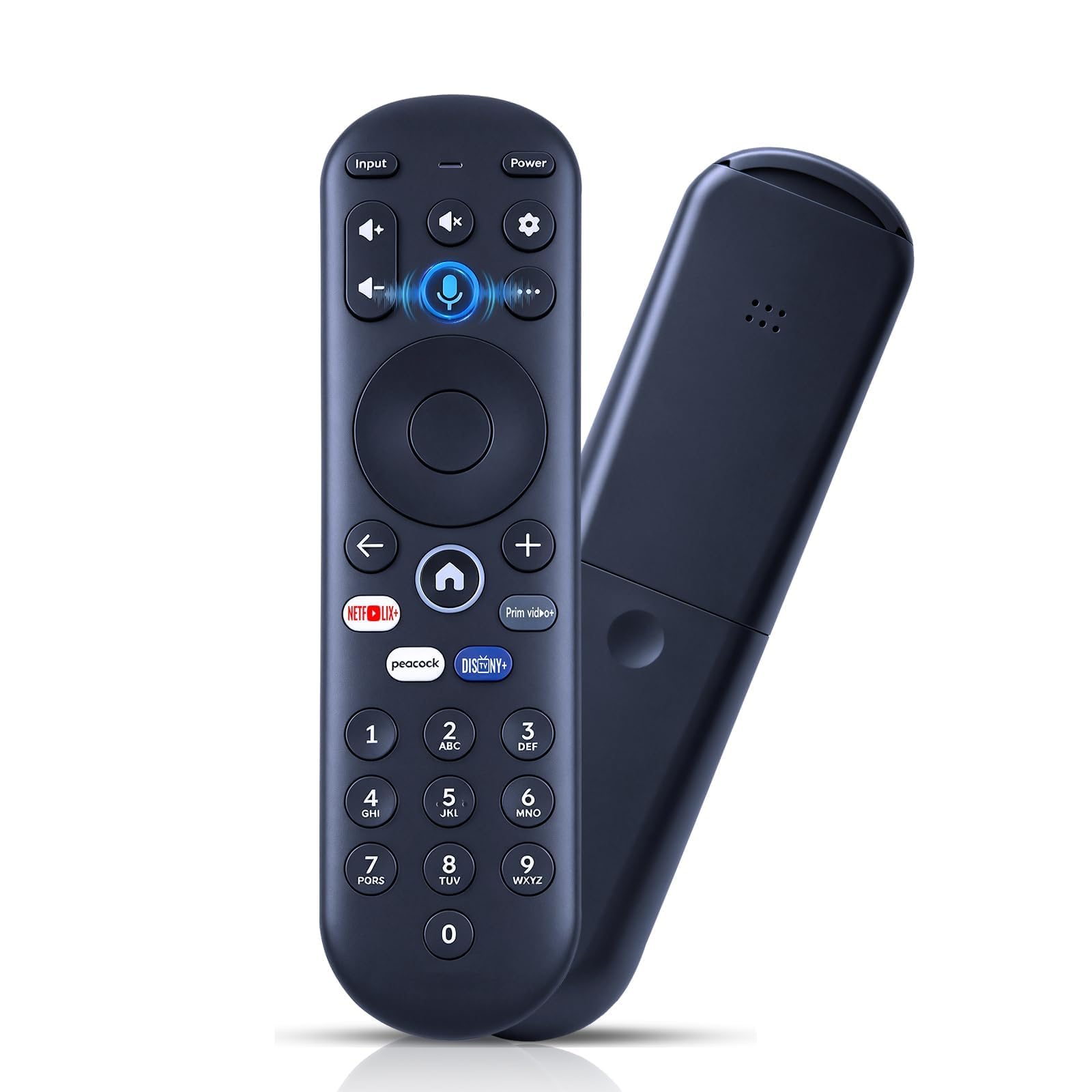
Replacement Voice Remote Control for Pioneer Xumo TV - CP-RC1NA-23
ℹ
Products from the USA may come with an input voltage of 110V–120V, requiring a step-down transformer. Check the device wattage to select the correct power converter.
•Perfect Compatibility - RETROSUN replacement voice remote control compatible with Pioneer & Element xumo tv models CP-RC1NA-23 PN43-751-24U PN50-751-24U PN55-751-24U PN65-751-24U; compatible with Hisense xumo tv modes 43A6GX 50A6G R34010BA00-00001.
•How to Pairing with New Xumo TV - Before using your remote, you'll need to pair it with your TV. If you put batteries in your remote within 15 minutes of plugging in your TV for the first time, your remote will automatically pair to your TV. If unpaired, please follow the below instructions: Step1) Press the SETTING button. Step2) Select Remote > Pair your remote to your TV. Step3) Follow the on-screen instructions. ( Tips: If pairing fails, turn off your TV and unplug from the power source. Plug TV back in, power on, any try steps 1-3 again.)
•How to Pairing with Sound System - Step1) Press the SETTING button. Step2) Select Remote > Pair your remote and sound system. Step3) Follow the on-screen instructions
•How To Reset Remote - Step1) Hold the ← and + buttons for 3 seconds until the light at the top of the remote turns solid green. Step2) Press 9, then 8, then 4(the light will blink red a few times). Step3) Hold the ← and + buttons for 3 seconds again. Step4) Press 9, then 8, then 1. Step5) Wait for the light at the top of the remote to flash red again. Step6) With your remote control pointed towards your TV, try pressing the HOME button then other keys to make suer your remote is working properly
•Package List - 1 * Voice Remote & Use Manual ( 2pcs AAA Not Inluced)