rechargeable solar voice remote samsung smart tv remote contro | Shop The World
From USA
NewPairtty
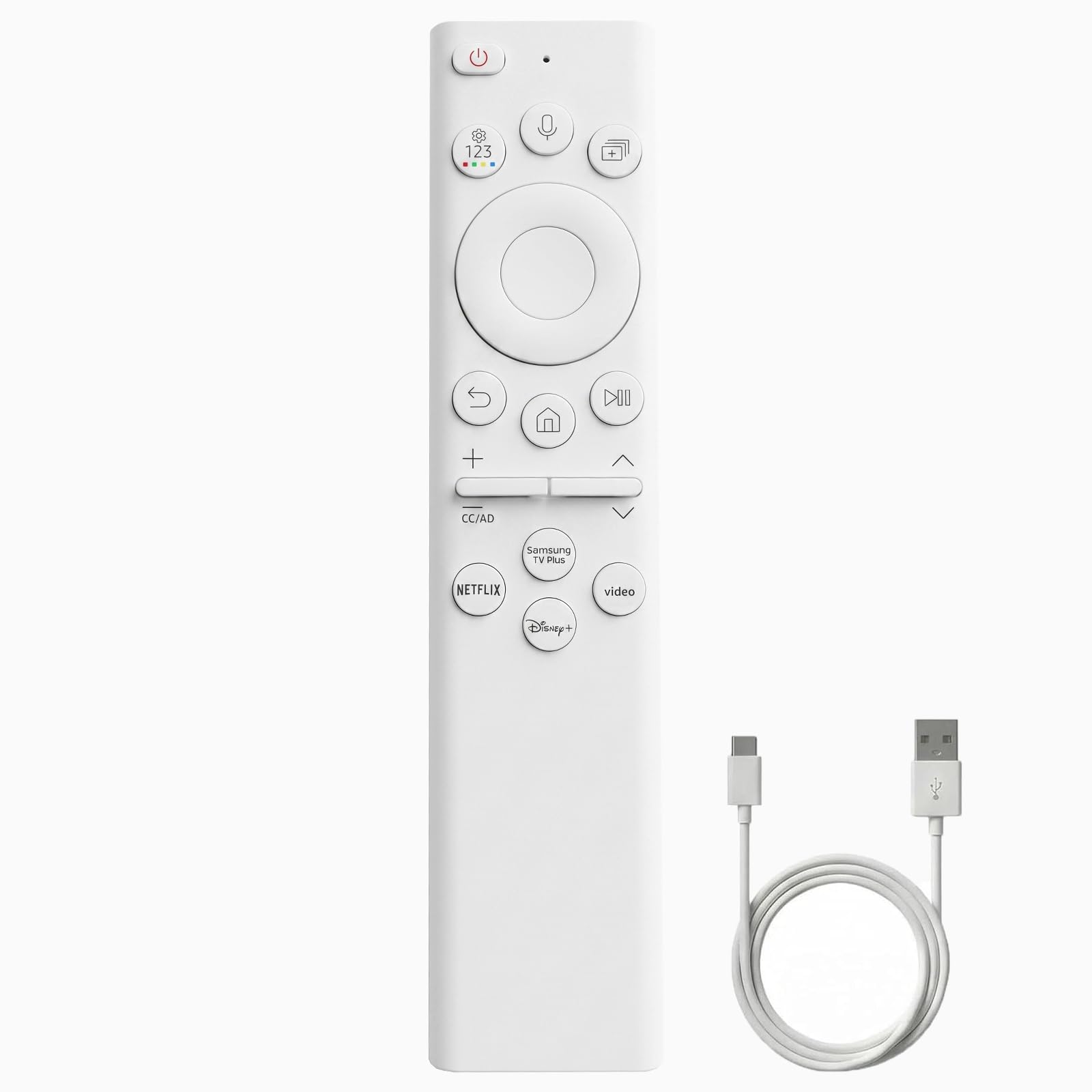
Rechargeable Solar Voice Remote for Samsung Smart TV Remote Control
ℹ
Products from the USA may come with an input voltage of 110V–120V, requiring a step-down transformer. Check the device wattage to select the correct power converter.
•Wide compatibility : Works with 2020–2026 Samsung TV models including Neo QLED, OLED and The Frame series.Replacemen: BN59-01391A,BN59-01385A/B,BN59-01312D, BN59-01312F, BN59-01312A, BN59-01342M, BN59-01259B, BN59-01357A/F, BN59-01455A, BN59-01241a, BN59-01301A ,BN59-01199F, BN59-01266A, BN59-01259B,BN59-01260A, BN59-01241A and more. for all screen sizes:32”-85” tvs supported.
•With 4 popular shortcut keys, you can easily access your favorite TV programs, video software, and frequently used functions with just one click. Simplify the operation steps and save your valuable time.
•Dual charging mode: The remote control supports solar and USB-C charging, and it supports USB-C fast charging (including cable * 1) and solar charging. No need to install batteries.
•Compatible With Samsung TVs 2020-2026 Series: for Samsung 6 series, 7 series, 8 series, Frame and Crystal UHD Series, QLED Q60T Q70T Q80T series Smart TV, such as RU9000 -TU8000 -TU8300 -Q60T - Q70T -Q80T -Q90T -Q800T -Q900TS -Q950TS -LST7 - LS05 -RU8000 -Q50 -Q60 -Q70 -Q80 -Q900 -NU8000 -NU8500 -Q6F -Q7F -Q7C -Q8F -Q9F Series
•Voice control function: The remote control has a built-in Bluetooth chip, which can easily capture your voice commands and execute them immediately even from the other end of the room. Quickly search for information content, switch channels, adjust volume, enjoy hands-free control, and get a smarter and more intuitive viewing experience.
•Pairing Settings: 1.Point the remote control at the receiving window of the TV。 2.Press and hold the “return” and “Play/Pause” keys for more than 3 seconds until the pairing message appears on the screen. If the pairing information does not appear after pressing for more than 3 seconds, please the“return” and “Play/Pause” keys again for more than 3 seconds. Until the pairing message appears. The pairing is completed only when pairing is successful.