Products from the USA may come with an input voltage of 110V–120V, requiring a step-down transformer. Check the device wattage to select the correct power converter.
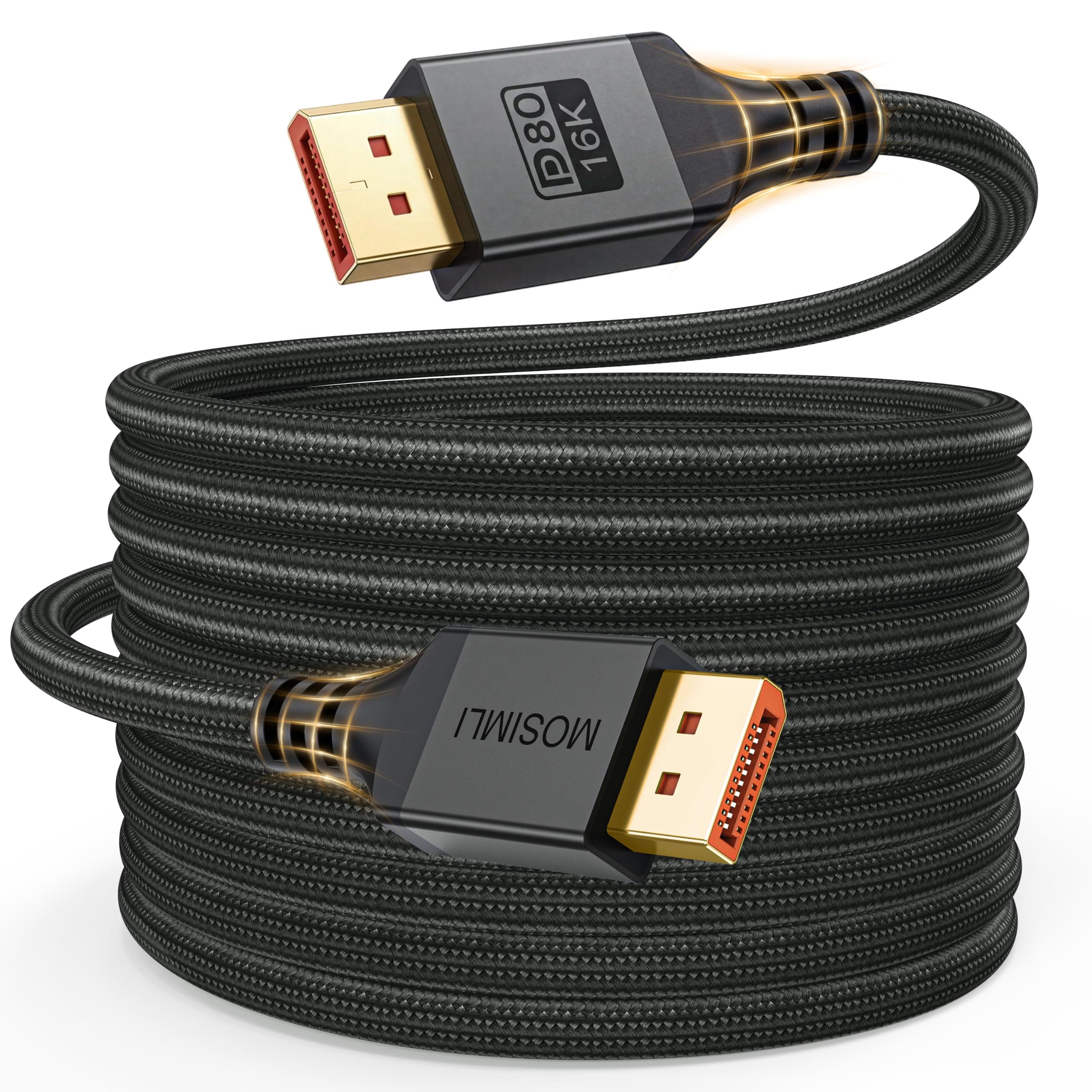
•【Uncompromised 80Gbps Bandwidth】This Display Port 2.1 cable delivers an unprecedented bandwidth of up to 80 Gbps, nearly four times that of the previous DP 1.2 specification. It supports resolutions up to 16K@60Hz, 8K@240Hz, and 4K@480Hz, is compatible with DP and DP++ modes, and maintains backward compatibility with DP 2.0/1.4/1.3/1.2 standards—ensuring stable, high‑speed transmission without signal loss,this is the only DisplayPort cable you'll need for the next decade
•【Flexible10FT DP Cable】10FT DP Cable offers flexible length to connect devices and displays, ideal for hosts placed on the floor requiring cable routing, wide desks, or multi-screen long-distance connections, ensuring both extended-range transmission and stable audio-visual signal integrity
•【Ultimate Gaming Performance】The DP 2.1 cable elevates your gaming experience with dynamic HDR, delivering incredible contrast and detail in dark scenes. It supports HDR10+, DSC 1.2a, FreeSync, G‑Sync, 3D, HDCP 2.2 & 2.3, and 12-bit Color Depth, transmitting high-quality audio and video signals with zero latency or tearing. This brings immersive thrills to AAA titles and competitive FPS games. Please ensure DSC is enabled before use
•【Military-grade braided design】Our DP cable features a military-grade high-strength braided exterior that effectively resists abrasion and tangling. With 24K gold-plated connectors, a rugged aluminum housing, and pure copper conductors, it ensures stable signal transmission, withstands frequent daily bending, and significantly extends its lifespan
•【Customer Support Information】We provide 48 months of dependable customer care.For assistance, please use the instant messaging system and we will respond promptly
•【Please Note】When a DisplayPort cable fails to work properly, the first step is to check whether the display input source has been switched to DP (not HDMI). Some devices require manual adjustment, as well as ensuring that the resolution and refresh rate compatibility between the input and output devices is consistent. In the second step, you need to check whether the DP interface is securely connected. If it is loose, you can try using securing clips to stabilize the DP connection. Thank you for your trust