milipow dual bay hard drive docking station offline cloning s | Shop The World
From USA
NewMiliPow
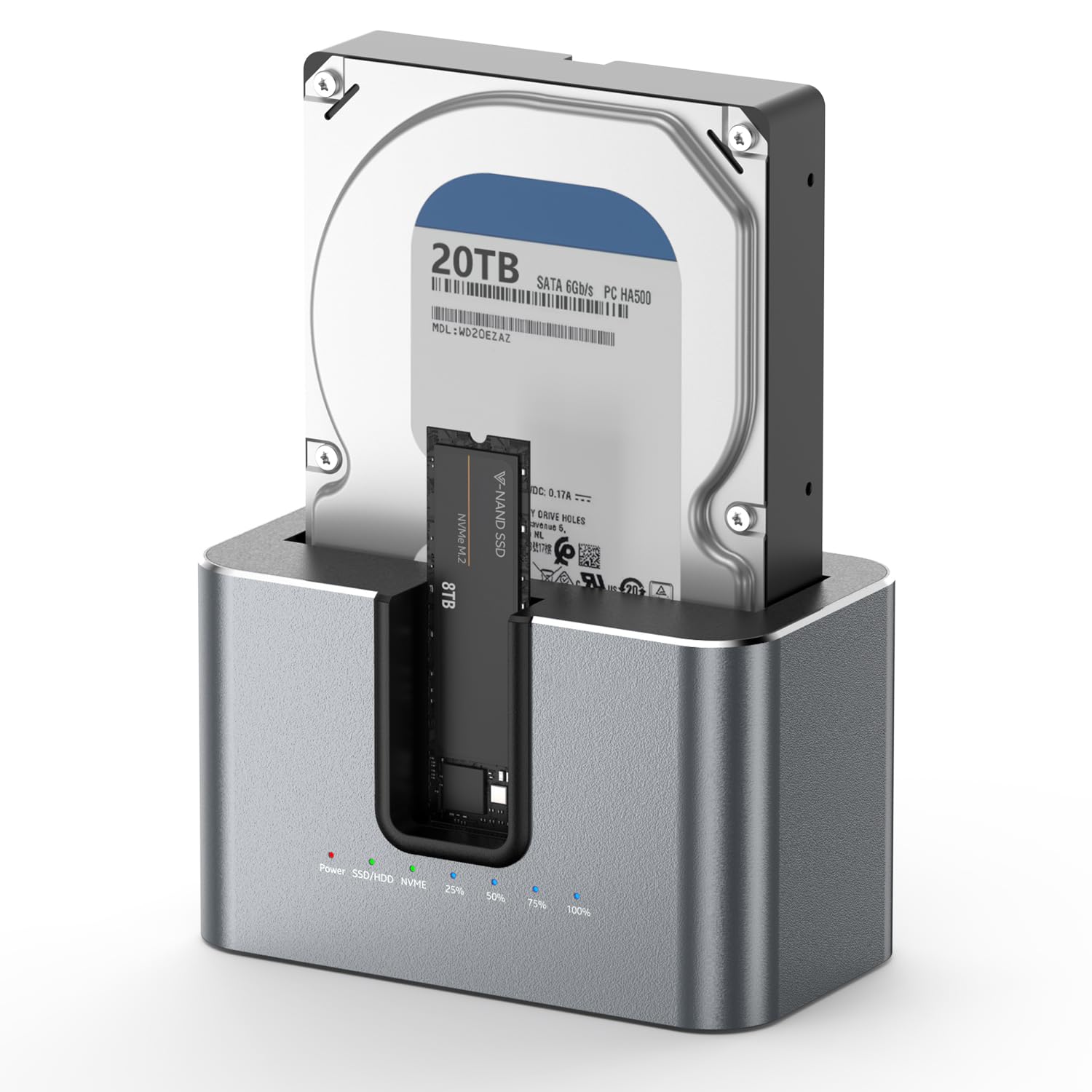
MiliPow Dual Bay Hard Drive Docking Station with Offline Cloning, SATA to NVMe Cloner for 2.5"/3.5" SATA HDD/SSD and M.2 NVMe SSD, UASP Supported, Up to 28TB
ℹ
Products from the USA may come with an input voltage of 110V–120V, requiring a step-down transformer. Check the device wattage to select the correct power converter.
•Dual-Bay Offline Hard Drive Clone Dock: This dual-slot docking station enables one-touch offline cloning for SATA HDDs/SSDs and M.2 NVMe SSDs. No PC connection is needed during data duplication. Integrated LED progress lights mark cloning status at 25%, 50%, 75%, and 100%. After cloning finishes, simply initialize the target drive via Windows Disk Management for immediate use.
•USB 3.2 Gen 2 Super-Fast Data Transfer: Equipped with a USB 3.2 Gen 2 port delivering transfer speeds up to 10 Gbps, this dock offers backward compatibility with USB 2.0. It maintains consistent read/write speeds for large media files, full-disk backups, and everyday file transfers.
•Broad Drive & File System Compatibility: Compatible with 2.5” & 3.5” SATA HDDs/SSDs, plus M.2 NVMe SSDs. It supports mainstream file systems including FAT32, NTFS, EXT4 and exFAT, and instantly recognizes pre-formatted drives of all supported formats.
•Multi-OS Support + Clear LED Status Lights: Works seamlessly with all mainstream Windows, macOS and Linux operating systems, fully compatible with desktops and laptops. Separate power and read/write LED lights let you track real-time activity for both installed drives.
•Sturdy Build & Intuitive Operation: Independent power switch, dedicated clone button and drive orientation selector are arranged for hassle-free operation. The solid reinforced casing shields internal hard drives from bumps during transport and daily use, making it perfect for personal data storage, office backup and bulk disk cloning tasks.
•Important Note: 3.5-inch HDD 8TB and above draw high power. If the dock detects your M.2 NVMe SSD first, wait roughly 30 seconds to let the mechanical HDD finish its startup sequence.
 From USA