JVS USB Controller Adapter, Game Controller Adapter TTX2 TTX3 | Shop The World
From USA
NewVikye
for JVS to USB Controller Adapter, Game Controller Adapter for TTX2 TTX3 Sega Naomi1 Naomi2 Game Converter for Xbox 360
ℹ
Products from the USA may come with an input voltage of 110V–120V, requiring a step-down transformer. Check the device wattage to select the correct power converter.
•TWIN STICK MODE: When a for PS4 controller is connected to the 1P USB port, pushing for PS button switch operation mode between the normal mode and the twin stick mode. When a USB keyboard supporting boot mode, though almost all keyboards will support, is connected, for IONA switches to mahjong mode.
•CONTINUOUS SHOOTING CONFIG MODE: You can press multiple physical buttons for which rapid fire is enabled. Similarly, timing should not be exact. You can try multiple time until existing from this mode. You can reset all settings and restore default settings by pressing TEST and SERVICE together outside the normal mode. LED flashes, then go back to the normal mode automatically.
•LAYOUT CONFIG MODE: On pushing TEST and SERVICE together, it enters the layout config mode. you need to press both for at least 0.5 and at most 5 seconds together. You don’t need to push them exactly together, e.g. keeping TEST down and clicking SERVICE will work.
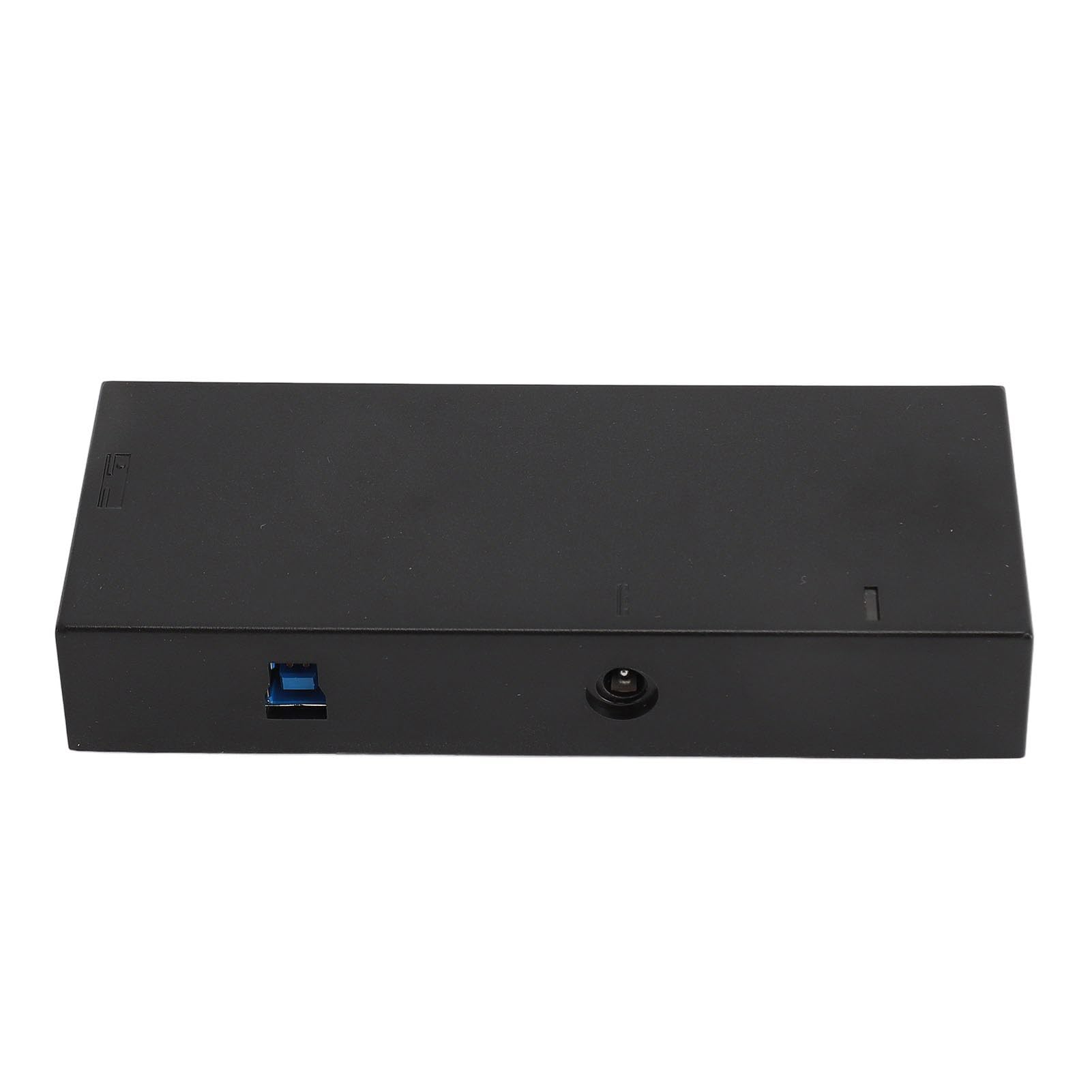
•FOR JVS TO USB CONTROLLER ADAPTER: For IONA US is a board to connect USB gamepads to for JVS based arcade systems. For JVS based system having standard power supply, video and sound outputs, such as for exA Arcadia, for Taito TypeX2, with the controller adapter, you can use standard USB gamepads to play games.
•OPERATION MODES: For IONA runs in the normal mode. Operation modes are transited by pressing TEST and SERVICE buttons on the for IONA board. Normal mode (LED blink or on, depending on JVS bus state). Works as a JVS I/O controllers with chosen settings.

 From USA