iheylinkit 2 1 wireless carplay adapter convert wired wire Pri | Shop The World
From USA
NewiHeylinkit
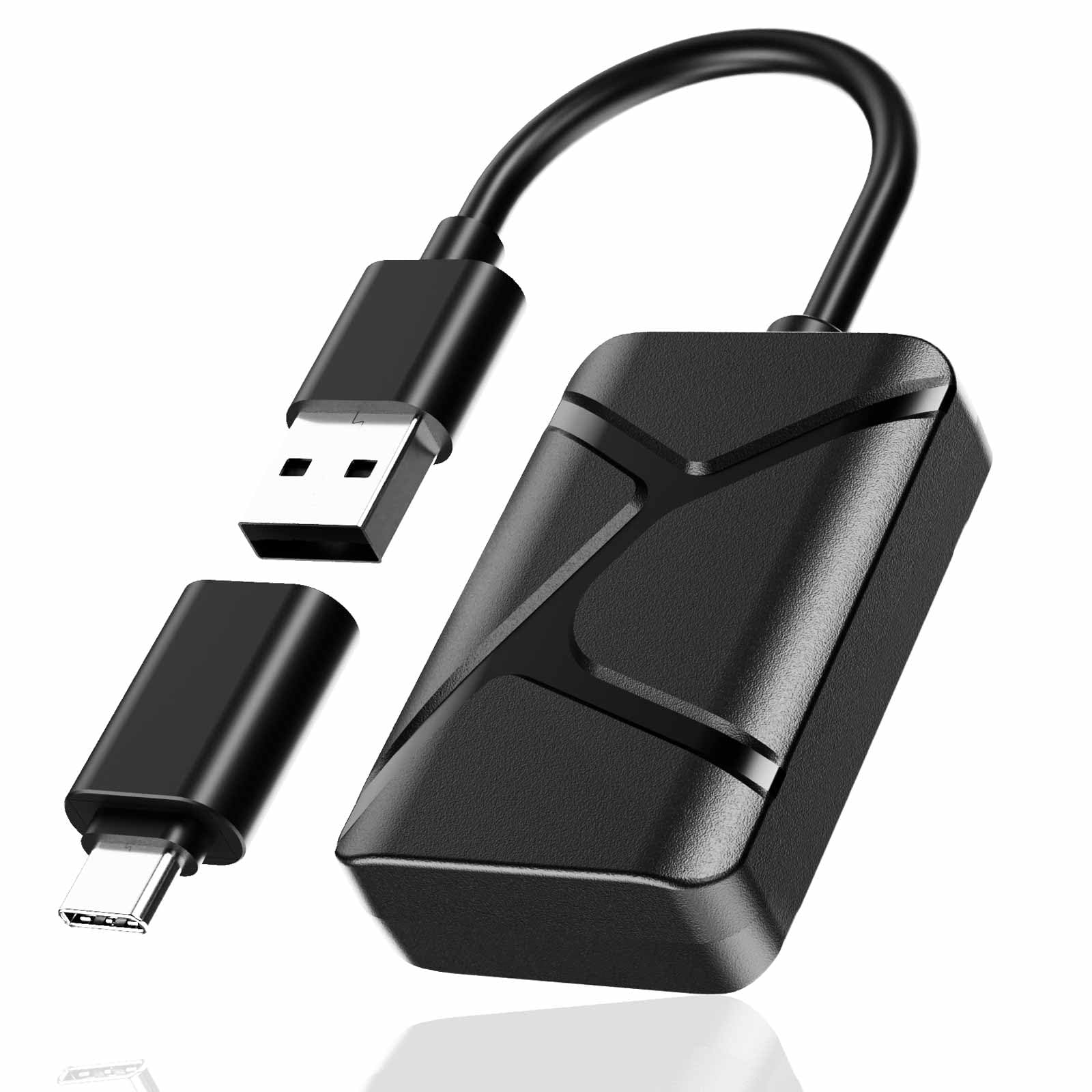
iHeylinkit 2-in-1 Wireless Carplay Adapter, Convert Wired to Wireless Mini Car Play Adapter for Apple iPhone & Android Auto, Seamless Plug & Play Auto Connect, Compatible with 2016-2025 Car Models
ℹ
Products from the USA may come with an input voltage of 110V–120V, requiring a step-down transformer. Check the device wattage to select the correct power converter.
•[5s Auto-Connect] Seamless Wireless Driving: Experience a seamless start to your journey. Powered by the A7 Ultra Dual-Core Chip, this adapter automatically connects in just 5 seconds after a one-time 15s setup. Enjoy a lag-free, stable connection for navigation and music every time you start the engine—no cables, no waiting.
•[2-in-1 Design] CarPlay & Android Auto: The ultimate solution for smartphone users. This 2-in-1 adapter supports both Wireless CarPlay and Android Auto. Weighing only 40g and ultra-compact, it includes a USB-C converter, making it a true plug-and-play essential for your own vehicle or rental cars.
•[Wide Compatibility] For 2016+ Car Models: Upgrade your factory-wired system effortlessly. Compatible with 98% of cars (2016+), excluding Tesla and BMW. To ensure the most stable performance and avoid connectivity issues, we recommend a quick firmware update before your first trip.
•[Stable Connection] Lag-Free Single Link: To guarantee minimal interference and maximum signal range, the adapter maintains one active device connection (simply unpair to switch phones). It fully supports your original steering wheel controls and voice commands for safe, hands-free calls and music.
•[3-Year Support] Reliable & No Fees: Drive with peace of mind. Your purchase includes a 2-year warranty and 3-year technical support. This hardware requires no subscription or internet connection and is designed to minimize phone battery drain, ensuring a worry-free experience on long road trips.
•[Important Tip]: If you just received your product or suddenly run into connection issues, don’t worry—take a minute to check for updates on your Carsmart Adapter!1.Connect to Wi-Fi: Turn on your phone’s Wi-Fi and Bluetooth, then connect to the network named Carsmart-Adapter-****. The password is 88888888.2.Access the Settings Page: Once connected, open your phone’s default browser and enter 192.168.8.1 in the address bar.3.Reset & Update: On the page, find and click “Restore Factory Settings.” After that, the system will automatically check for the latest version. If an update is available, just follow the on-screen instructions to complete it.
 From USA