hztyyier instant camera children christmas santa claus instan | Shop The World
From USA
NewHztyyier
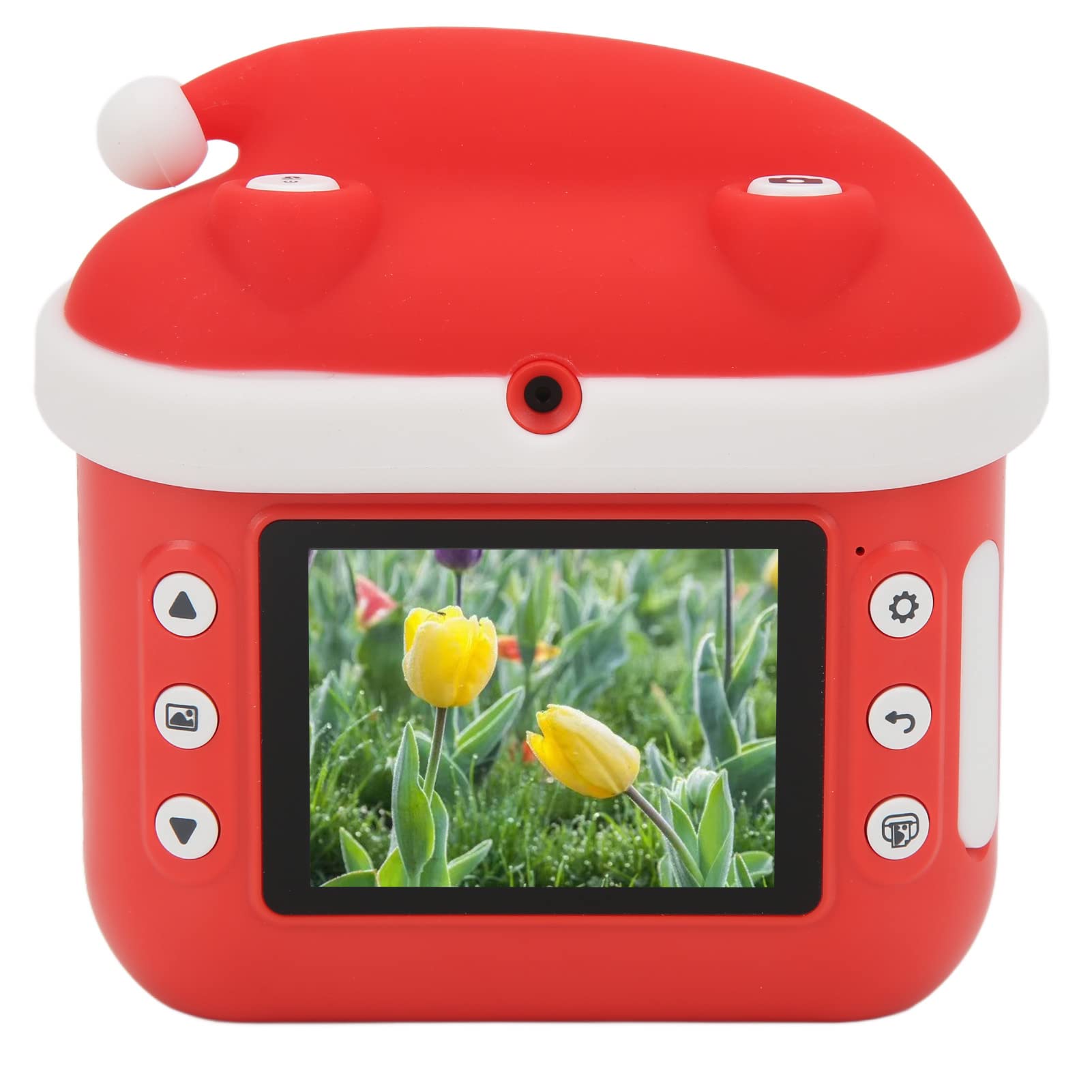
Hztyyier Instant Camera Children, Christmas Santa Claus Instant Print Camera for Kids Camera Gifts for Birthday Holiday Travel
ℹ
Products from the USA may come with an input voltage of 110V–120V, requiring a step-down transformer. Check the device wattage to select the correct power converter.
•Booting and Shooting: Long press the power button to turn on or off, after turning on, lightly press to switch the lens. Frame the view according to the screen. Tap the camera button to take a photo, press and hold the shutter button for 2 seconds to start recording, and press the shutter button again to save the recording and exit the recording mode. Tap the print button to take a photo and print the photo instantly.
•Playback and Delete: Tap the playback button to enter the playback mode; in the playback mode interface, press the playback button again to exit the playback mode. Press the switch direction key to switch files. (When viewing a video file, you can press the camera button to play the file.) Tap the print button to print the photo.
•Instant Camera Children: Shoot and play instantly, which is more convenient than ordinary digital cameras. By printing in black and white, children can DIY graffiti and cultivate children's imagination.
•HD Eye Protection Screen: This instant camera children equipped with a HD eye protection screen, you can restore more vivid details and record the beautiful moments in life. One key press design, in line with switch, photo, video playback, easy operation with one click.
•Paper Installation: Open the paper bin at the gate of the paper bin. Put the printing paper into the paper bin in the correct direction as shown in the figure, and leave a piece of printing paper about 30mm in length. Close the cover of the paper compartment. After being installed correctly, the paper compartment cover will be flat with the body.
 From USA