hzime xr16 replacement voice remote control xfinity comcast tv | Shop The World
From USA
NewHZIME
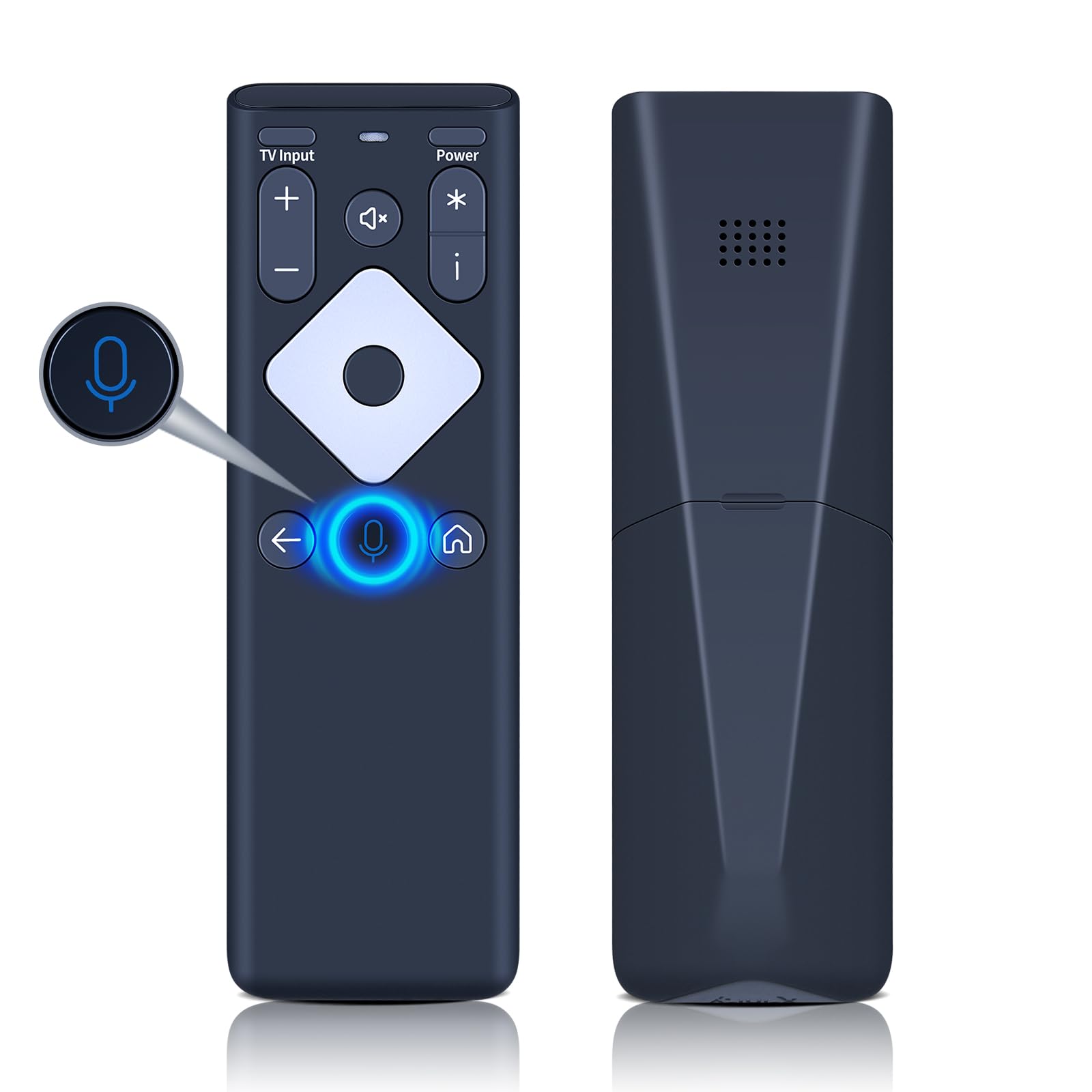
HZIME XR16 Replacement Voice Remote Control for Xfinity Comcast TV Box Flex Streaming Device Only
ℹ
Products from the USA may come with an input voltage of 110V–120V, requiring a step-down transformer. Check the device wattage to select the correct power converter.
•【Compatibility】New XR16 Replace Remote Control Compatible For Xfinity Comcast Flex Streaming Device
•【Premium Quality】Adopting advanced infrared 3.0 technology and more exquisite workmanship, this high-quality remote control can perfectly match your projector, its signal remains strong, responds quickly, and feels great to hold and touch, bringing a good use experience(Batteries are Not Included)
•【Pair to Control an Xfinity Flex TV Box】 ①Point the remote at your TV Box and press the Voice button once. ②Follow the instructions on screen to pair your remote for voice control.③Once your remote is paired, follow the on-screen instructions to set up power, volume and input control for your TV
•【Pair to Control a TV or audio device】①Press and hold the Voice button and give the command “program remote“. You can also get there by navigating to the Settings page, then selecting “Remote Settings“ and then “Voice remote pairing.“ ②Follow the instructions on screen to select your TV and audio devices for power, volume, and input control.③Aim the remote at the TV, and press the Power button. If the TV turns off, turn the TV back on and verify that the Volume and Mute buttons work
•【Factory Reset】If you are still having issues, perform a factory reset: ①Simultaneously press and hold the “i“ button and the “Home“ button [house icon] for about 5 seconds at least until the status light on the remote blinks. ②Press Power, then Last (<- arrow), then Volume Down (-) on your remote in sequence to complete the factory reset. ③Once this is complete you can retry pairing your XR16 remote