HP 14" LED Business Laptop Computer, 32GB RAM 640GB Storage (1 | Shop The World
From USA
NewHP
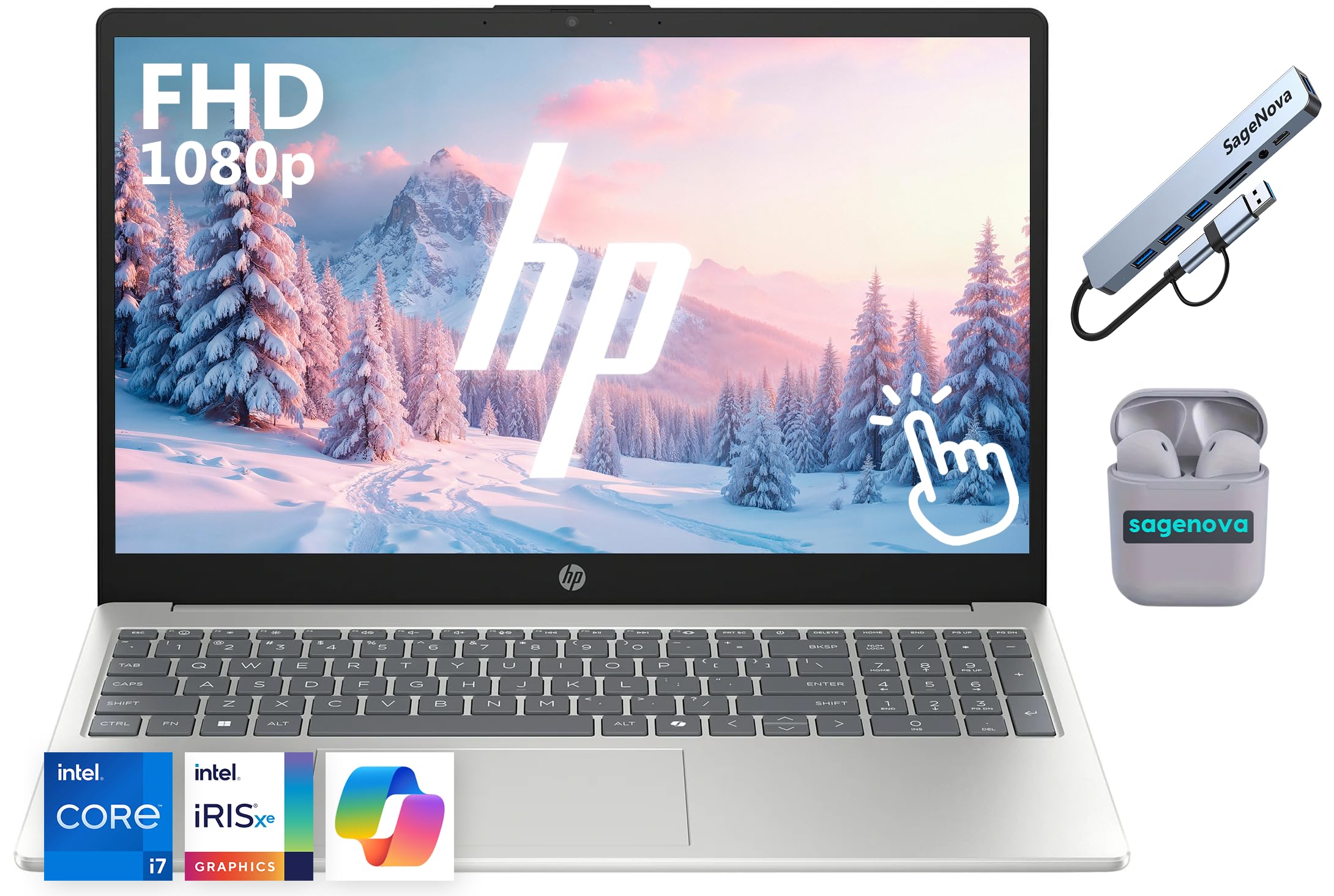
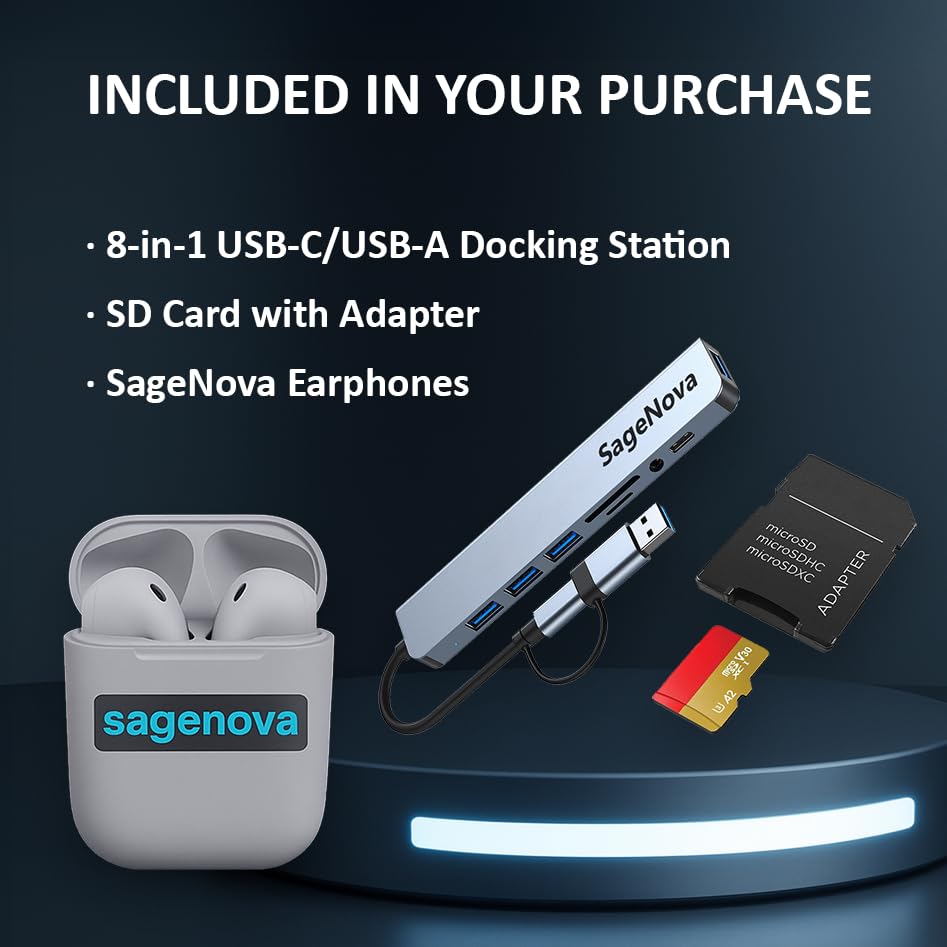
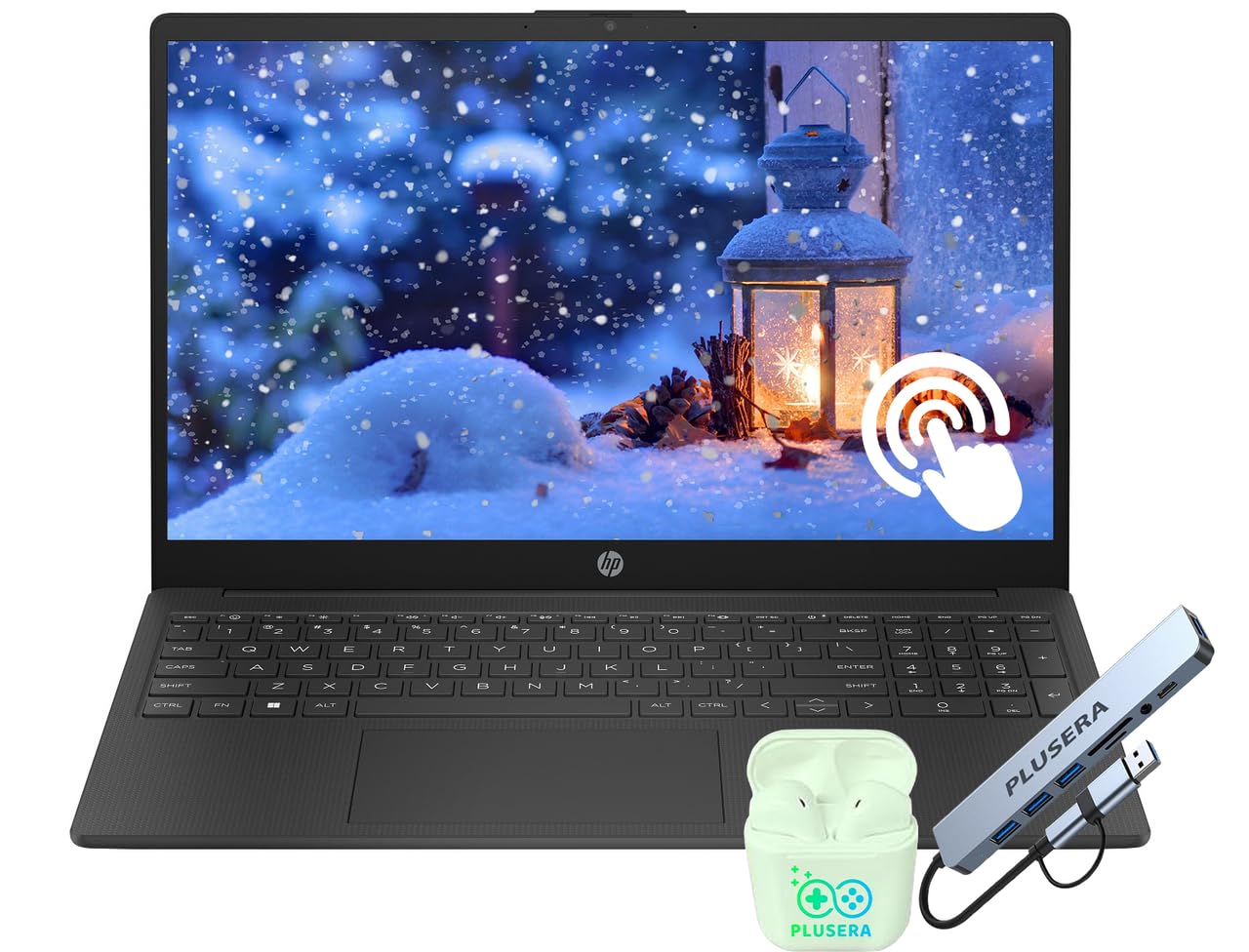
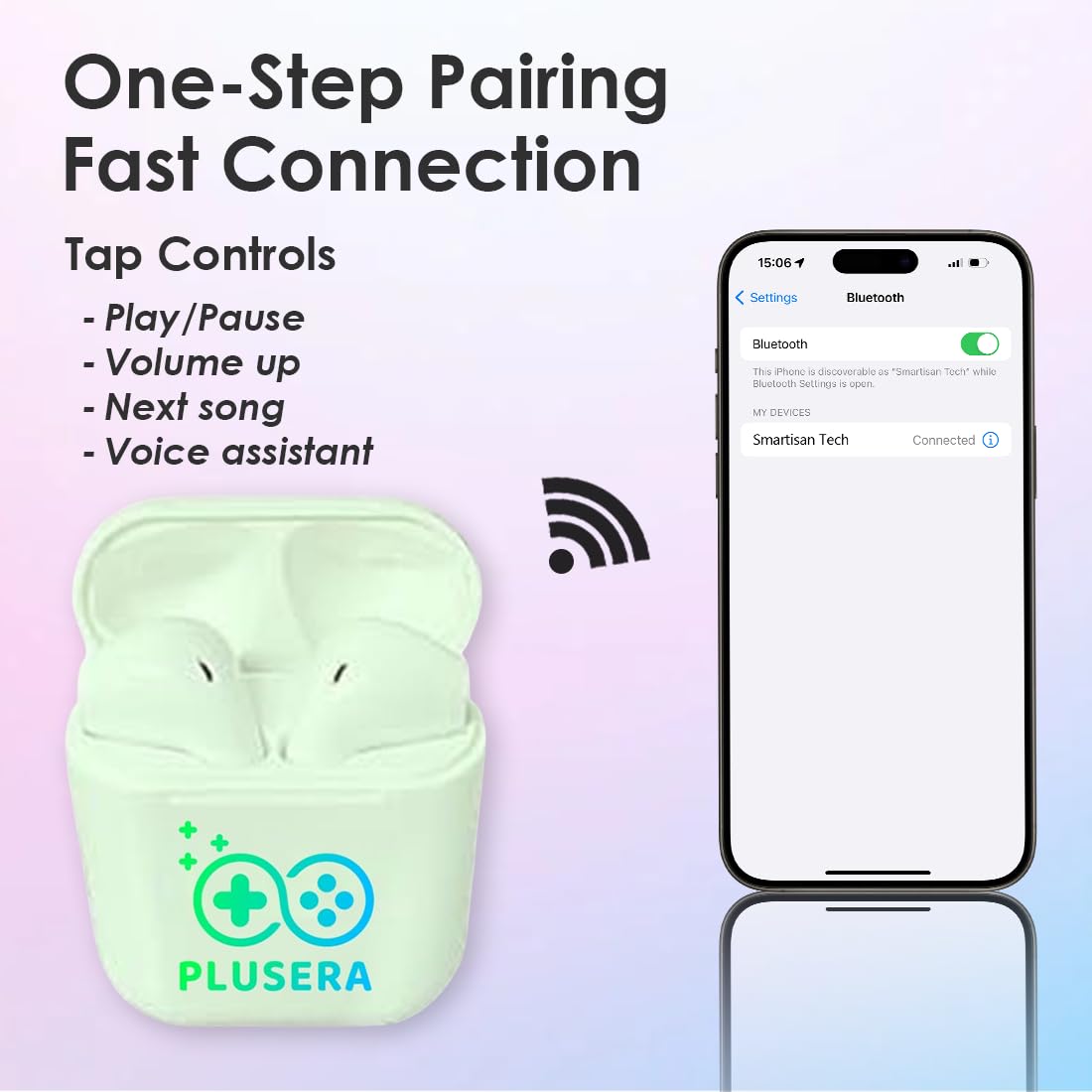
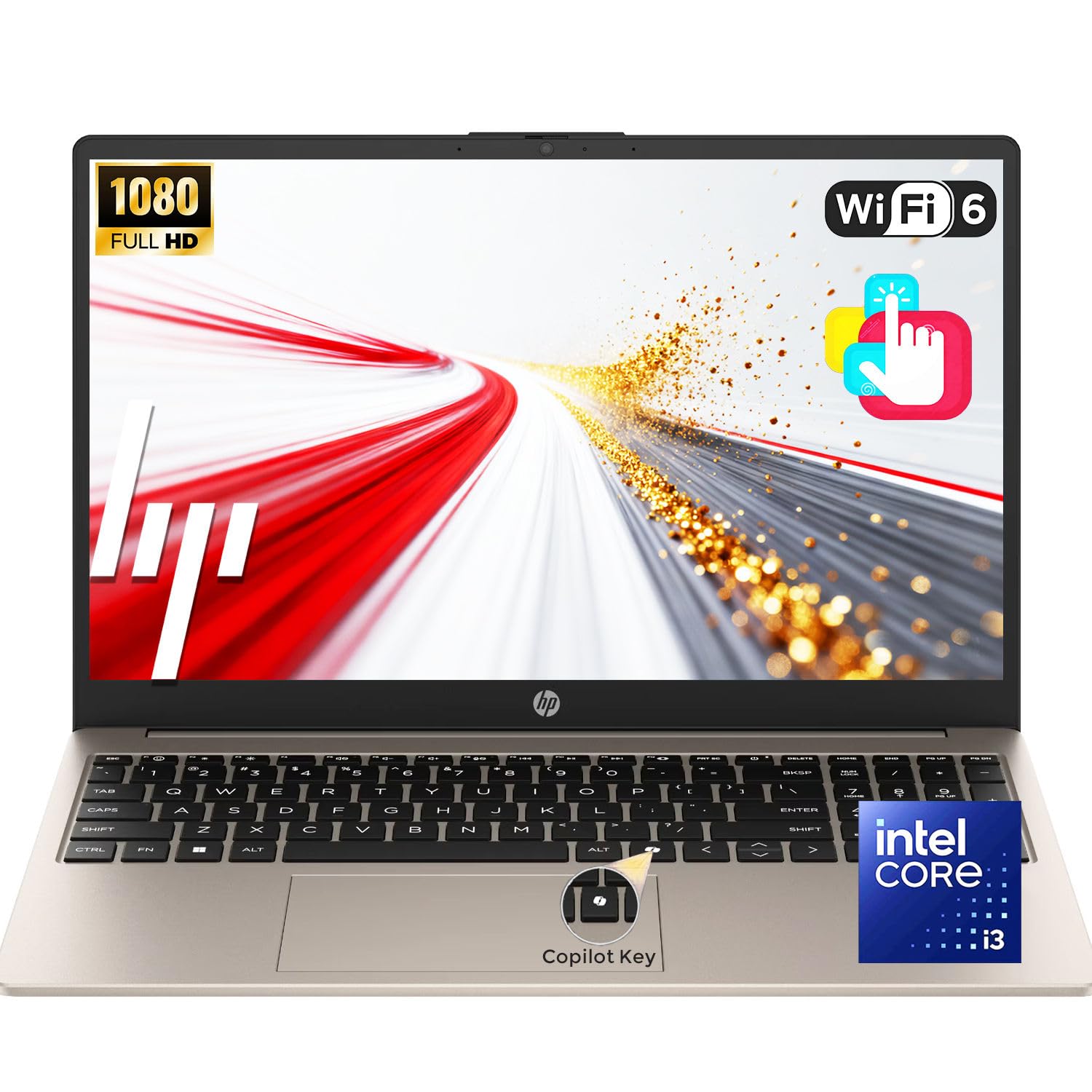
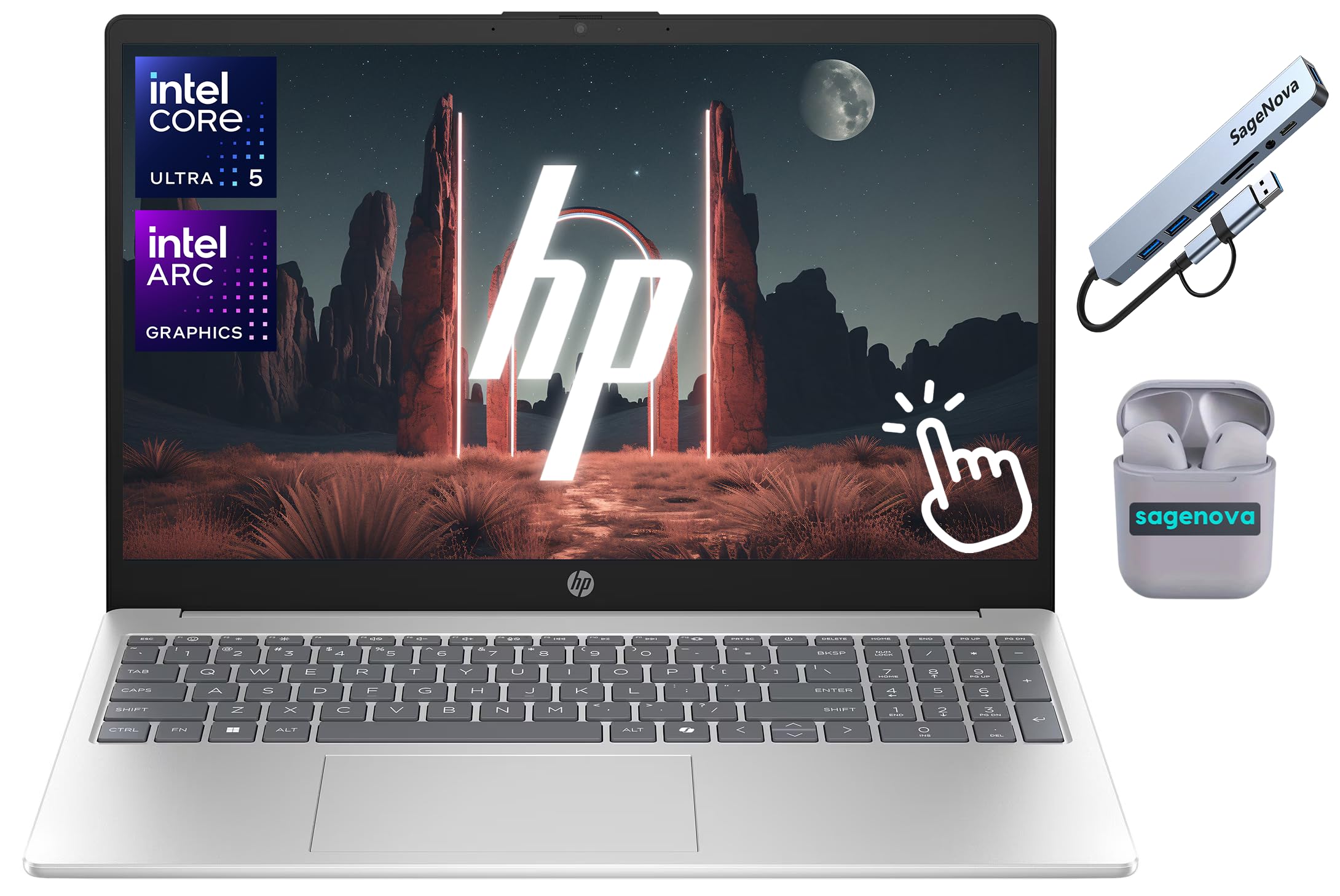
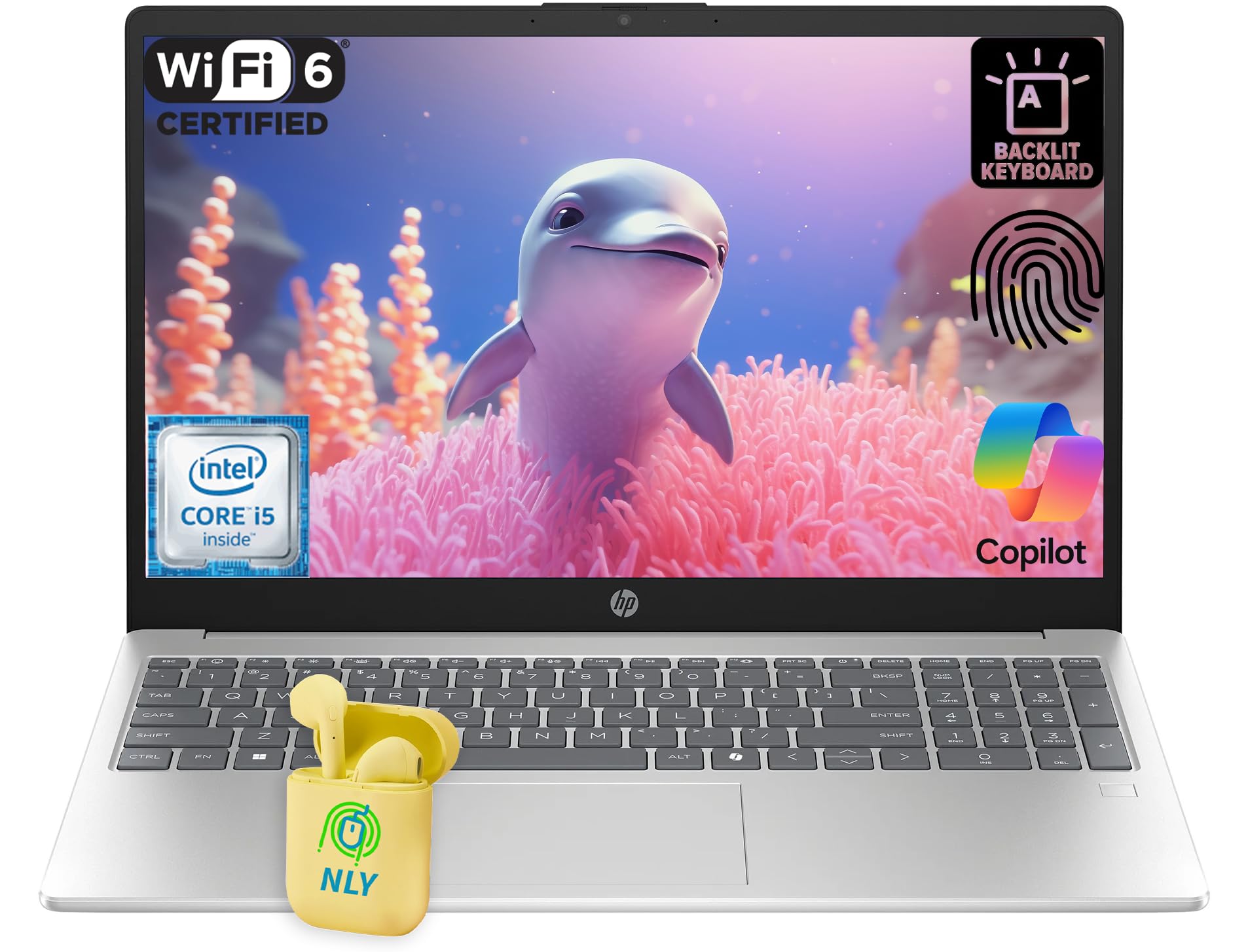
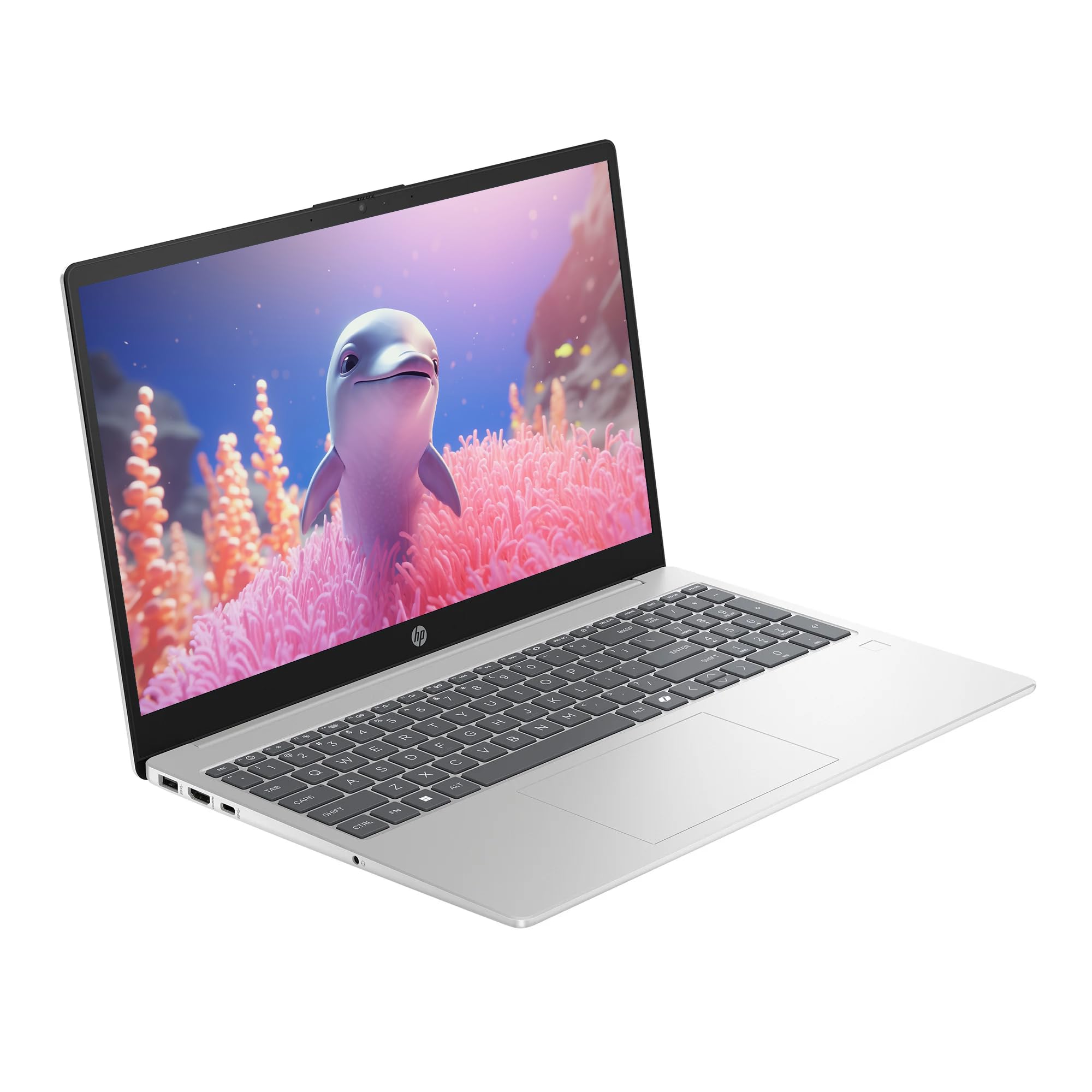
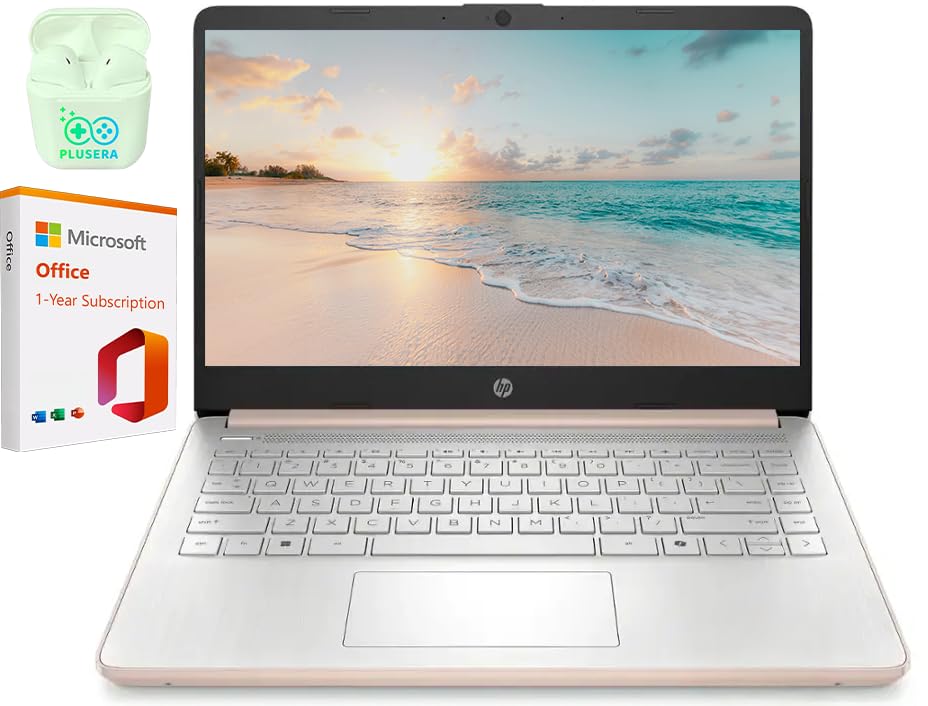
HP 14" LED Business Laptop Computer, 32GB RAM 640GB Storage (128GB UFS + 512GB SD Card), Intel Quad-Core N150, Windows 11 S & 1-Year Microsoft Office 365 Included, PLUSERA Earphones, Rose Gold
ℹ
Products from the USA may come with an input voltage of 110V–120V, requiring a step-down transformer. Check the device wattage to select the correct power converter.
Safe and trusted checkout with major payment methods
4.5 (379 Trustpilot)
4.5/5 · 379 reviewsTrustpilot
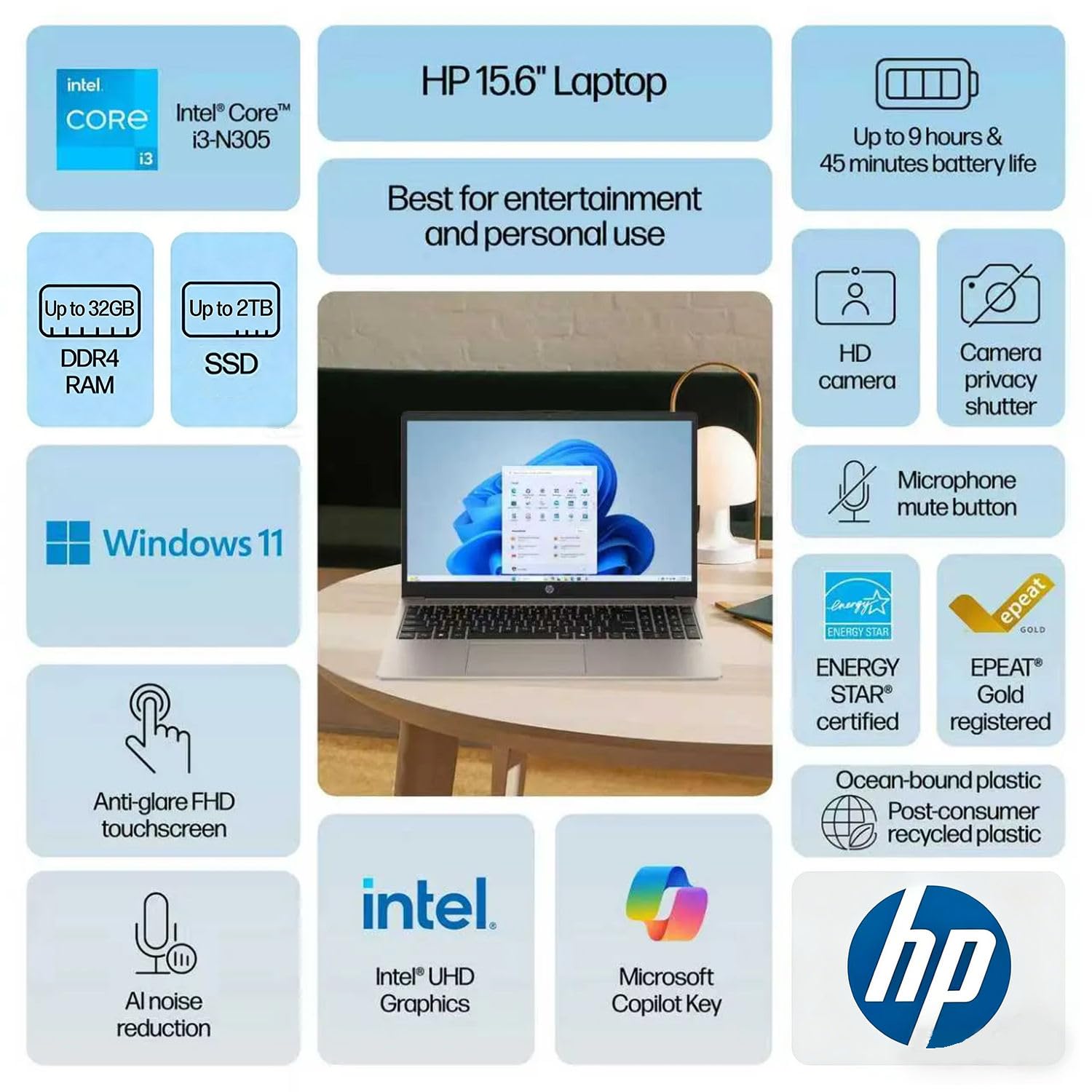
•【Processor】Intel N150 (4 Cores, 4 Threads, Max Boost Clock Up to 3.6Ghz, 6MB Cache). Intel Graphics. This 14-inch laptop is also equipped with Windows 11 Home in S, which makes your work or study easy and convenient.
•【Outstanding 14" Display】1366 x 768 high resolution LED screen (250 nits, Anti-glare, Micro-edge) provides you with a sharp and clear text and images. The ratio expands the vertical space of the screen, showing more content, providing a comfortable visual experience and greater efficiency when browsing web pages or documents.
•【Memory & Storage】Equipped Up to 32GB DDR4 RAM, Up to 640GB Storage.
•【Tech Specs】1 x USB-C 3.1. 2 x USB-A 3.0. 1 x HDMI 1.4. 1 x Headphone/Microphone Combo Jack. 1 x SD Card Reader. Wi-Fi 6. Bluetooth 5.4. Windows 11 Home in S, 1-Year Microsoft Office 365, HD Audio. HP Fast Charge. Up to 11 hours of battery life. Tuned Stereo Speakers. Dual array microphones. HP True Vision HD Camera.
•【Designed for the Office】With Windows 11 Home in S, Intel Graphics, HD Audio. HP Fast Charge. Up to 11 hours of battery life. Tuned Stereo Speakers. Dual array microphones. HP True Vision HD Camera, it ensures a stylish and innovative look, excellent portability, and is suitable for daily work. It is a great choice for businesses, offices, or students.
•【Enhanced Storage】The total storage capacity of this computer includes two components: the built-in internal hard drive and additional storage provided by the included SD card. When the SD card is inserted into the computer, it offers expanded space for data storage and management.
•【Switch Out of S Mode】To install software from outside the Microsoft Store, you’ll need to switch out of S mode. Go to Settings > Update & Security > Activation, then locate the "Switch to Windows Home" or "Switch to Windows Pro" section. Click "Go to the Store" and follow the on-screen instructions to complete the switch.
 From USA