hometronics tower fan home lightweight portable tower ac tou P | Shop The World
From India
NewHometronics
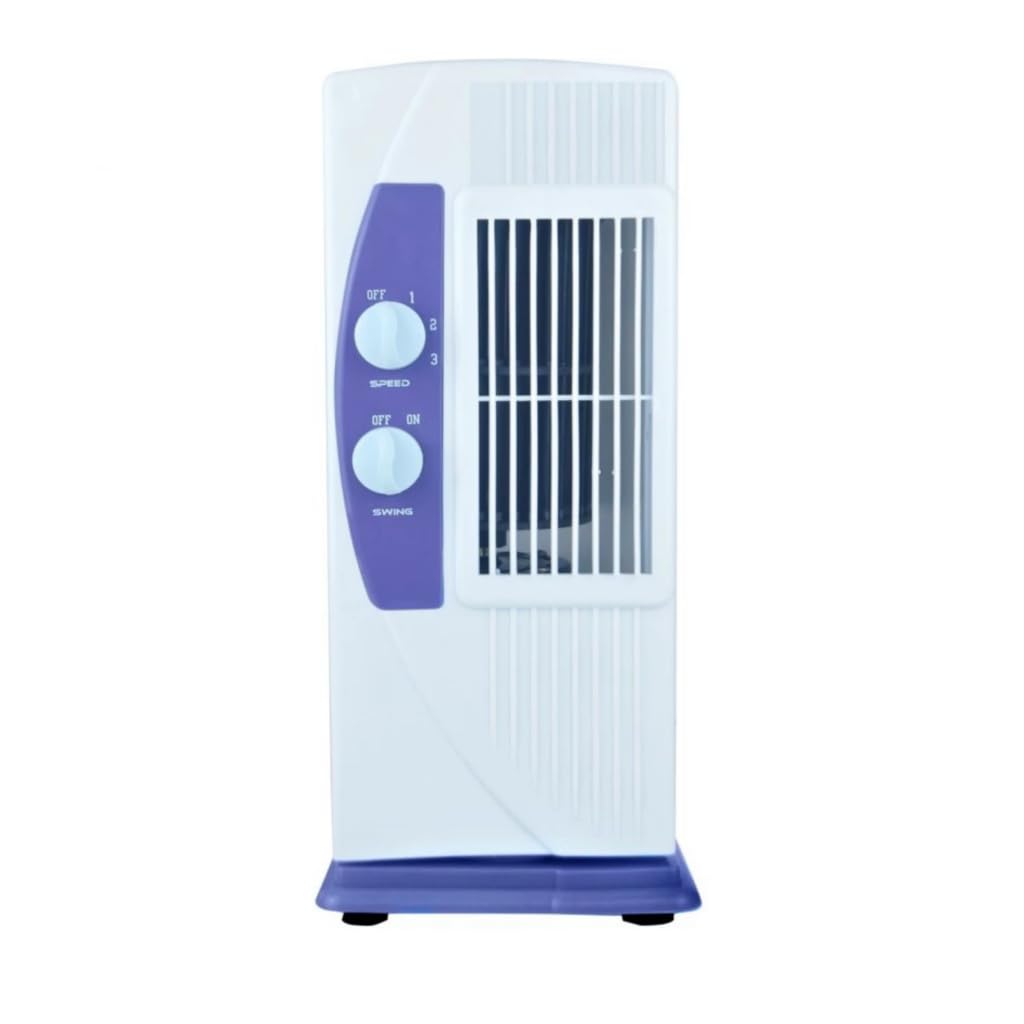
Hometronics Tower Fan For Home| Lightweight Portable Tower AC| Tough Blower With 3 Speed Control| High Air Throw with Swing Control High Speed Tower Fan, Low Power Consumption and Anti-Rust Body
•(1)AirFlow-High air delivery for enhanced cooling performance.
•(2)Control the Breeze-Three speed modes gives you desired and enhanced cooling.
•(3)Ways to Breathe Easy-Powerful 4-way air flow technology for enhanced air circulation.
•(4)Low Power, High Cool-Stay Cool, Save Big with HOMETRONICS's Low Power Consumption Tower Fan.
•(5)Effortless Cool, Every Day &Unbeatable performance.
•(6)other feature-Powerful Air Throw: 25 feet (Note: The product is not a cooler)
•(7)Sleek and Stylish Design. Portable and light weight.
•(8)To help you with the instructions for using a tower fan, here's a general guide. While different models might have slightly different features, these steps should be quite fort tower fans:-1. Unboxing and Setup: Remove the fan from its box carefully, ensuring that you don’t damage any parts. Check the components (fan unit, remote control if applicable, and user manual). Place the fan on a flat, stable surface, ensuring that it has enough clearance around it for proper airflow.
•2. Powering On: Plug the fan's power cord into a nearby electrical outlet. Press the power button (either on the fan or remote control) to turn it on. 3. Fan Speed Adjustment: Most tower fans have multiple speed settings: low, medium, and high. Use the fan speed buttons on the fan or the remote to adjust the airflow.
•4. Cleaning and Maintenance: Turn off the fan and unplug it before cleaning. Wipe down the exterior with a damp cloth (avoid using harsh chemicals). 5. Storage: If you're not using the fan for a while, store it in a cool, dry place to avoid any potential damage.