Gaming Headset Surround Sound ,Wired PC Gaming Headset 3.5mm A | Shop The World
From USA
NewHEANTTV
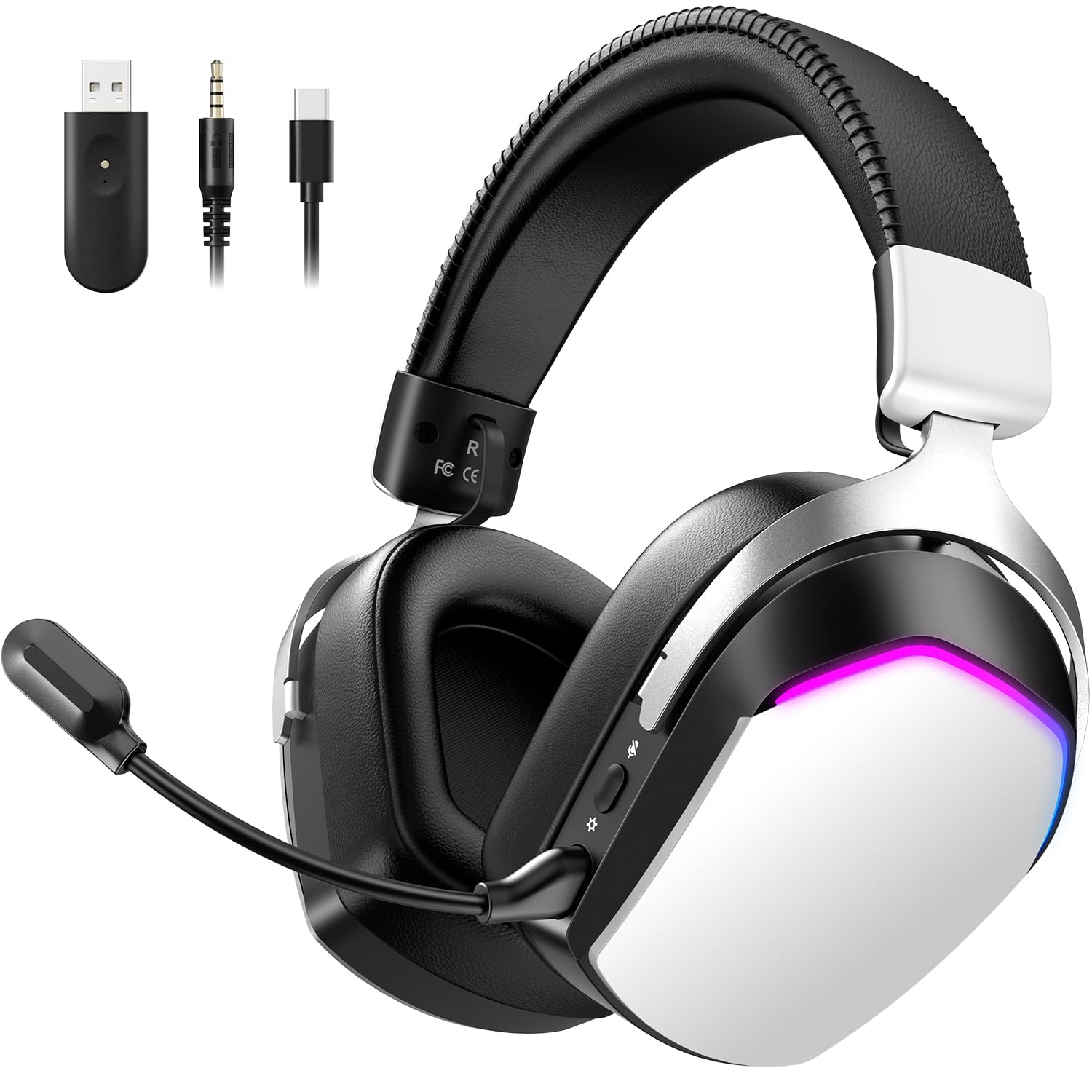
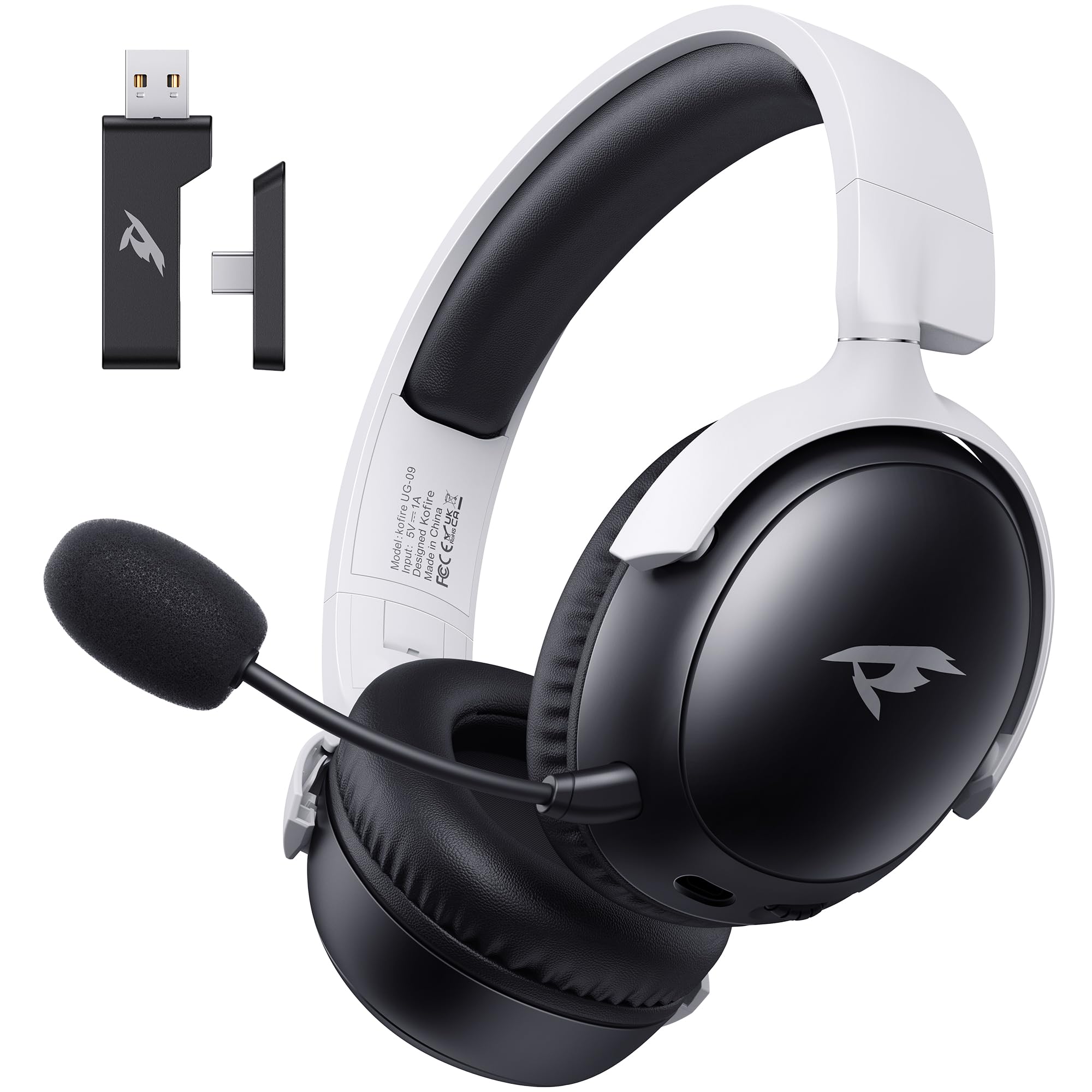
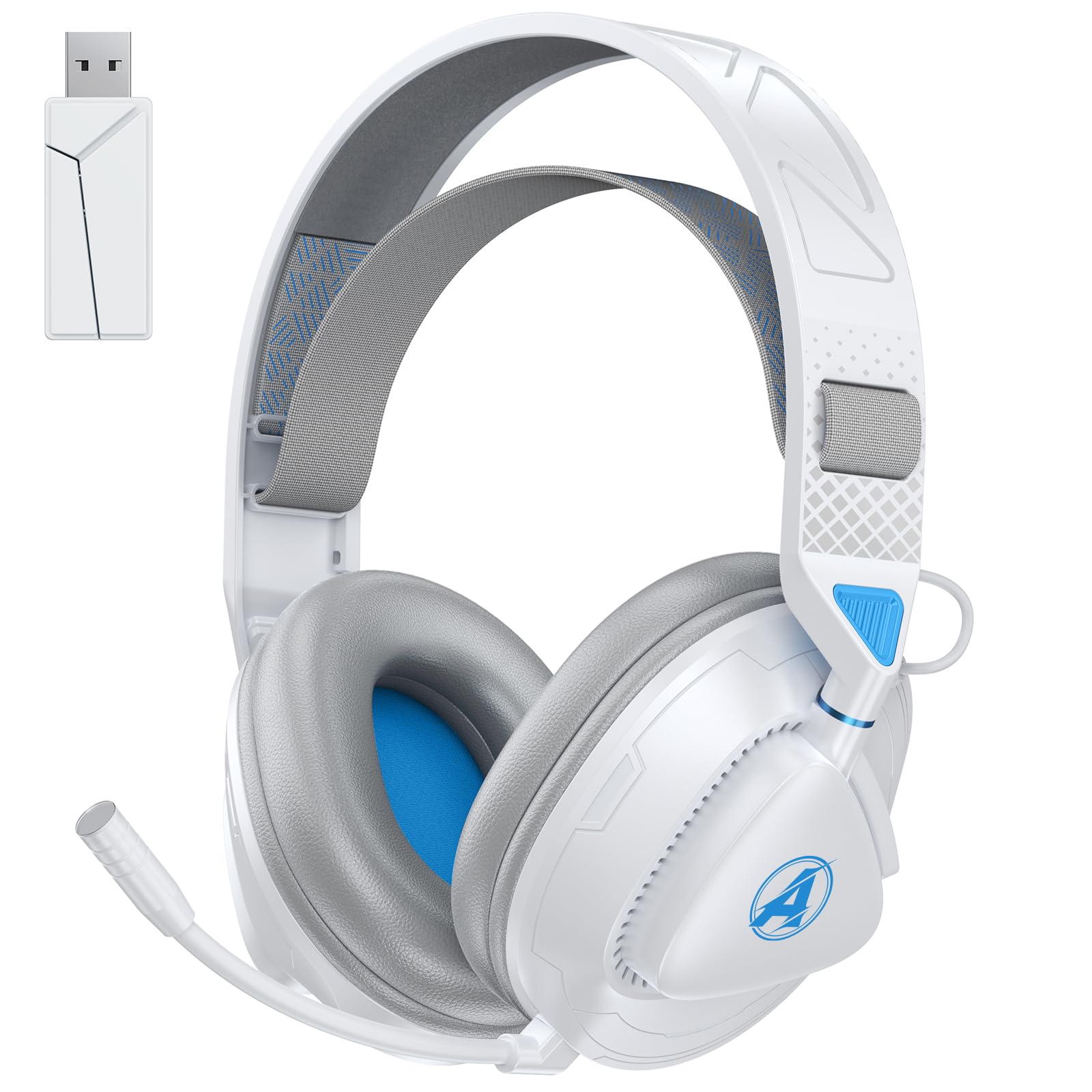
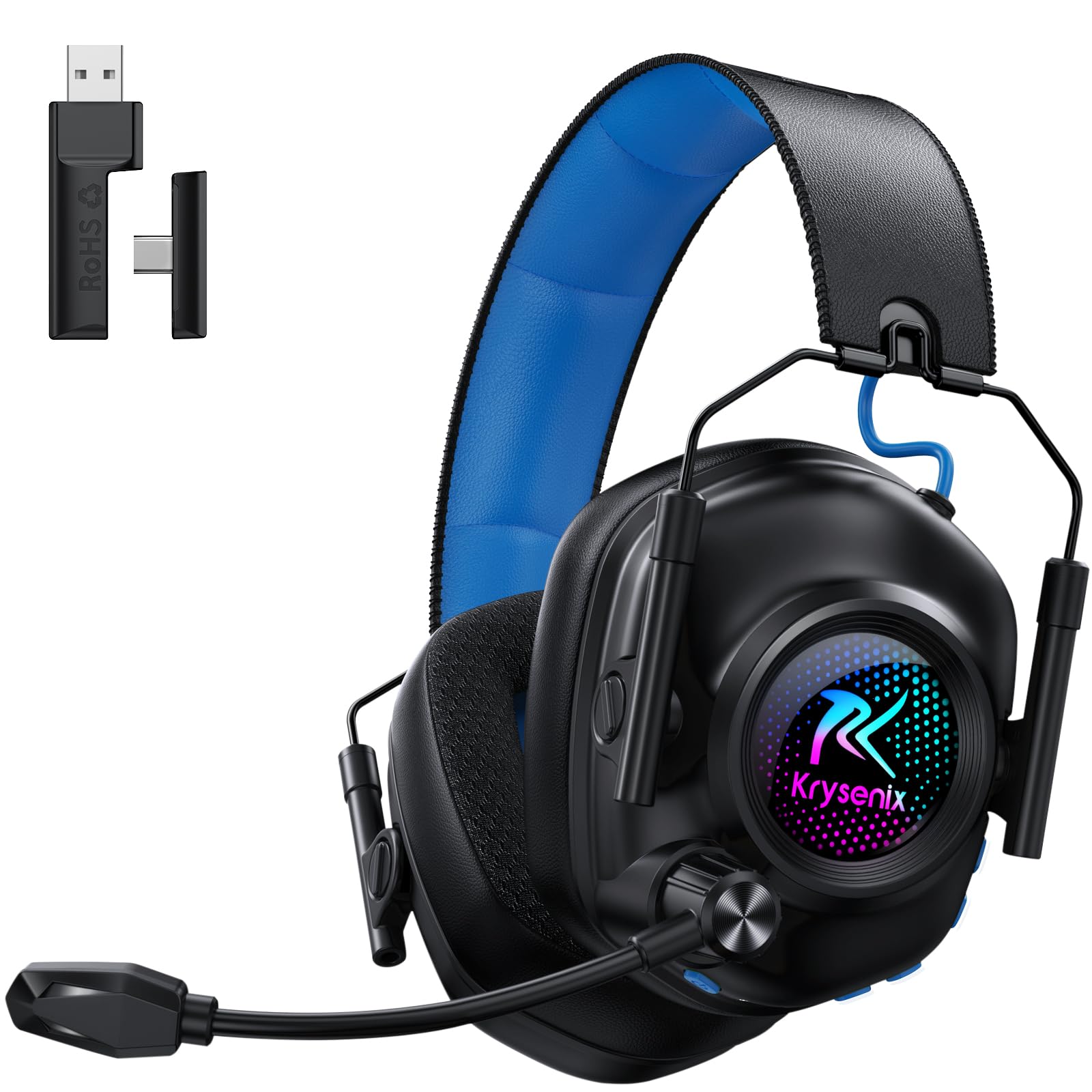
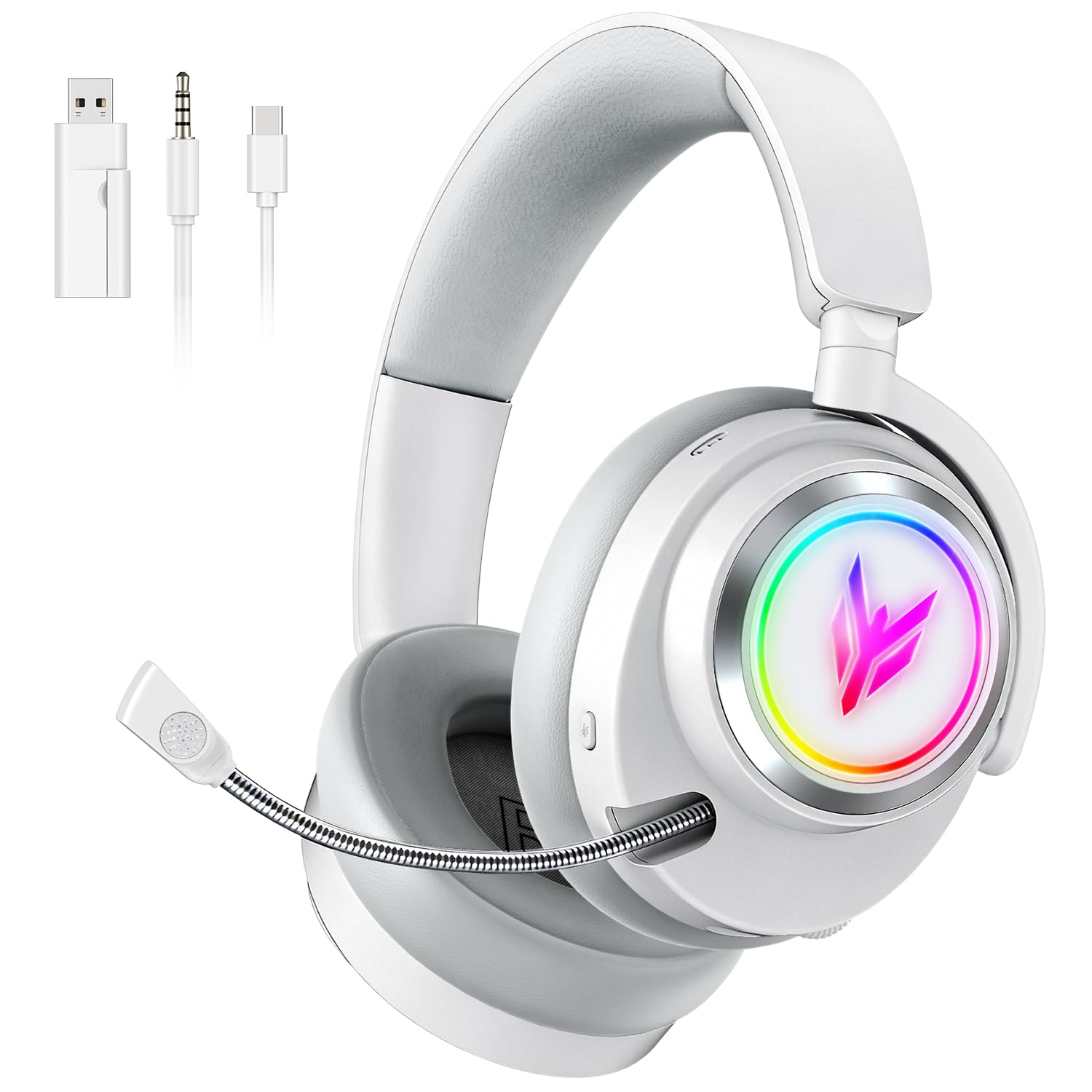
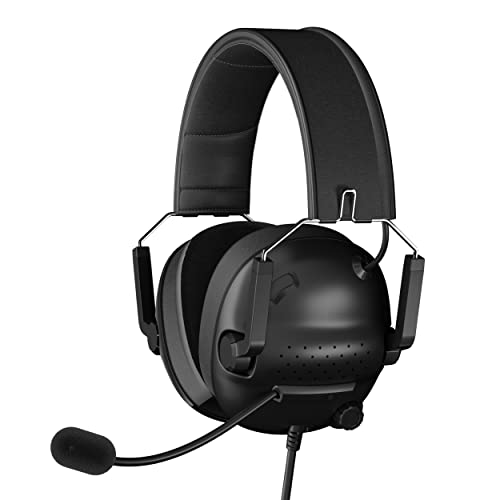
Gaming Headset with Surround Sound ,Wired PC Gaming Headset with 3.5mm AUX ,Noise Canceling Over Ear Headphones with Mic, Gaming Headphones for PS4/PS5, Switch, PC, Smartphone, Tablet, Xbox One
ℹ
Products from the USA may come with an input voltage of 110V–120V, requiring a step-down transformer. Check the device wattage to select the correct power converter.
•【Ergonomic Design】Environmentally friendly soft memory foam ear cushions, soft and comfortable fit for your ears, adjustable microphone retractable ear cushions, can be adjusted to your most comfortable use, when you wear the gaming headset for hours on end can also ensure optimal comfort without excessive pressure, suitable for gamers of all ages.
•【Multi-platform Compatibility】The Earphones is equipped with a 3.5mm audio jack with an additional breakout cable for better compatibility with PS4, PS5, switch, Xbox one (note: older versions require a Microsoft adapter, not included) desktop computers, laptops, smartphones, tablets, Macs, mobile devices, and other devices that support 3.5mm connectivity.
•【Adjustable noise-canceling microphone】Block to mitigate ambient noise, you can adjust to the position you feel most comfortable with your computer gaming Earphones for the best voice pickup. When you are communicating with your teammates or talking to your family or friends voice in the game, the real-time propagation is clear and lag-free, ensuring loud and clear communication during the game or chat.
•【Stereo Surround Sound】This gaming Headphone is equipped with 50mm high power speakers that capture subtle sounds and accurate sound positioning, when you play the game with the gaming headset, you can clearly hear enemy gunshots, footsteps and identify the enemy's location, the stereo surround sound Earphones builds a vivid immersive gaming world for players.
•【Easy to use】If you just use the Headphone with a microphone to listen to music, you can directly access the rear of the computer audio output jack, at this time the lower right corner of the computer will show the audio input select headset on the use of microphones need to connect the extension cable and plug into the audio output jack and microphone output jack. (After verification inserted into the jack at the rear of the host for better results)
 From USA