Shop with confidence
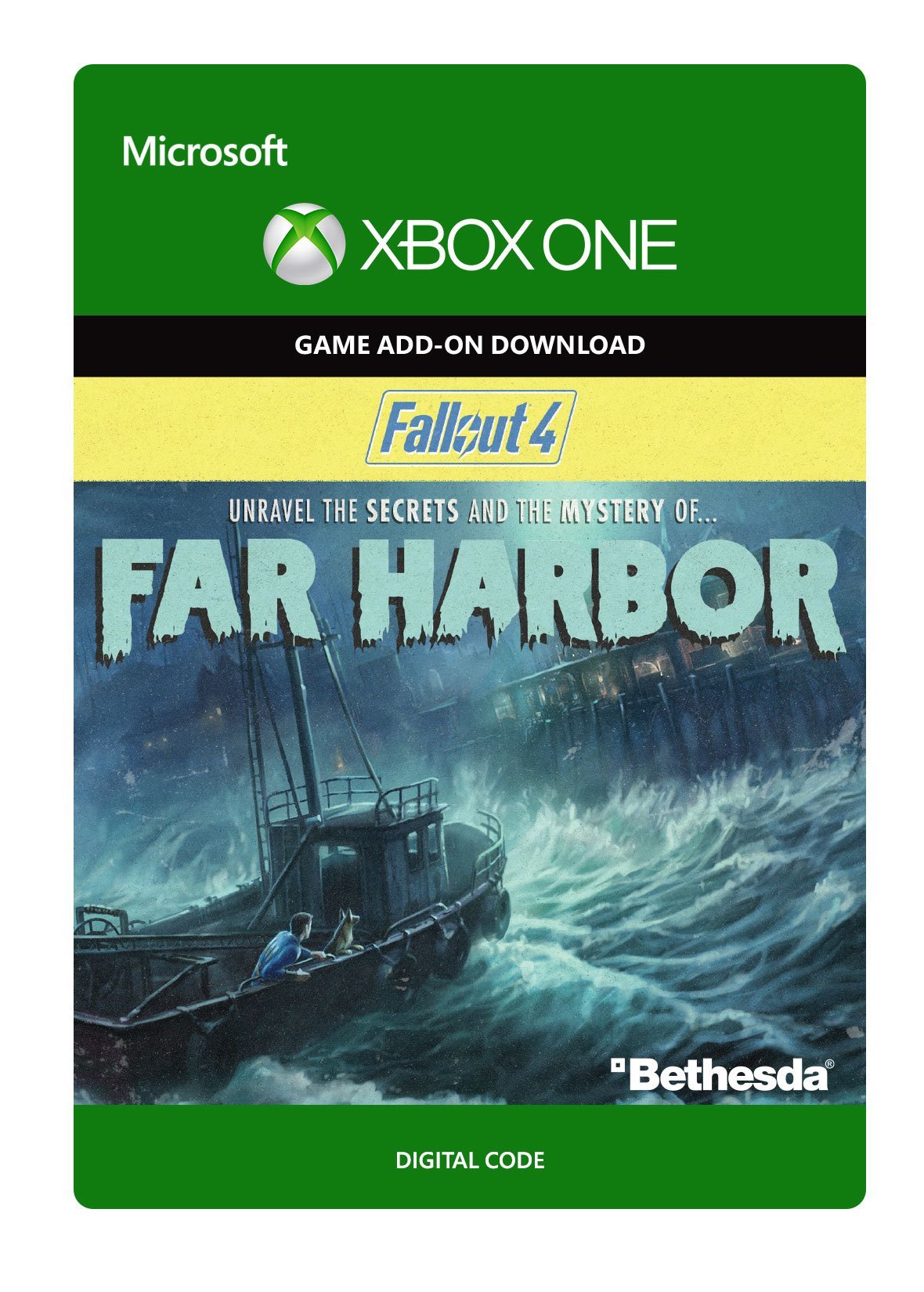
| ASIN | B01FE79ZEK |
| Brand | Bethesda |
| Unspsc Code | 43232000 |
| Hardware Platform | Xbox One |
| Additional Product Information | <p><strong>How to redeem a code on Xbox Series X|S and Xbox One:</strong></p> <ol> <li>Sign into your Xbox console (make sure you’re signed in with the Microsoft account you want to redeem the code with).</li> <li>Press the Xbox button to open the guide, and then select Store.</li> <li>Press the View button to open the side menu, and then select Redeem.</li> <li>Enter the 25-character code, select Next, and then follow the prompts.</li> </ol> <p> </p> <p><strong>How to redeem a code on code on the Xbox Website:</strong></p> <ol> <li>Click on the 'Redeem now from Xbox.com' link found on the Thank You page, in Your Orders, or Confirmation email.</li> <li>Sign in with your Xbox account if prompted (make sure you’re signed in with the Microsoft account you want to redeem the code with).</li> <li>Confirm your redemption by clicking on the 'Confirm' button.</li> </ol> <p><br /><strong>How to redeem a code on Xbox app for Windows</strong></p> <ol> <li>Press the Start button and then enter Xbox into the search bar.</li> <li>Choose the Xbox app from the results to open the app.</li> <li>Select your gamerpic, and then select Settings.</li> <li>Select Redeem under Redeem a code.</li> <li>Enter the 25-character code, select Next, and then follow the prompts.</li> </ol> <p><br /><strong>How to redeem a code in the Microsoft Store for Windows</strong></p> <ol> <li>Sign into your Windows device (make sure you’re signed in with the Microsoft account you want to redeem the code with).</li> <li>Press the Start button and then enter store into the search bar.</li> <li>Choose Microsoft Store from the results to open the app.</li> <li>Select your account in the top-right corner of the screen, and then select Redeem code or gift cards.</li> <li>Enter the 25-character code, select Next, and then follow the prompts.</li> </ol> <p> </p> <p><strong>Note:<em> If you experience any issues redeeming your product, please visit: <a href=" https://support.xbox.com/en-US/help/subscriptions-billing/redeem-codes-gifting/redeem-prepaid-codes"> https://support.xbox.com/en-US/help/subscriptions-billing/redeem-codes-gifting/redeem-prepaid-codes</a></em></strong></p> |
| Format | electronic_software_download |
| Item Type Keyword | video-game-downloadable-content |
| Computer Platform | Xbox One |
| Access Method | Online Game Code |
| Edition | Far Harbor Add-On |
| Platform | xbox_one |
| Platform For Display | Xbox One Digital Code |
| Manufacturer | Bethesda |
| Genre | adventure_games |
| Operating System | xbox_one |
| Street Date | 2016-05-18T21:00:01-00:00 |
| Product Site Launch Date | 2016-05-10T15:48:38.051Z |
| Screen Size | Bethesda |
| RAM | Bethesda |
| Hard Drive | Bethesda |
Safe and trusted checkout with major payment methods








![DRAGON AGE: THE VEILGUARD Deluxe Edition Upgrade - Xbox Series X|S [Digital Code]](https://m.media-amazon.com/images/I/71puBsmiVDL.jpg)
![Star Wars Outlaws - Season Pass - Xbox Series X|S [Digital Code]](https://m.media-amazon.com/images/I/61R-iHKtMHL.jpg)
![The Sims 4 Life & Death Expansion Pack - Xbox One [Digital Code]](https://m.media-amazon.com/images/I/719SkJO8UUL.jpg)
![Kinectimals – Xbox 360 [Digital Code]](https://m.media-amazon.com/images/I/51TTHnNcaFL.jpg)
![Moon Diver - Xbox 360 [Digital Code]](https://m.media-amazon.com/images/I/71r2WI+R5pL.jpg)