Electromagnetic Joystick Replacement Steam Deck, Electromagnet | Shop The World
From USA
NewAukuoy
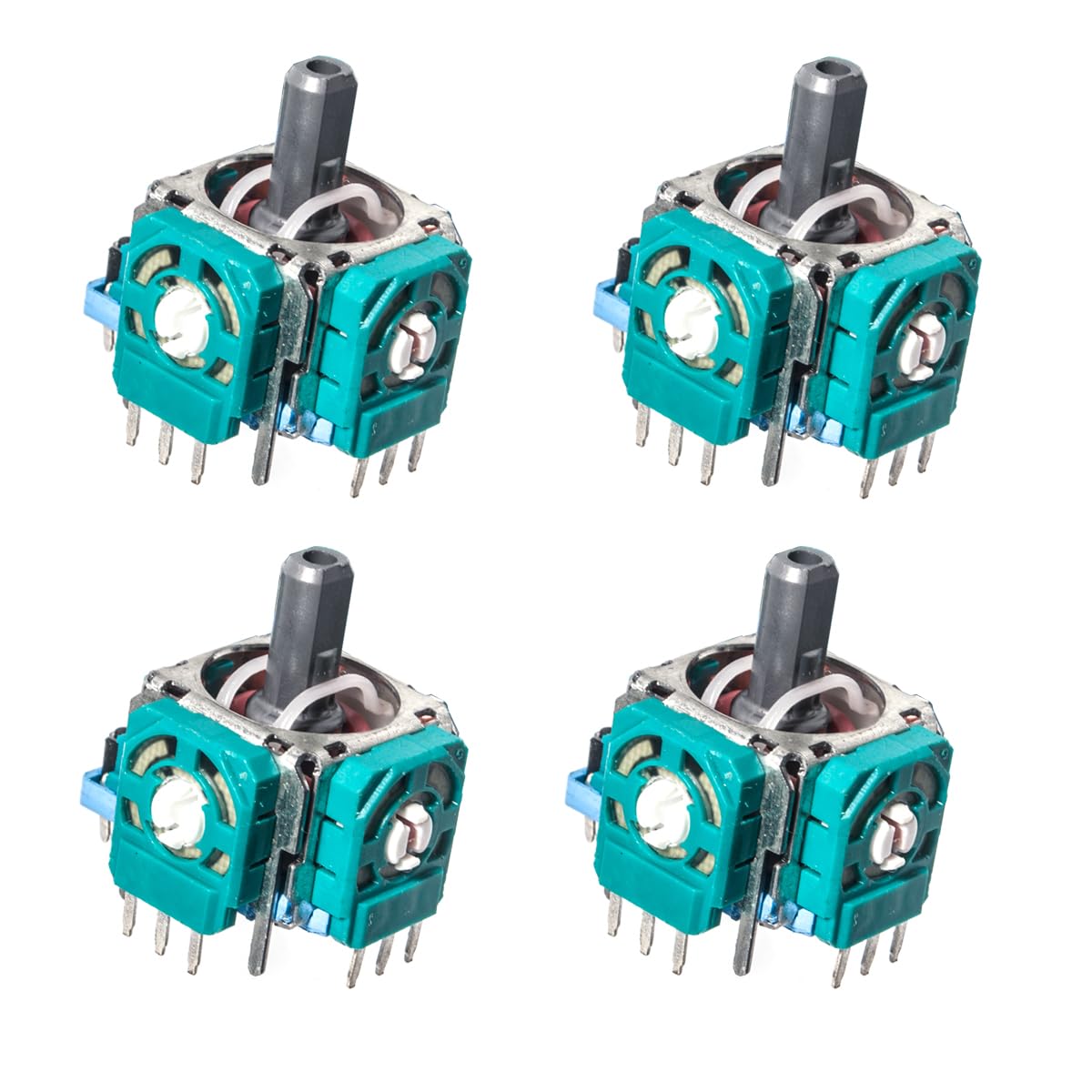
Electromagnetic Joystick Replacement for Steam Deck, Electromagnetic Joystick Repair Kit with Hall Effect Sensor, Joystick Module Left/Right Thumbstick Analog Joystick(Only for MEDA model)
ℹ
Products from the USA may come with an input voltage of 110V–120V, requiring a step-down transformer. Check the device wattage to select the correct power converter.
•【Specifically Designed for Steam Deck】This Electromagnetic Joystick module Repair Kit with Hall Effect Sensor for repair replacement on Steam Deck
•【Installation Instructions】Follow the instruction to replace the original joy-sticks with our electromagnetic joystick moduleson your Steam Deck.The replacement procedure forboth left and right joysticks is same(Stick touch sensing function only works when the wire on stick cap on Steam Deck is welded manually to the GuliKit joystick module).
•🔺【Note】To avoid risk of damage,before the replacementwork,turn on your Steam Deck and discharge its bat-tery to below 10%.Do not move other parts but only work on the joy-stick module during the replacement process,andfollow the ESD safety procedures during the replace-ment process.
•【Calibration steps】After the joystick is installed, open the Steam Deck, press the small switch on the calibrated joystick board, go to joystick calibration interface on Steam Deck,calibration is well finished if you see the joysticks return to center position(0,0).Then you can screw the shells on and use the Steam Deck.▲Note:Do not touch the joystick during the process.
•【Only Use For MEDA】Before purchasing, please confirm that your Steam Deck Controller ID is MEDA. (Settings-System-Steam Deck Controller ID-MEDA)

 From USA