DIY Video Card Console Plug Play Interceptor USB Powered Flash | Shop The World
From USA
NewPssopp
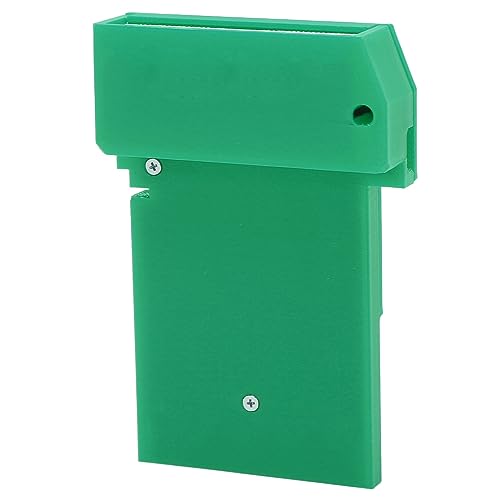
DIY Video Card Console Plug and Play Interceptor USB Powered Flash Button for Video Game (Green)
ℹ
Products from the USA may come with an input voltage of 110V–120V, requiring a step-down transformer. Check the device wattage to select the correct power converter.
•[Mode Button] Game video card, mode button (close to LED) toggles between grayscale, green and toggles frame mixing. Each press toggles the color, and each time it returns to grayscale it toggles mix.
•[LED Design] The red LED indicates that the interceptor is powered on. The blue LED will stay on as long as the interceptor is synchronized with the game. (It may turn off briefly for a fraction of a second when the for Game Boy turns off the display, that is when loading a ).
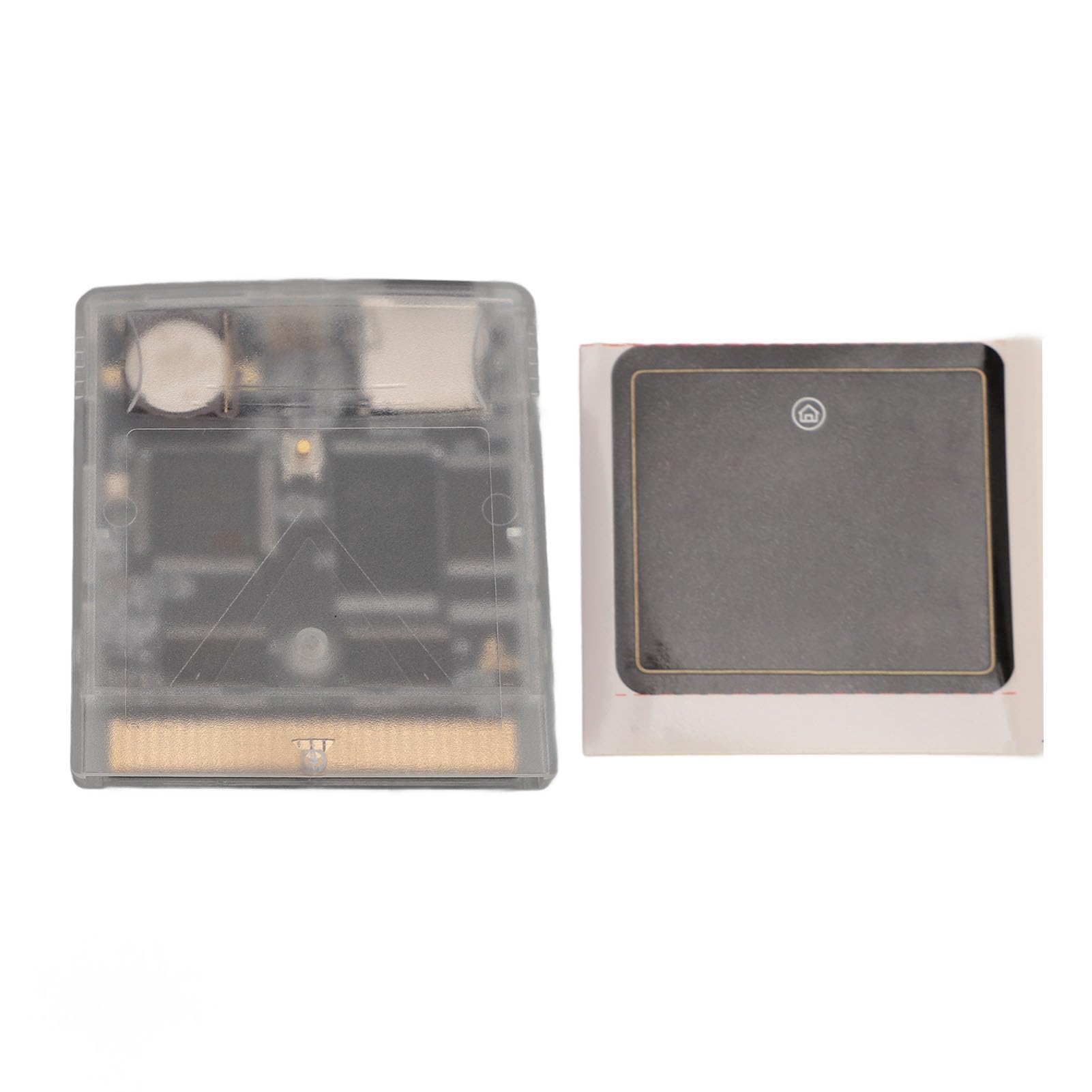
•[Important Step] Before the for Game Boy is turned on, the for GBinterceptor is powered via USB, plugged into the console, and then into the game card. Connect the for GbInterceptor to your computer, then turn on the for Gameboy to load the game's video feed onto the video software device.
•[Plug And Play] DIY video card is easy to use, plug and play. or stream game footage via USB without modifying your for Gameboy, compatible with a wide range of consoles, you don't need to open the video stream first.
•[Flash Button] Flash button (near center, usually inside case). Used only to refresh to a new firmware version. Simply hold it while plugging in the USB cable. the interceptor should show up as a storage device (such as USB flash drive) into which you can simply drag the new firmware file (uf2 file).