avedio links usb c dual hdmi adapter 4k60hz single port typ Pr | Shop The World
From USA
Newavedio links
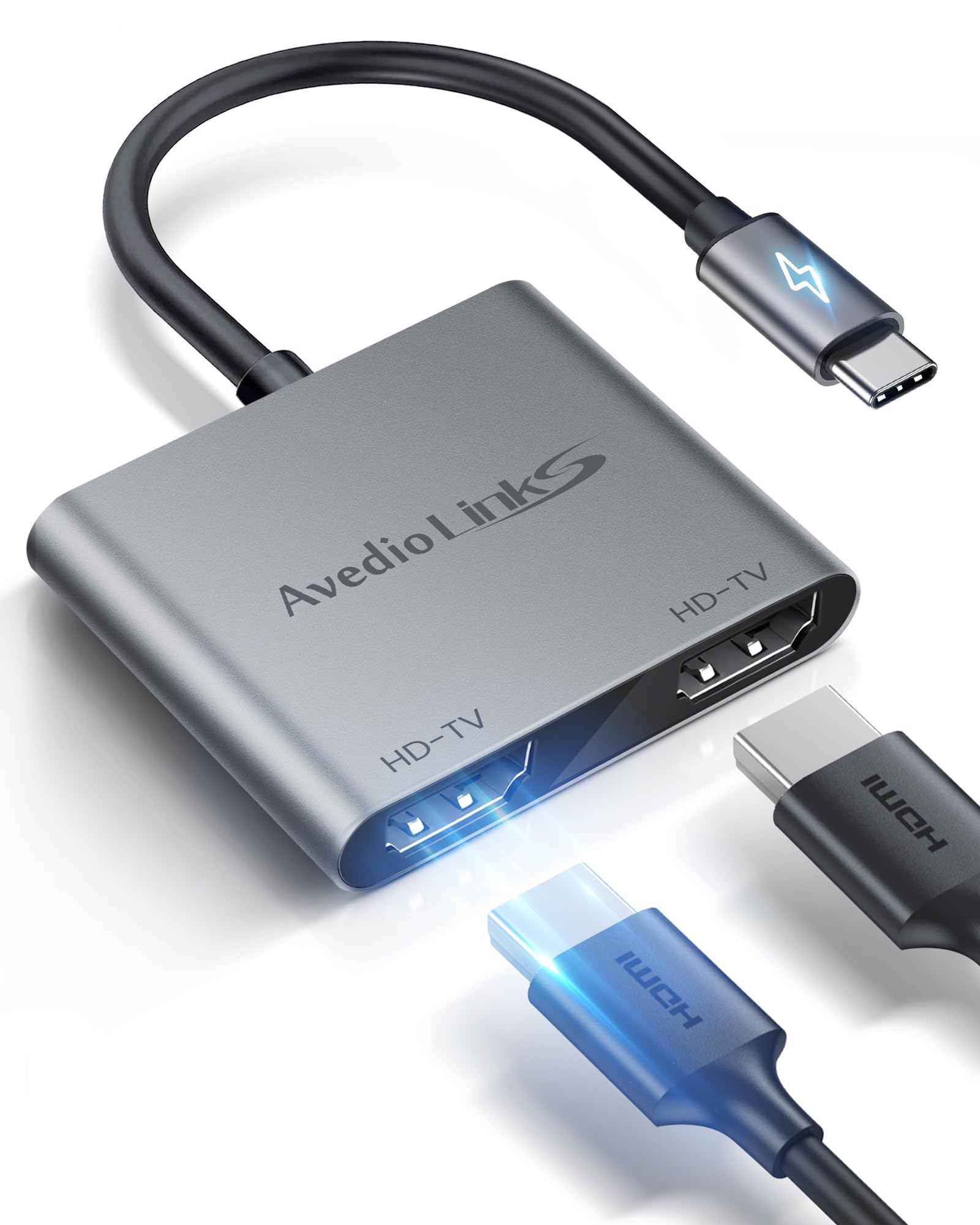
avedio links USB C to Dual HDMI Adapter, 4K@60HZ for Single Port, Type C to HDMI Splitter for Dual Monitors, Support Dual 4K@30HZ, MST Mode(Extended Different Screen) Only for Windows, not for Mac OS
ℹ
Products from the USA may come with an input voltage of 110V–120V, requiring a step-down transformer. Check the device wattage to select the correct power converter.
•[Dual HDMI Adapter for 2 Monitors] with the avedio links USB-C to HDMI hub 2 in 1, you can effortlessly expand your laptop's connectivity options by incorporating 2 4K HDMI ports. This USB-C to HDMI splitter 1 in 2 out enables you to connect 2 monitors to your laptop or PC, providing the flexibility of an extended or mirrored display. Crafted from aluminum alloy with a mini size, this USB-C to HDMI adapter ensures durability and portability.
•[Extended and Mirrored Display] For windows systems, this Type-C to HDMI Converter supports extended mode (ABB mode & ABC mode) and mirror mode, allowing you to tailor your display setup. In Mac OS systems, this USB-C to 2 HDMI adapter not support extending to 3 different displays but does support extended ABB mode (both external HDMI outputs display the same picture) and copy mode. However, please note that for Android and other Os systems with a Type-C port, only screen mirroring is supported.
•[Wide Compatibility] The USB-C to HDMI multiport adapter is compatible with various laptops or PCs, including MacBook 12", MacBook Pro 2018/2017/2018/2019, MacBook Pro 14" 2023, MacBook Air 2018/2019, MacBook Air 13" 2023, ipad Pro 2018,Chromebook, Nintendo switch, Huawei Mate 30/Mate 30 Pro, HP spectre Pavilion, Huawei Matebook, Dell XPS series, Mi Air, other smartphones, and tablets with DP Alt mode function.
•[single HDMT Output Maximum 4K@60Hz] with this USB-C to dual HDMI adapter, if you connect only one HDMI output, the maximum output resolution reaches 4K@ 60HZ. If you connect 2 HDMI output devices to display simultaneously, the maximum resolution for both monitors is 4K@30HZ. A friendly reminder: to ensure stable signal transmission, we recommend using an HDMI 2.0 (19+1 pin) cable with a length not exceeding 3m/9.8 feet.
•[Plug and Play] The USB-C to HDMI adapter requires no driver or software installation. Its plug- and-play functionality ensures instant and hassle- free connectivity. Enjoy seamless and dependable HDMI connectivity with this user-friendly adapter. However, please confirm that your input device is compatible with Thunderbolt 3 or USB 3.0/3.1 specifications. It cannot work with Type-C ports designated solely for data transmission, power delivery only, or data + power delivery.
•[Notice] Verify that your laptop or smartphone's USB-C port is USB 3.0/3.1 or above and supports video output or DP Alt Mode. Not all USB-C ports are compatible. If connecting to a Mac M1 or Mac M2, or other Mac laptops/PCs with M1 or M2 chips, it only supports a single HDMI output and cannot support output to 2 HDMI monitors simultaneously. For all Mac Os systems, extending to 2 different screens on 2 external monitors is not supported.
 From USA