4k wireless hdmi display adapter wifi casting media video Pric | Shop The World
From USA
NewSOCLLLife
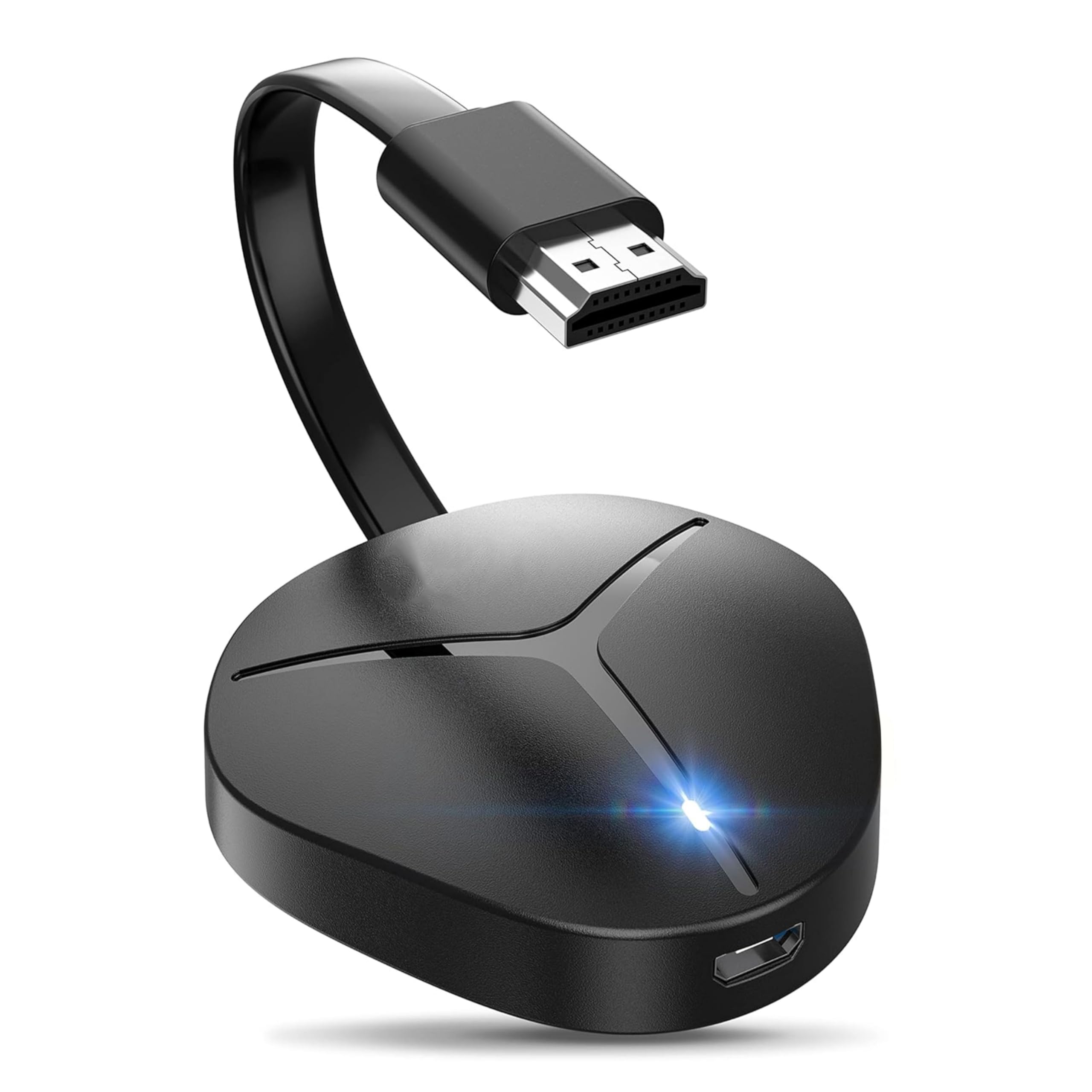
4K Wireless HDMI Display Adapter, WiFi Casting Media Video & Audio Dongle for i-Phone, i-Pad, Android, Mac, Windows Screen Mirror to TV/Projector/Monitor, Support AirPlay, Miracast, DLNA, Black
ℹ
Products from the USA may come with an input voltage of 110V–120V, requiring a step-down transformer. Check the device wattage to select the correct power converter.
•【TRUE 4K@30Hz CINEMA EXPERIENCE】SOCLLLife wireless HDMI adapter can cast 4K/1080P video and audio from your iOS, Window, Android devices to big screen via Airplay, Miracast, DLNA. You can enjoy a vibrant, lag-free 4K viewing experience on the large screen—all without messy cables.
•【PLUG & PLAY】Easy to use. No apps or drivers are required. Just plug the HDMI dongle into your TV, power it on, and click your device’s screen-mirroring function for a quick connection with the dongle. Within moments, high-definition audio and video will be synchronized on your TV. (Note: iOS devices require additional steps to connect to the adapter’s wireless signal.)
•【WINDOWS & ANDROID CAST All YOU WANT】This wireless display adapter is compatible with most applications (not all), which allows you to cast TV series, Live sport, games, movies, all you love to the big screen from Windows & Android devices, such as popular apps Netfix, Prime video, HBO, Hulu, Spotify.
•【IOS DEVICES NOT SUPPORT NETFIX】i-Phone, i-Pad, Mac devices don’t support the Subscribed Paid Apps that have "HDCP" video copyrights protection. (Note: NOT Compatible with Netfix, Hulu, Spotify, Sky Go, etc) Support Youtube, Tiktok, Whatsapp, Skype, Twitter, Reddit or other No Paid Apps.
•【UNIVERSALLY COMPATIBILITY】SOCLLLife HDMI wireless adapter is compatible with IOS 9+, Mac OS, Android 4.2+, and Windows 8.1+/10 (not supported on Windows 11) systems including i-Phone, i-Pad, MacBook, Samsung, Huawei, laptop, tablet, PC, etc. Also supports Miracast / Airplay / DLNA wireless connection. *Not work with Goo-gle Pi-xel phone.
•【MIRROR MODE & EXTEND MODE】Switch between Mirror Mode (4K/1080P/720P) and Extend Mode for flexible viewing. Share real-time content in Mirror Mode, Cast videos on your TV while using your phone for messages or browsing other apps simultaneously in Extend Mode for multitasking.
 From USA